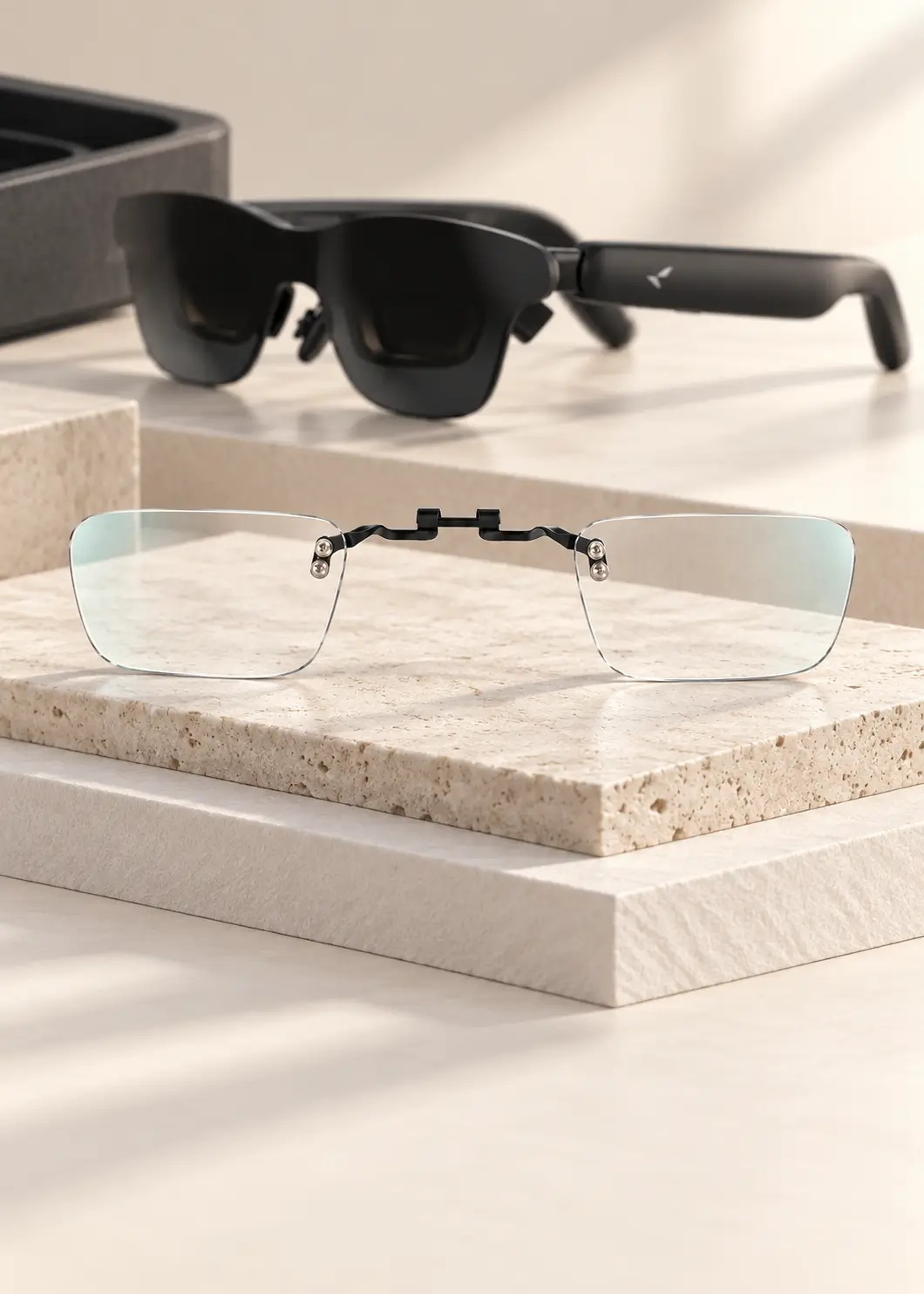
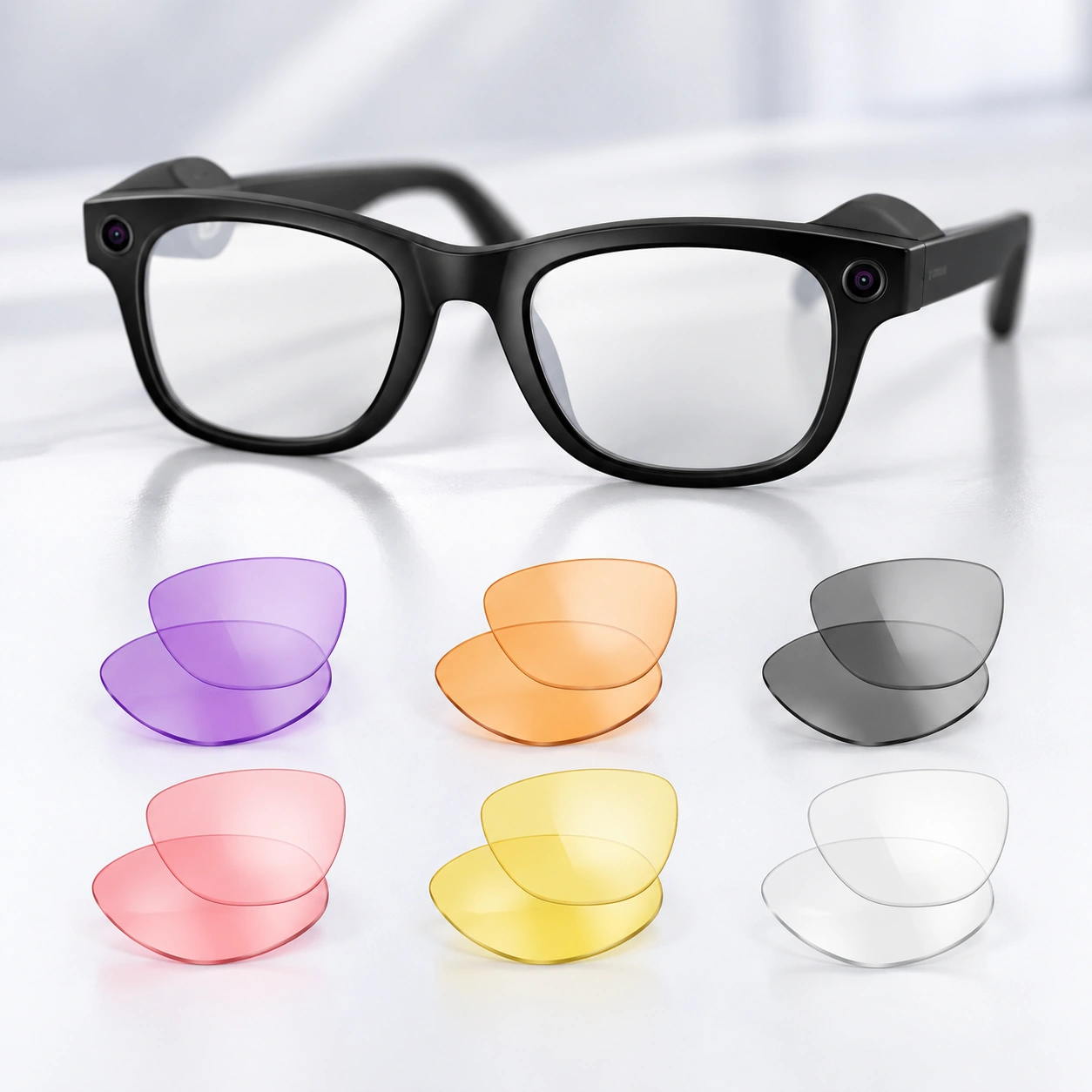
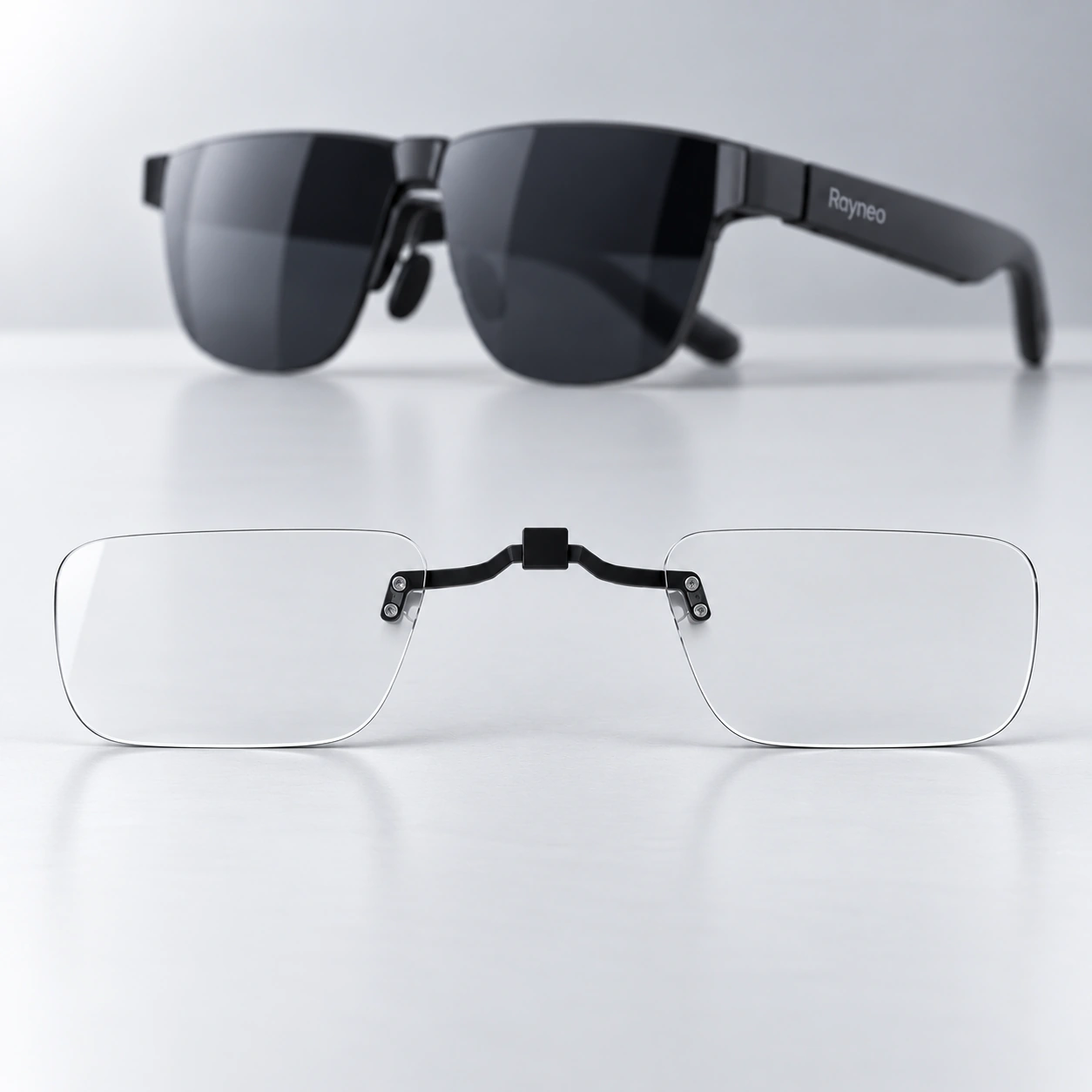
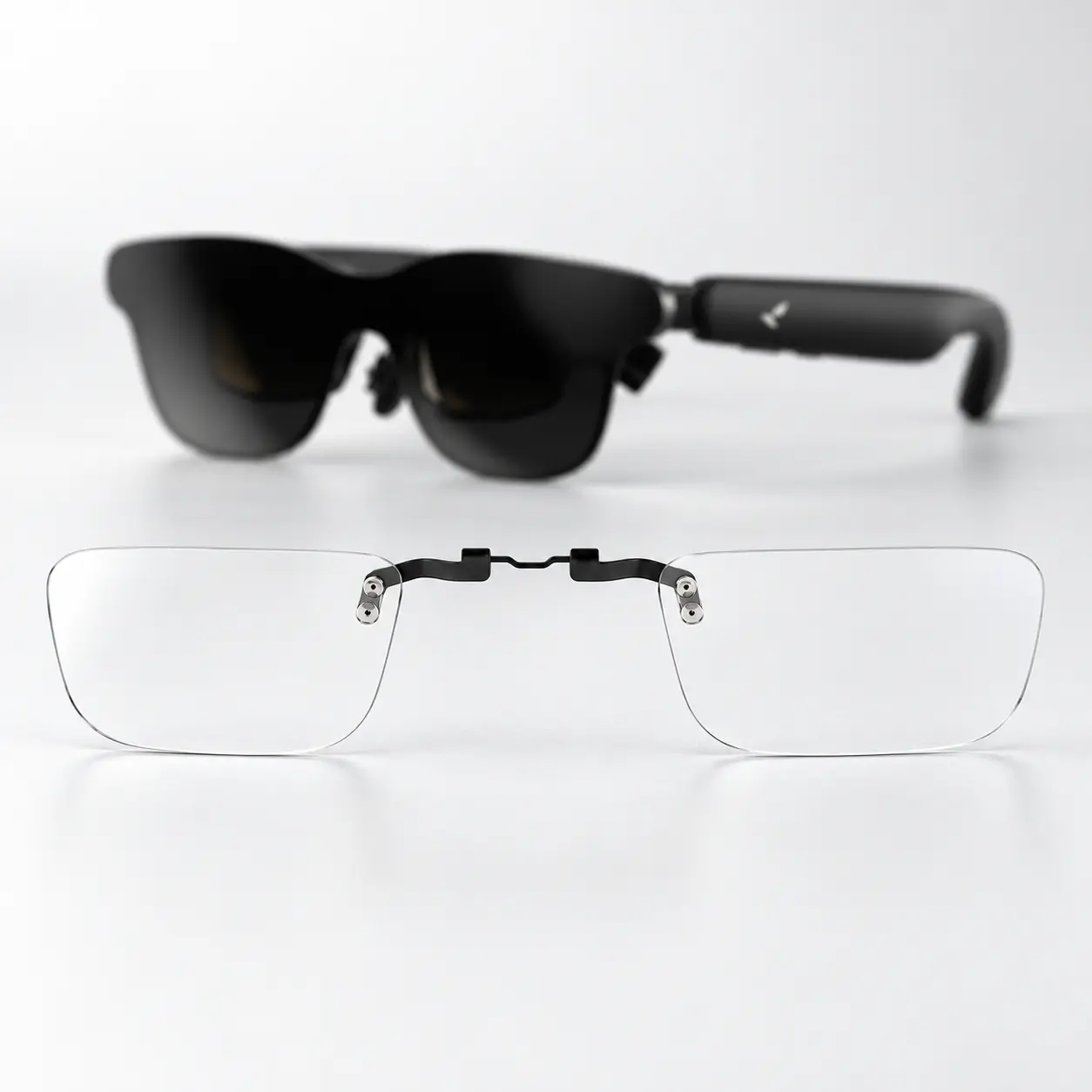
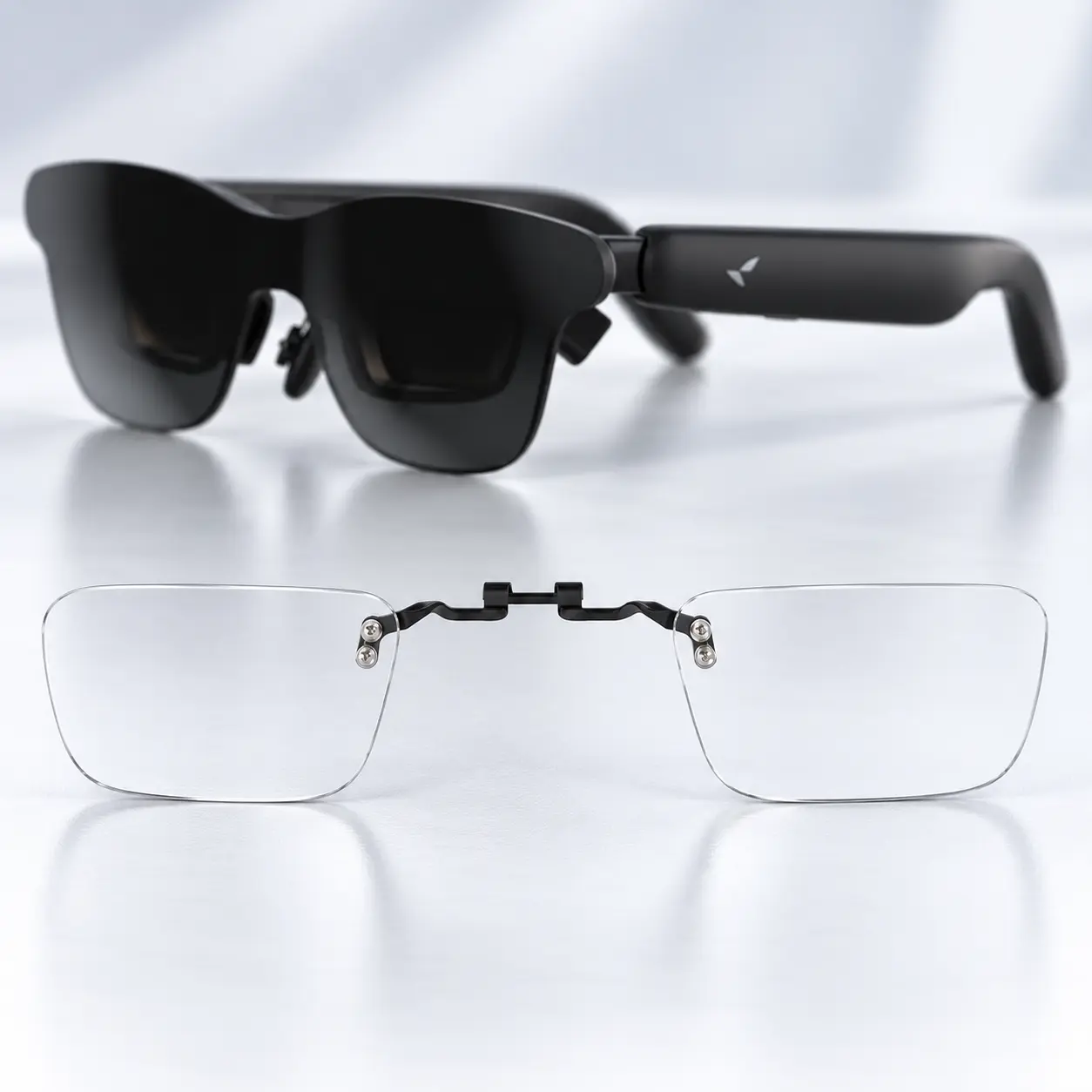
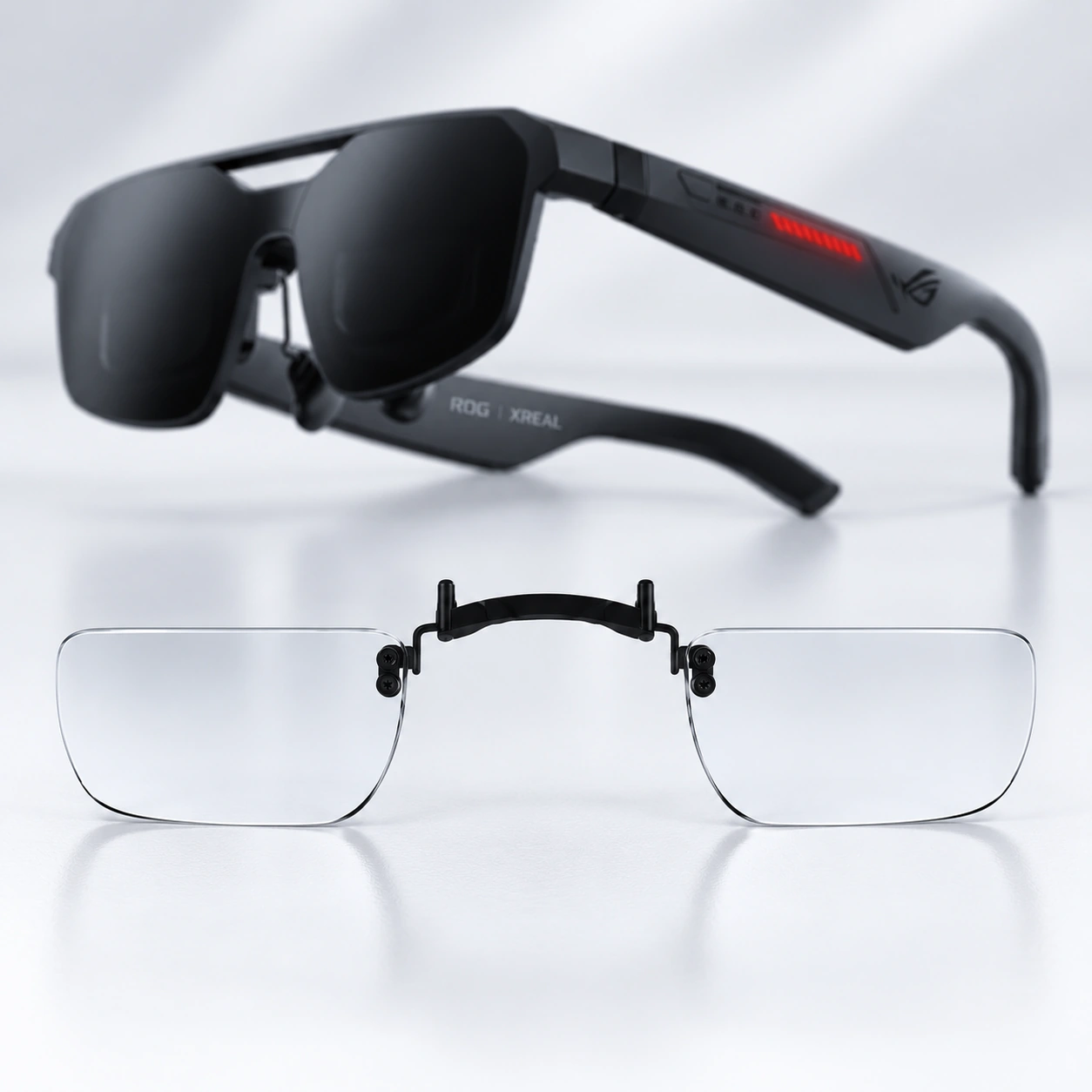
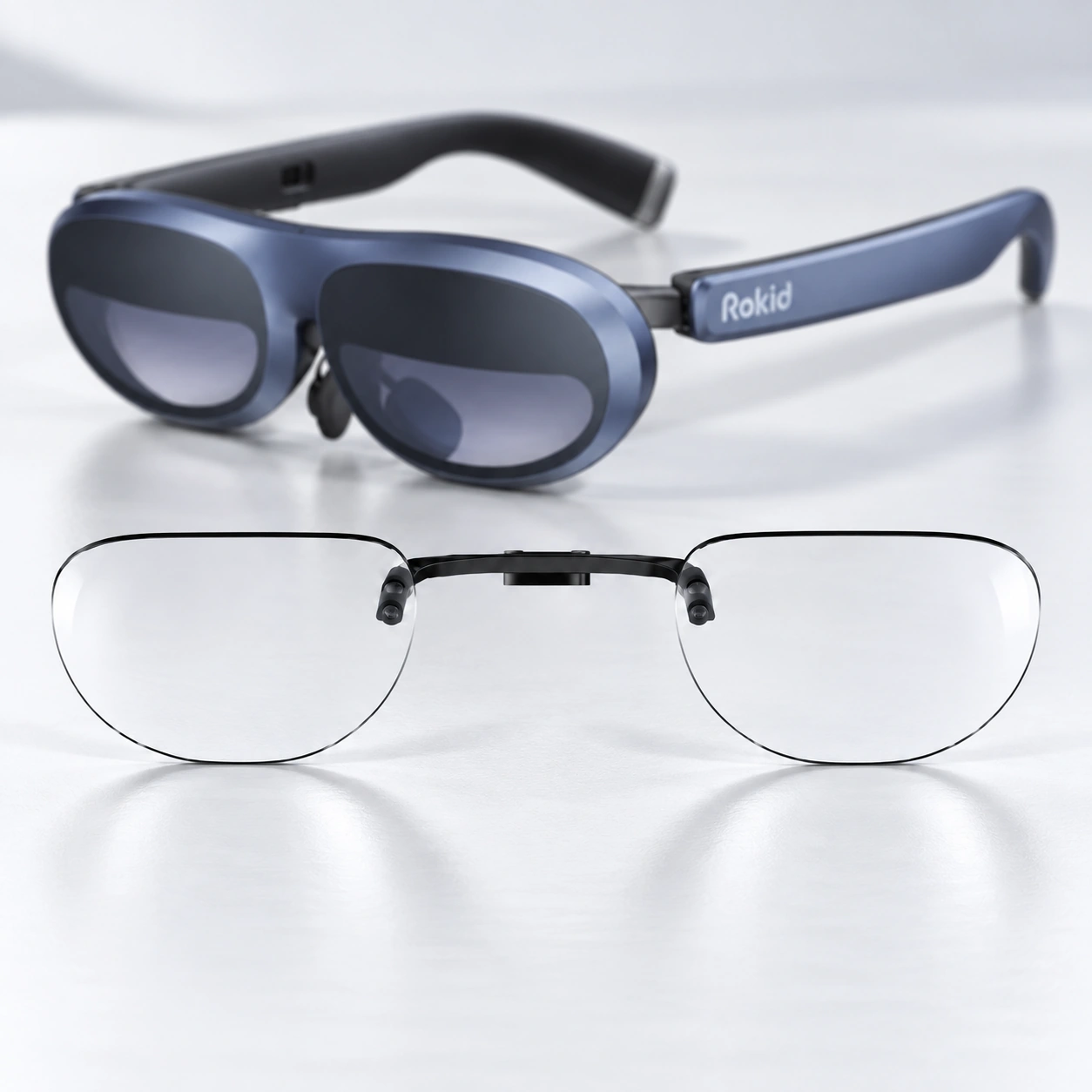
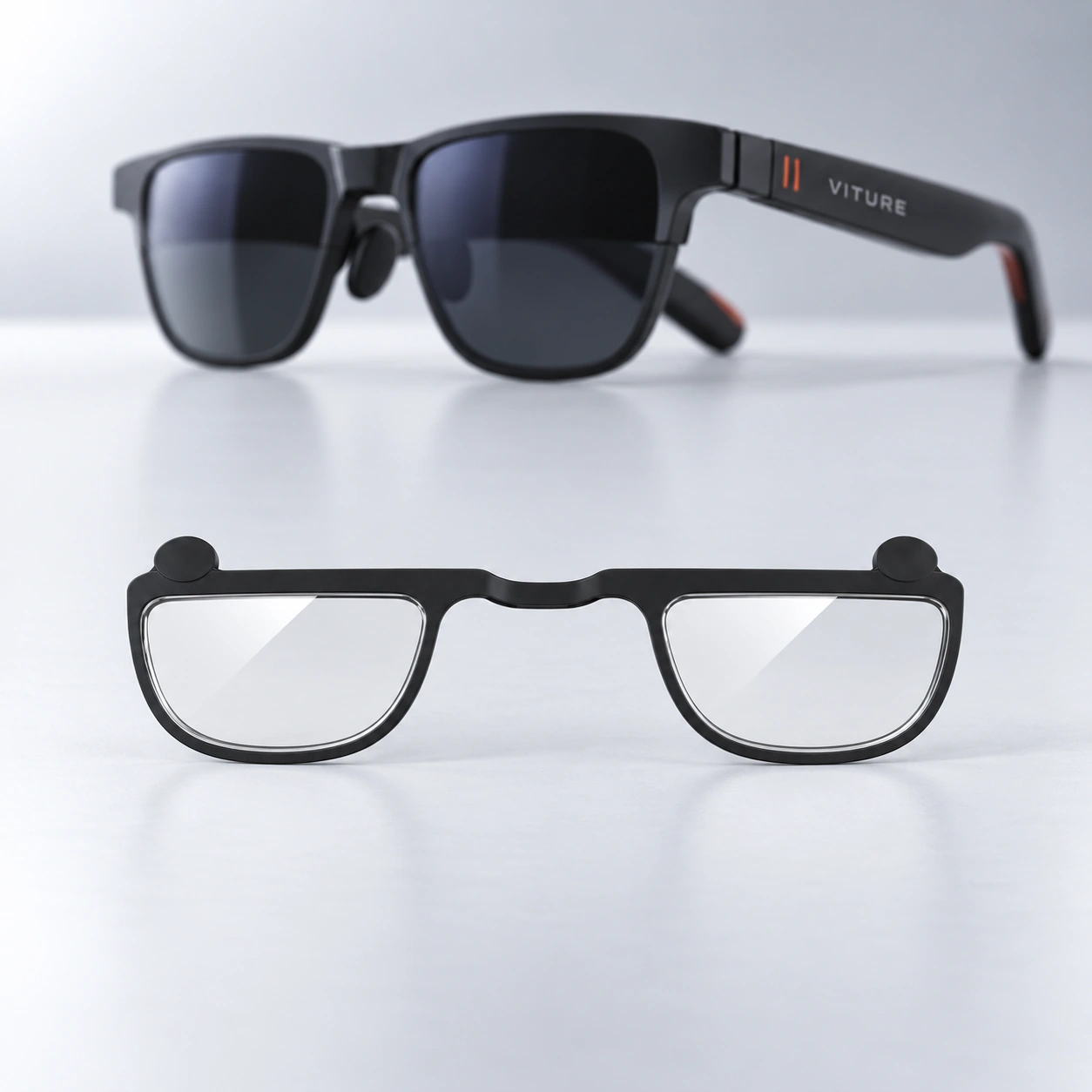
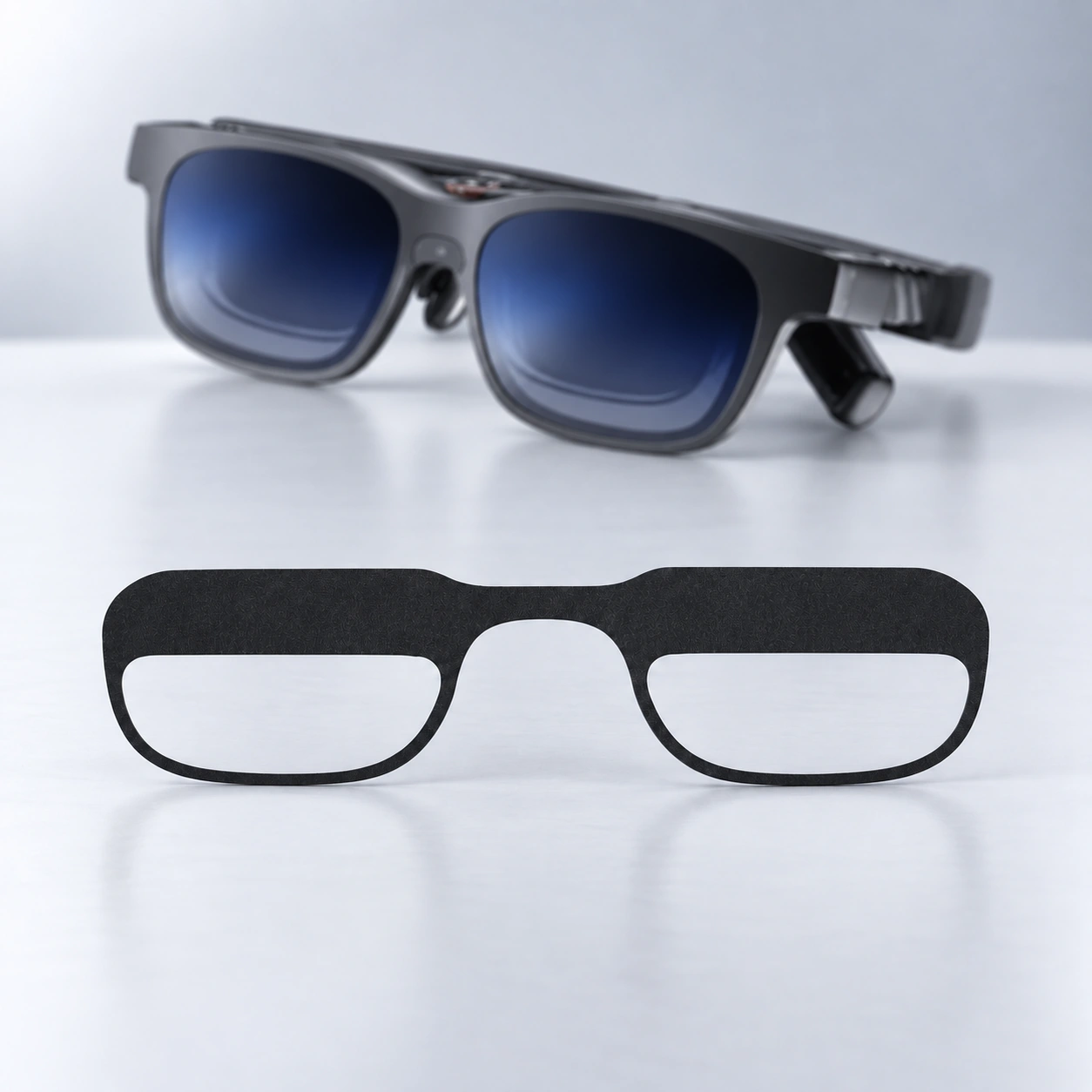
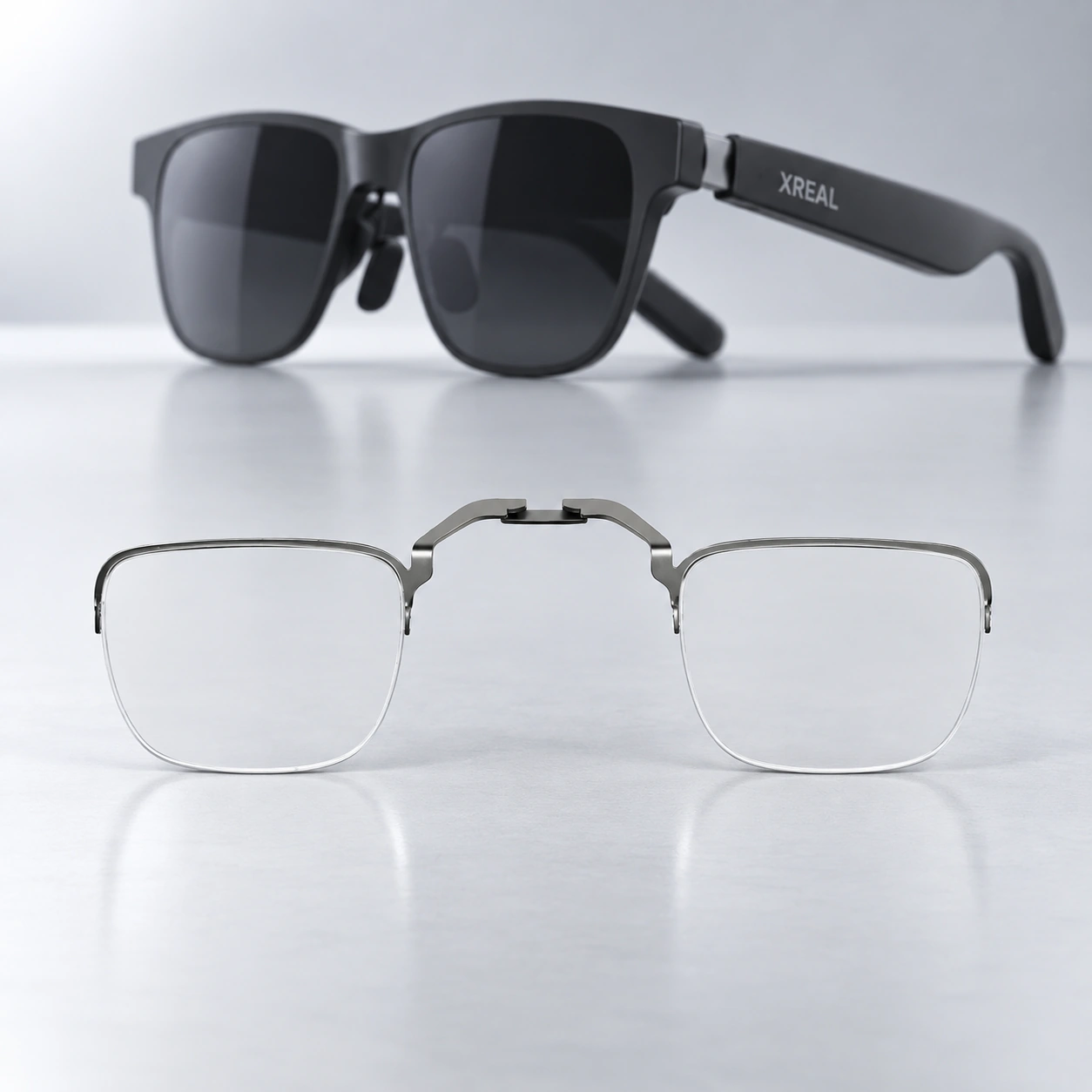
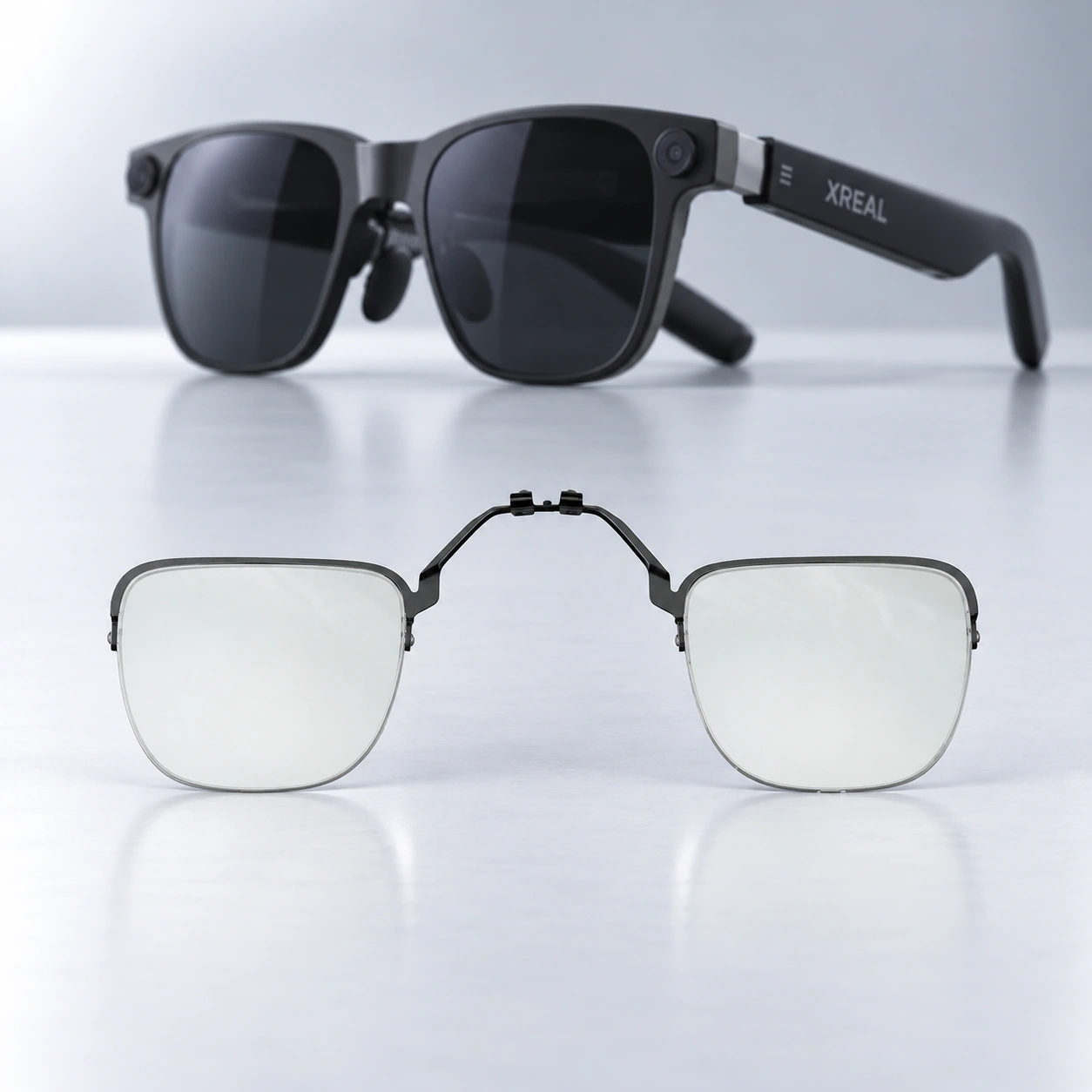
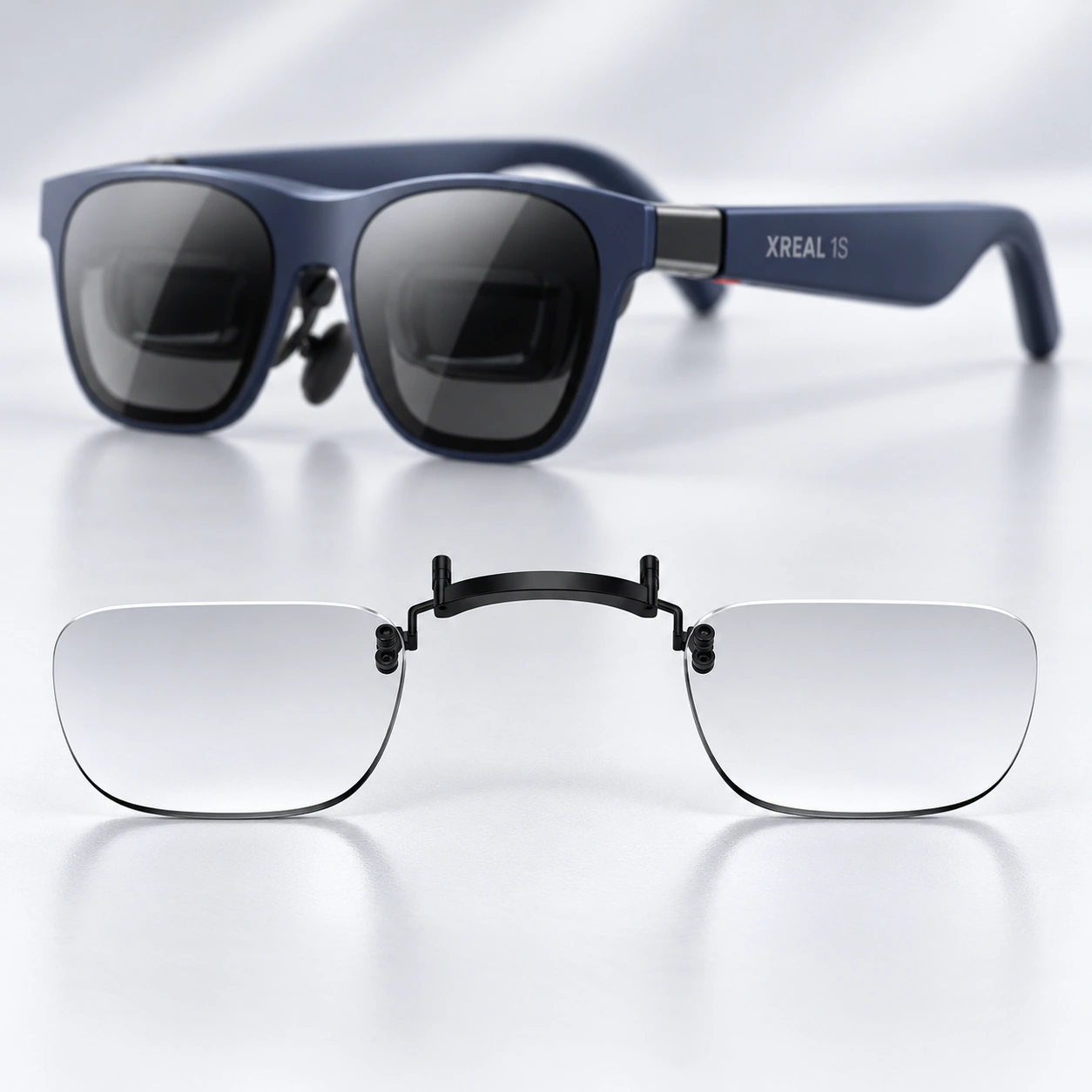
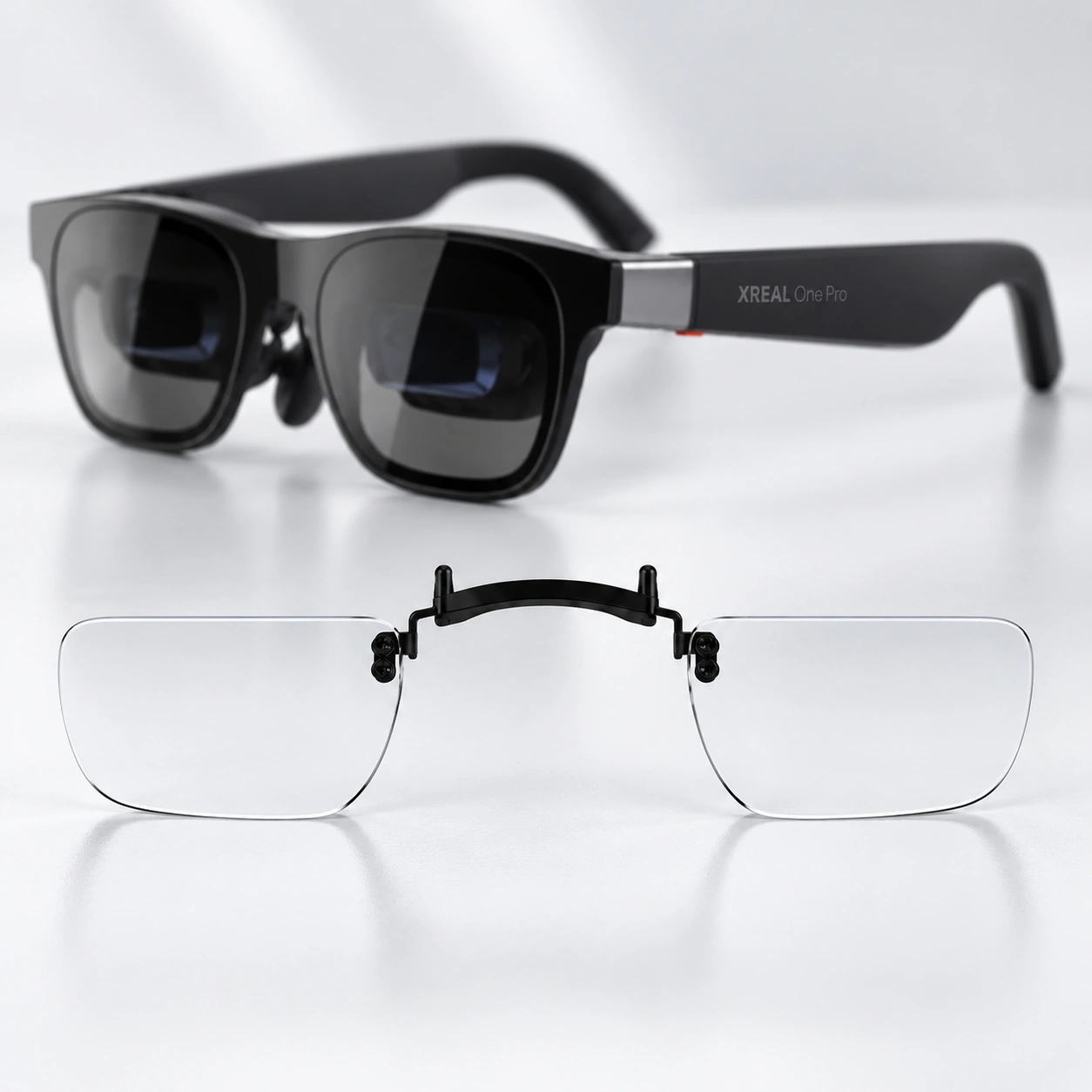
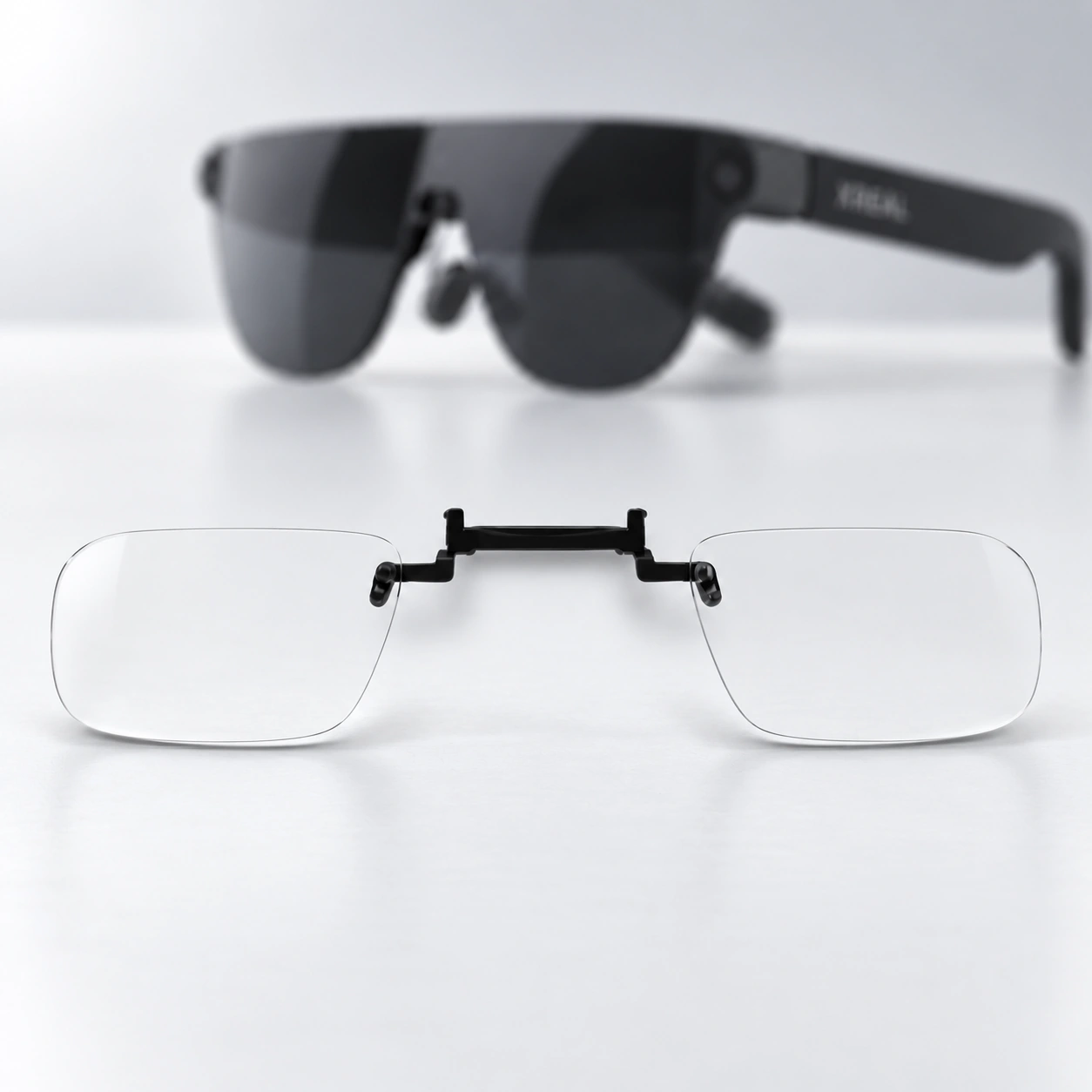
Smart glasses prescription lenses start with the exact model.
A replacement lens fitted into a frame and a separate insert or carrier are different physical products. Confirm the exact device before choosing a prescription-lens route.
The product contents and installation responsibility must be explicit for the exact model.
01 / DEVICE
Confirm model and size
Use the complete model name, generation and size shown on the device or packaging.
02 / ROUTE
Name the physical product
State whether the lens replaces the original or sits in a separate insert or carrier.
03 / RESPONSIBILITY
Confirm contents and installation
Record what is supplied, who installs it and where help or remedy begins.
Lens routes
Choose by the physical product, not the family name.
A brand or family can contain different models, generations and sizes. Use the exact model to decide whether the product is a replacement lens or a separate insert or carrier.
01 / Replacement-lens route
Exact frame required
Ray-Ban Meta
This route replaces the original frame lenses. Confirm the full frame family, generation, product code, shape and size before any prescription choice.
Frame family
Generation
Product code
Shape
Size
02 / Insert or carrier route
Exact device required
XREAL
This route uses a separate insert or carrier. Confirm the exact device model, carrier version, package contents and any excluded sibling models.
Exact model
Carrier version
Package contents
Incompatible siblings
Available lens range
Smart-glasses and AR prescription lenses by exact device.
Choose the model name shown on your glasses, packaging or settings before entering prescription details. Each group is kept separate so the exact device stays clear.
Ray-Ban Meta
Ray-Ban Meta
Replacement prescription lenses
RayNeo
Air 2S / Air 3S / Air 3S Pro / Air 4 Pro
Prescription lenses
RayNeo
GT
Prescription lenses
RayNeo
GT Max
Prescription lenses
ROG × XREAL
R1
Prescription lenses
Rokid
Max 2
Prescription lenses
VITURE
Luma / Luma Pro / Luma Ultra
Prescription lenses
VITURE
One / Pro
Prescription lenses
XREAL
Air / Air 2 / Air 2 Pro
Prescription lenses
XREAL
Air 2 Ultra
Prescription lenses
XREAL
One / 1S
Prescription lenses
XREAL
One Pro
Prescription lenses
XREAL
xbx a01+
Prescription lenses
Route comparison
Compare what changes between the two routes.
Use this comparison to identify what must be checked for each route. It does not confirm a model, package or installation method by itself.
Swipe horizontally to compare both product routes.
Decision
Replacement-lens route
Insert or carrier route
Physical result
A lens pair replaces the frame’s original lenses.
A lens pair is fitted to a separate insert or carrier.
Exact identifier
Frame family, generation, product code, shape and size.
Exact device model and the matching carrier or insert version.
Package contents
Confirm the lens pair and any explicitly listed fitting service or materials.
Confirm the lens pair, carrier or insert and any exact-model hardware listed for the product.
Installation responsibility
State who removes the original lenses, who fits the replacement pair and where fitting support begins.
Use instructions for the exact model and carrier; stop if the attachment or removal method is uncertain.
When to ask for help
Ask for help when the full frame identity, shape or size is unclear.
Ask for help when the exact model, carrier version, package contents or fitting method is unclear.
Identify the device
Find the exact model before ordering.
Keep the device details together so a family label is not mistaken for an exact model.
Use the exact model, product contents and fitting route to choose the right next step.
01
What is the difference between a replacement lens and an insert or carrier?
A replacement lens takes the place of the frame’s original lens. An insert or carrier is a separate physical component that holds the prescription lens.
02
Is a brand or product-family name enough?
No. A family can contain multiple generations, shapes, sizes or sibling devices that do not share the same route.
03
Which identifiers should I prepare?
Prepare the complete model name, generation, product code, shape and size, plus any carrier or insert version shown for the device.
04
Are the carrier and other installation parts always included?
Do not assume they are included. Confirm the package contents shown for the exact product before proceeding.
05
Is there one installation method for every smart-glasses product?
No. Follow instructions for the exact device and physical route, and stop when the method or required force is unclear.
06
What happens when device or route information is uncertain?
Pause and use device help. Share the full model name and clear product photos rather than assuming that a similar family or sibling model uses the same lens.
Independent product
Fovevia is an independent lens provider. Device and brand names are used only to identify the customer’s glasses; no affiliation, authorization, certification or endorsement by Ray-Ban, Meta, XREAL, RayNeo, Rokid, VITURE or ASUS ROG is implied.
Know the exact model? Confirm the route. Not sure? Request help.