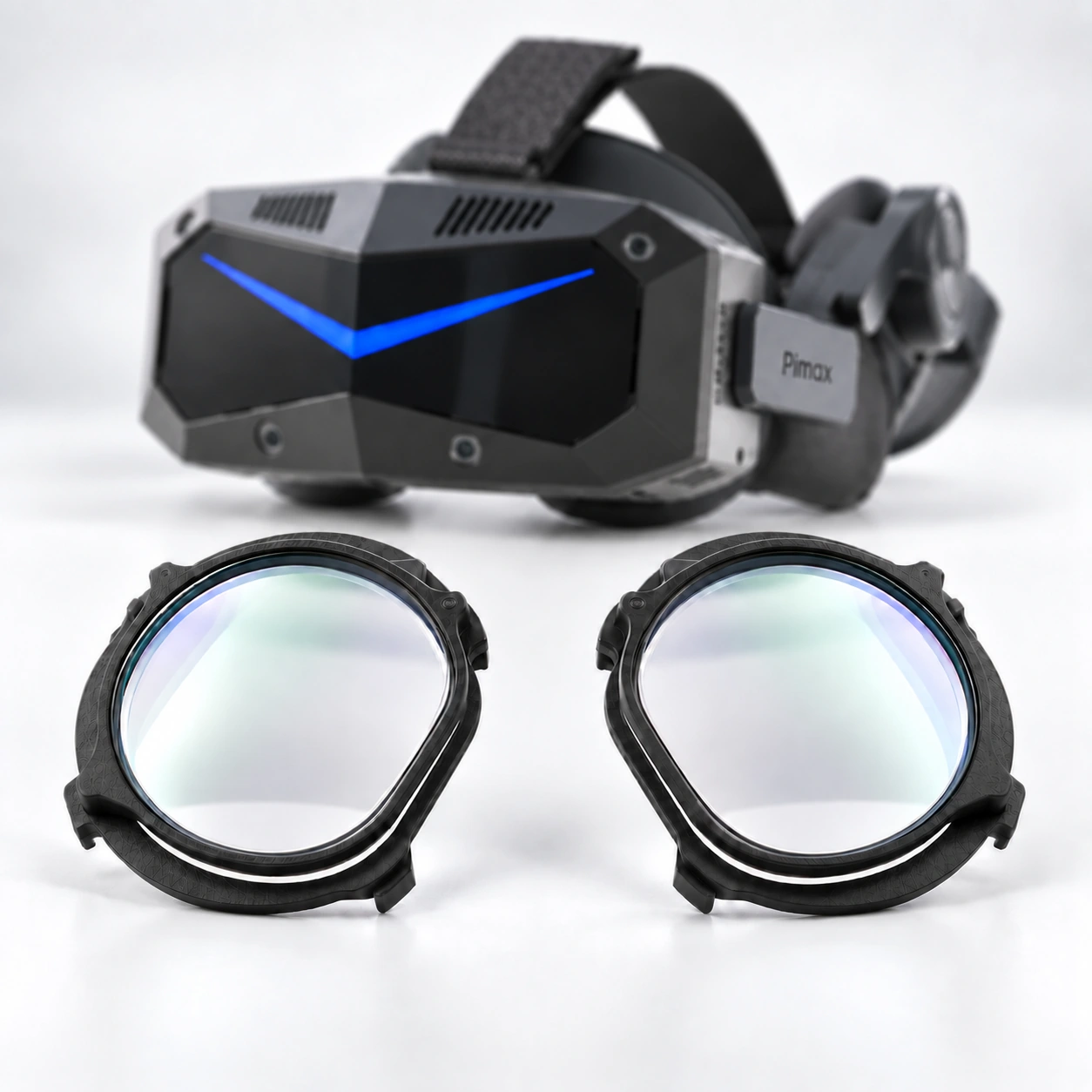
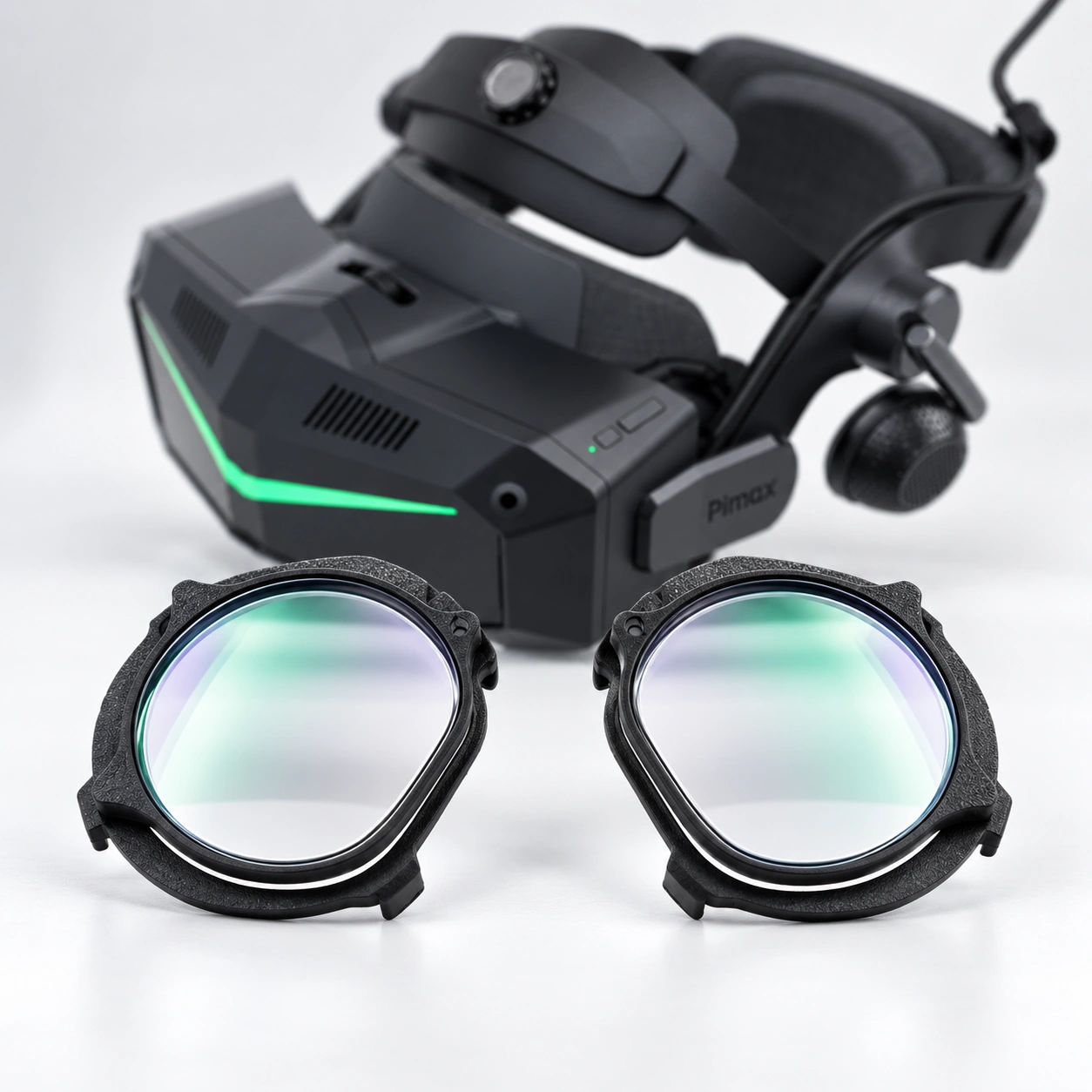
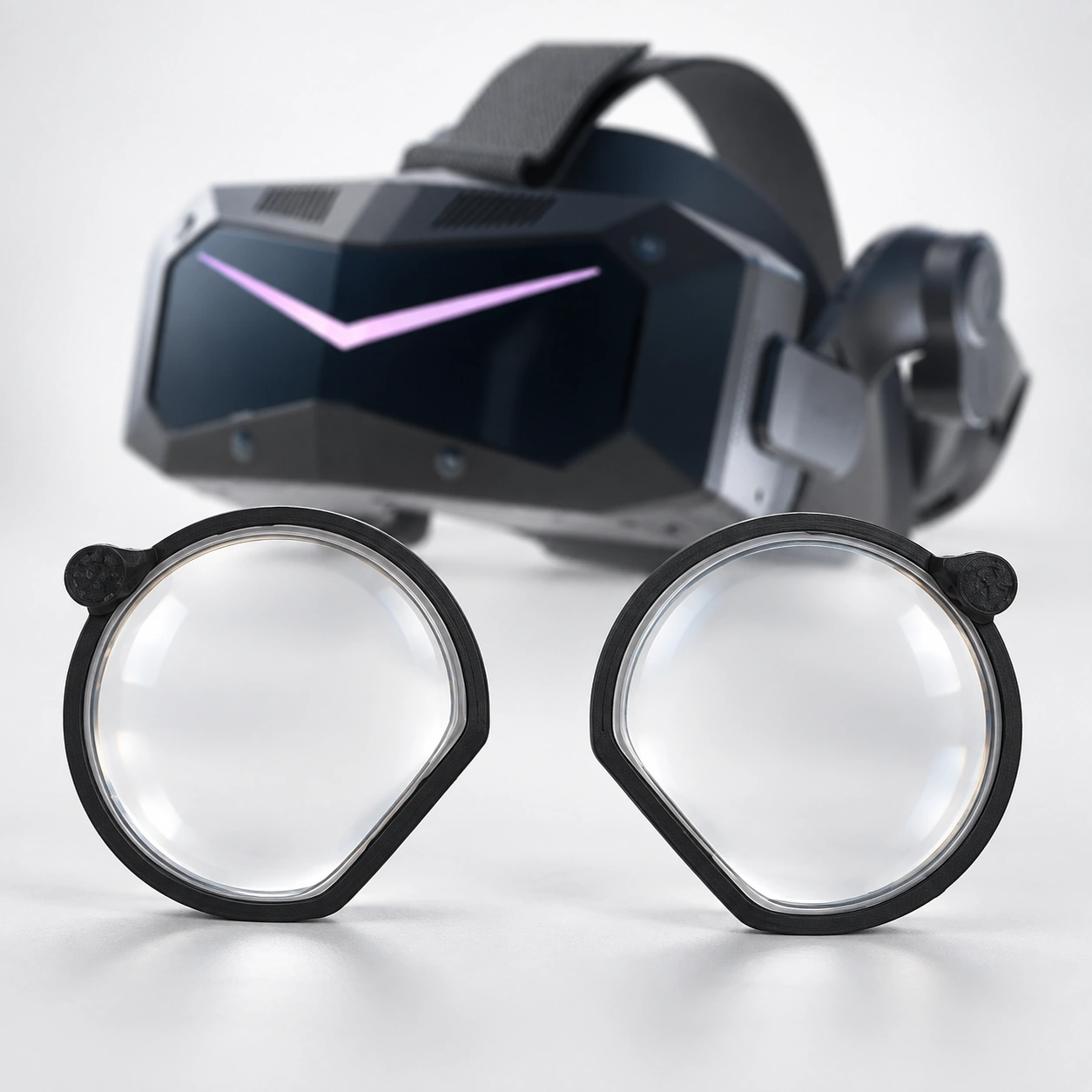
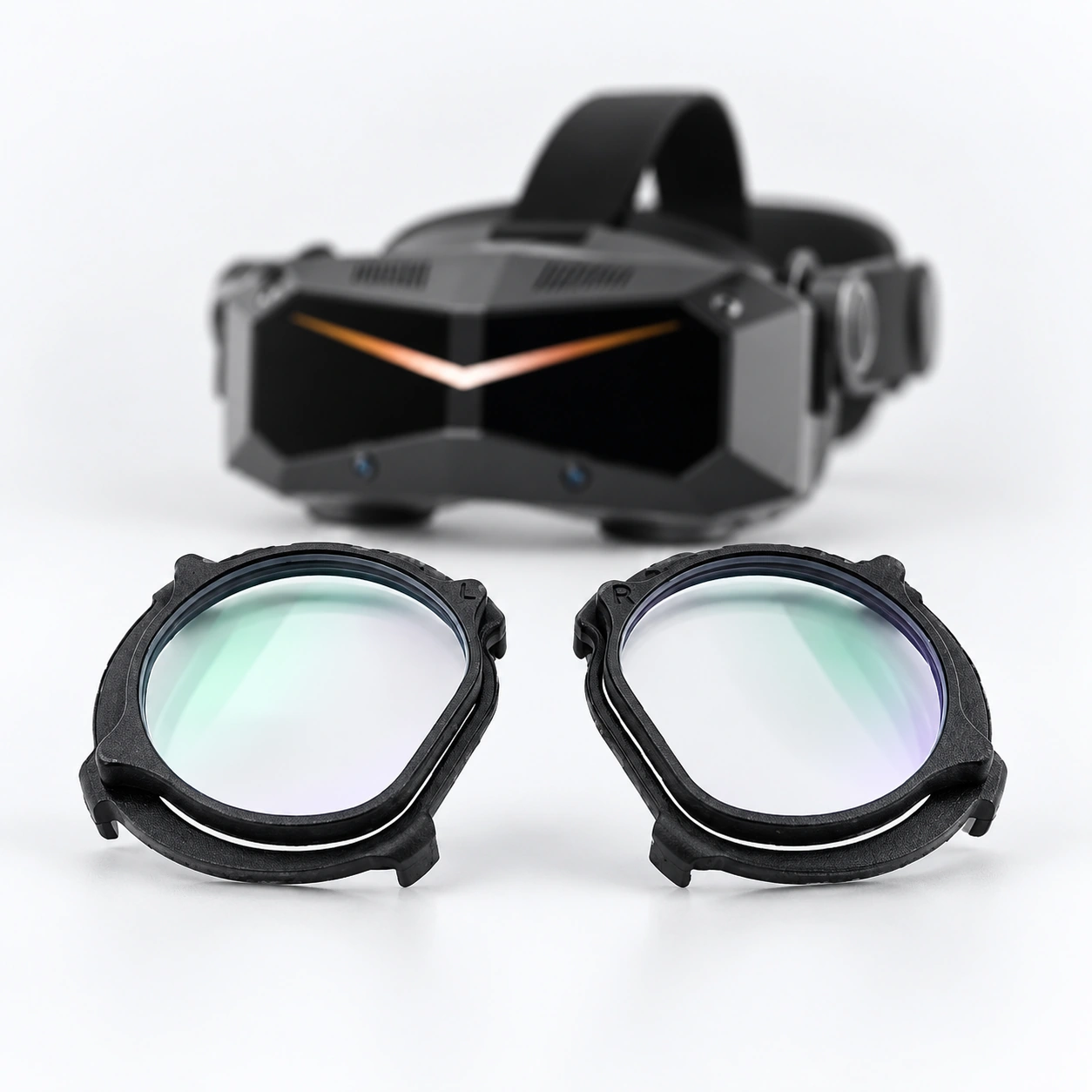
VR Headset Prescription Lenses, Matched to the Exact Model
The headset decides the lens path.
Start with the brand, exact model, generation and variant. This Hub keeps similar-looking headsets on separate paths and does not collect prescription details or place an order.
Match the full model, generation and variant before moving to prescription information.
01
Exact model first
Use the full name shown on the headset, packaging or order record.
02
Keep similar models separate
A similar name does not confirm shared insert geometry.
03
When uncertain, use device help
Pause the route instead of choosing the nearest-looking model.
Choose your headset
Start with the exact name on your device.
Browse the full VR headset lens lineup by brand, then match the complete model name shown on your device. Similar names can use different insert shapes, so choose only the exact route.
If the full device name includes a suffix, engine or edition not listed here, do not choose the closest card. Use device help.
Device and model names are used only to identify customer hardware. No endorsement, authorization or affiliation by the device manufacturers is implied.
01
Meta Quest
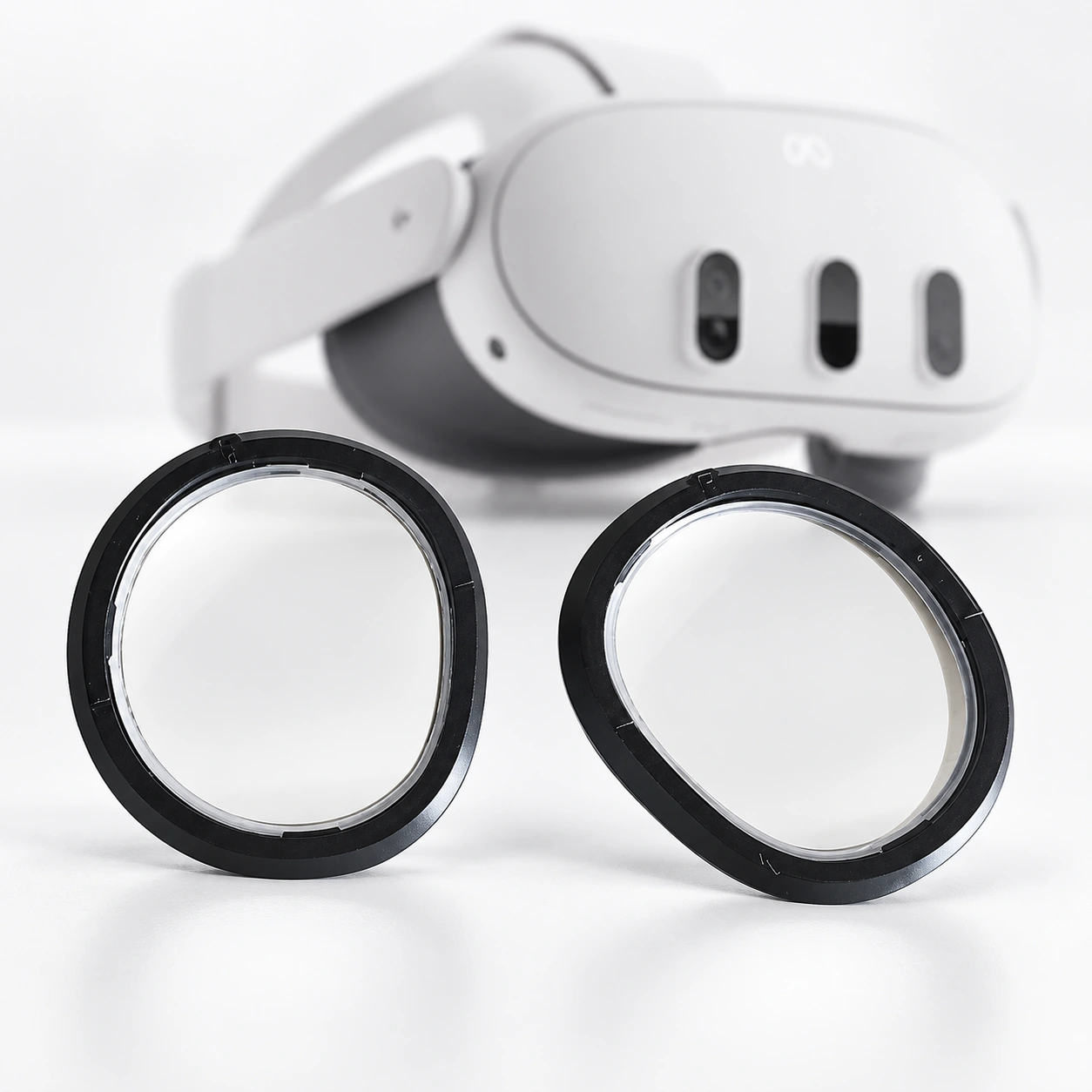
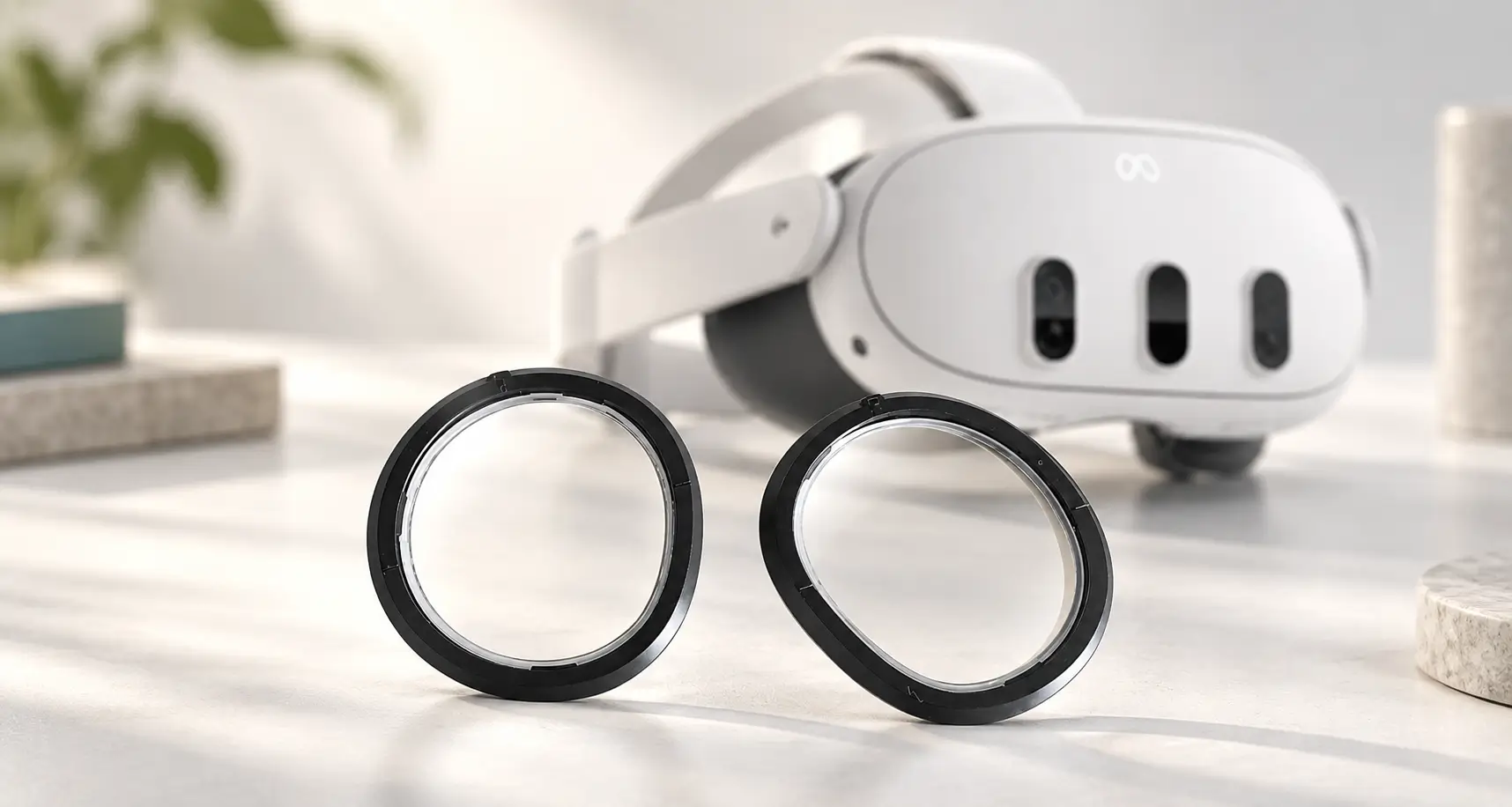
Meta Quest 3
Do not use this route for Meta Quest 3S or Meta Quest 2. A similar name does not confirm shared insert geometry.
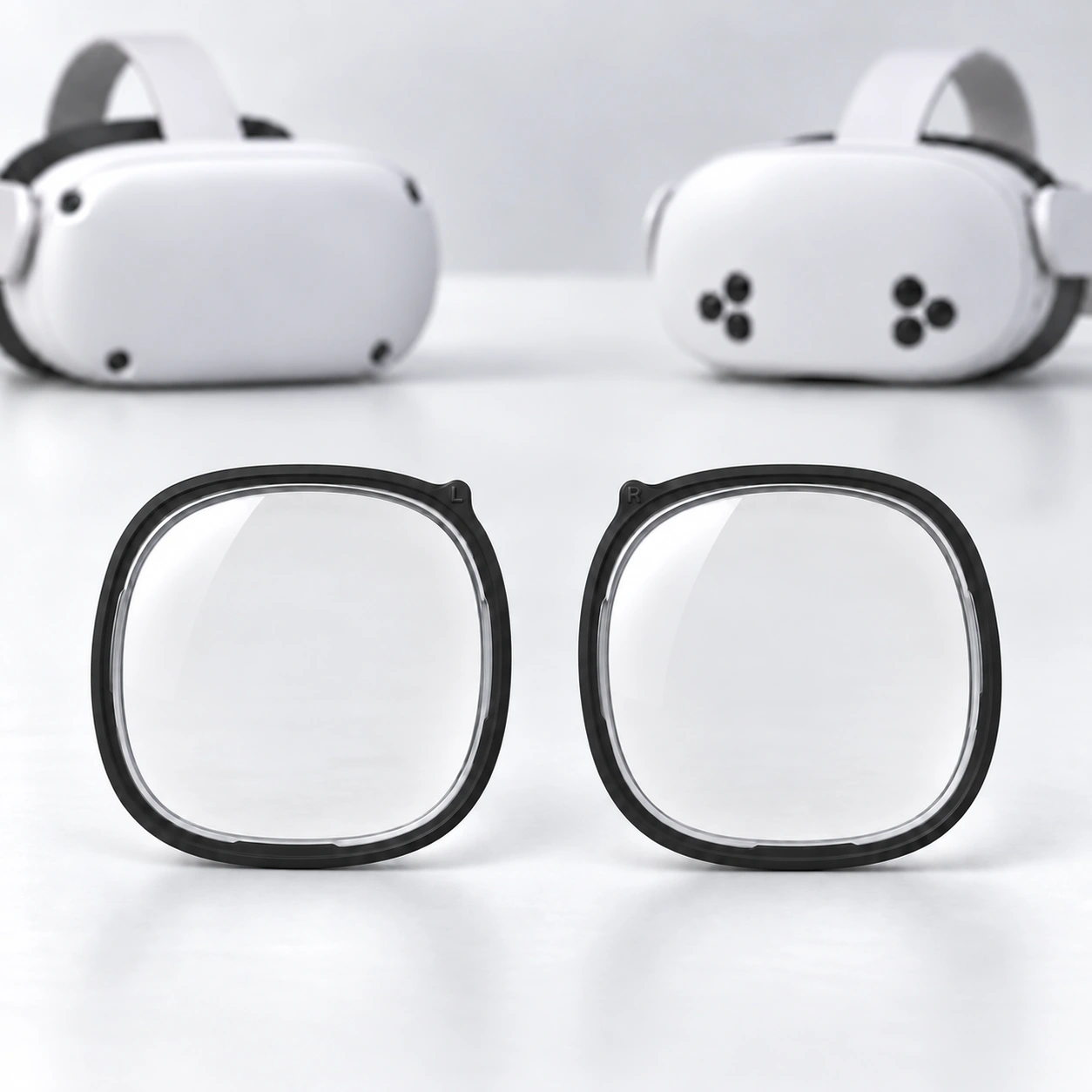
Meta Quest 2 / Meta Quest 3S
Confirm whether the headset is Meta Quest 2 or Meta Quest 3S. Do not use this route for Meta Quest 3 or Quest Pro.
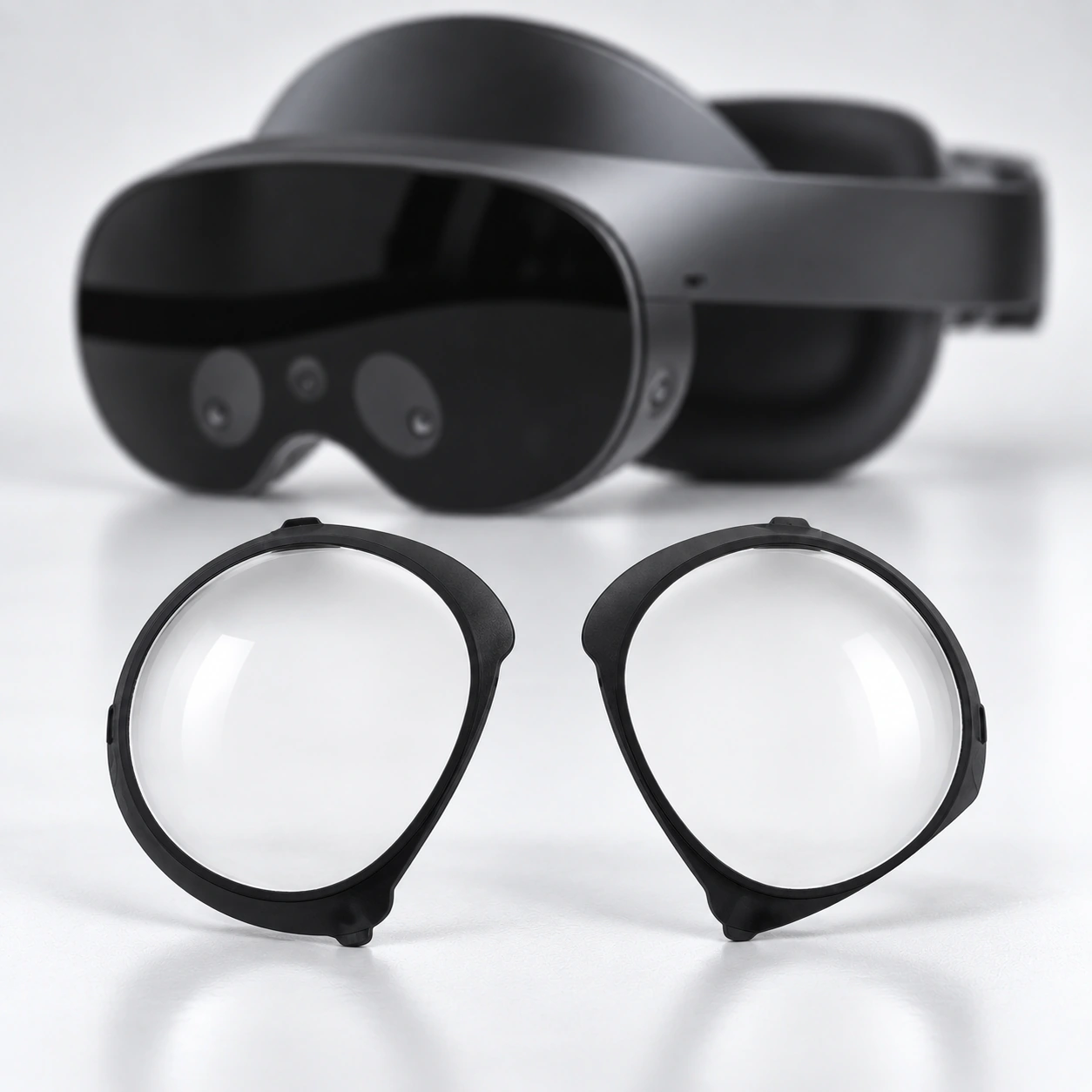
Meta Quest Pro
Use this route only for Meta Quest Pro. Do not substitute a Quest 2, Quest 3 or Quest 3S route.
02
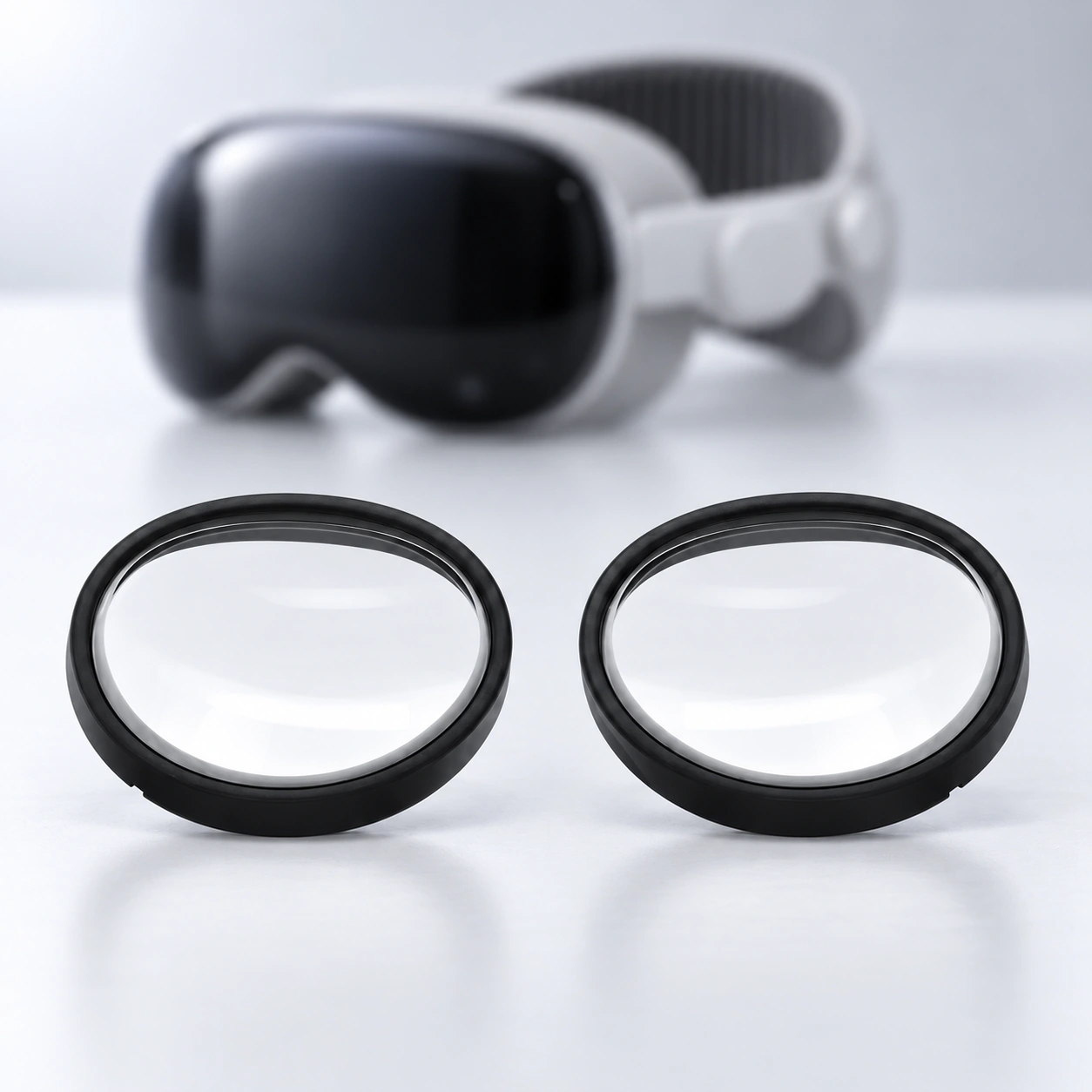
Apple Vision Pro
Apple Vision Pro
Use this route only when the device name reads Apple Vision Pro. Device names identify customer hardware; no Apple or ZEISS affiliation is implied.
03
PlayStation VR
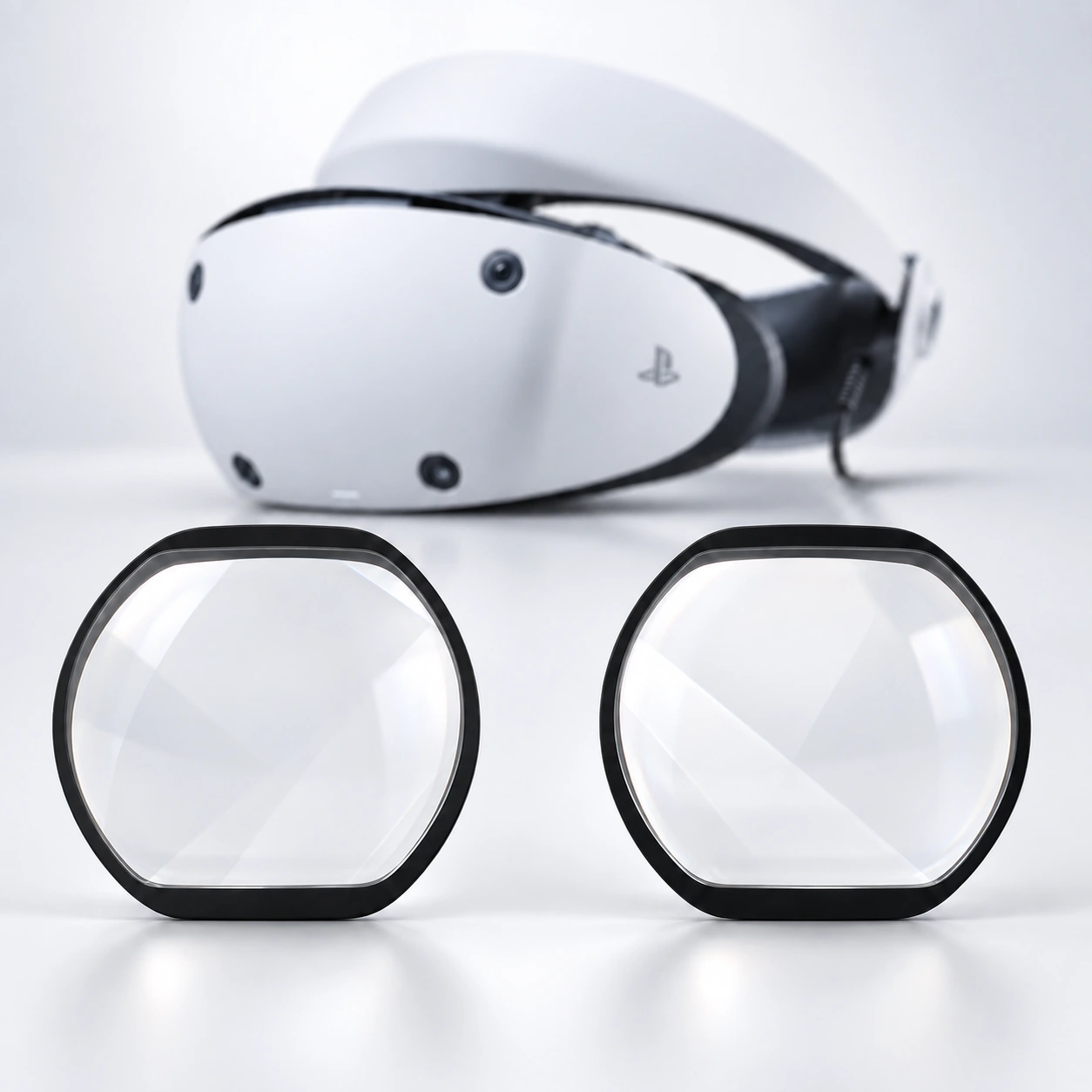
PlayStation VR2 / PSVR2
PlayStation VR2 and PSVR2 identify this route. Do not use it for PlayStation VR / PSVR1 or another headset.
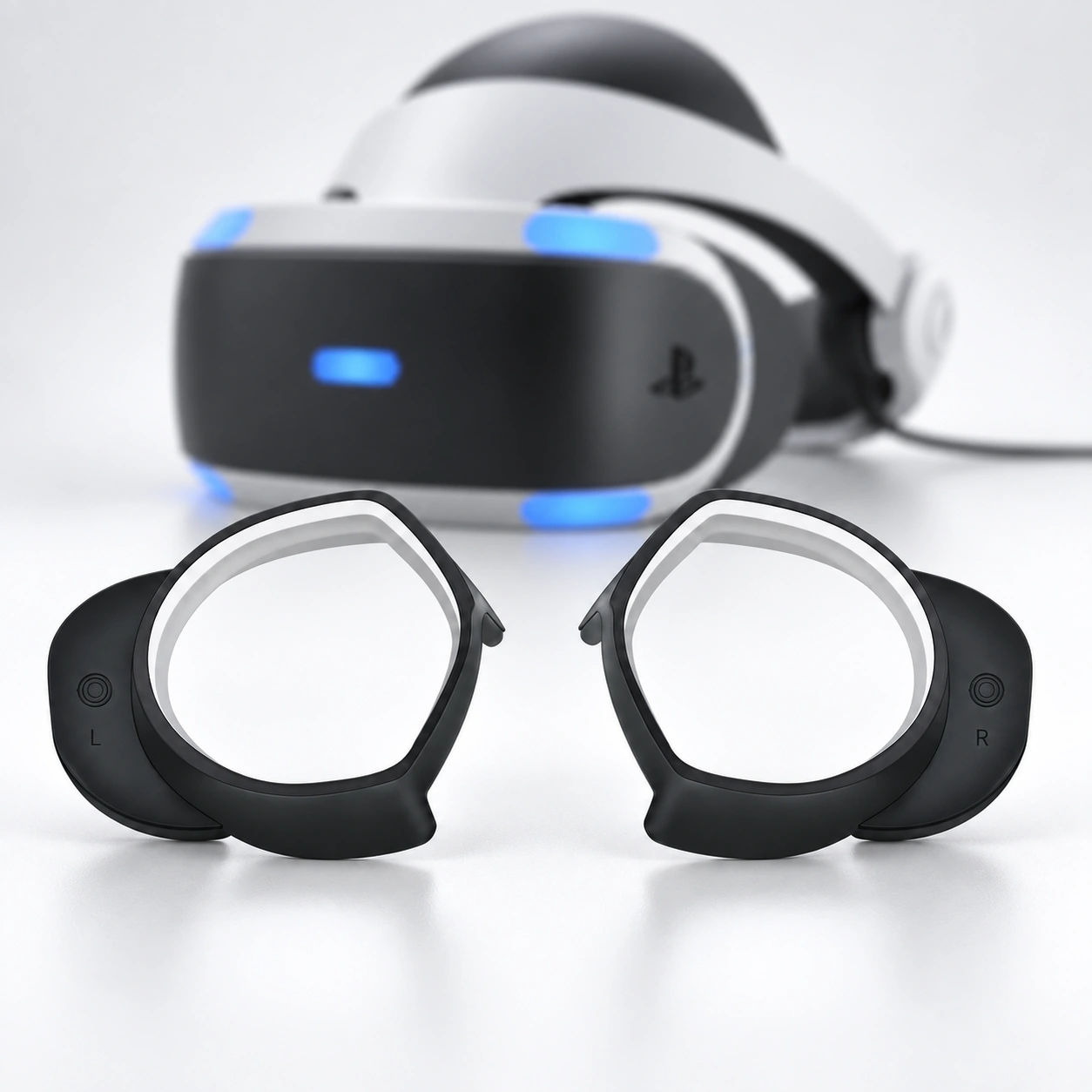
PlayStation VR / PSVR1
PlayStation VR and PSVR1 identify this route. Do not use it for PlayStation VR2 / PSVR2.
04
Pimax
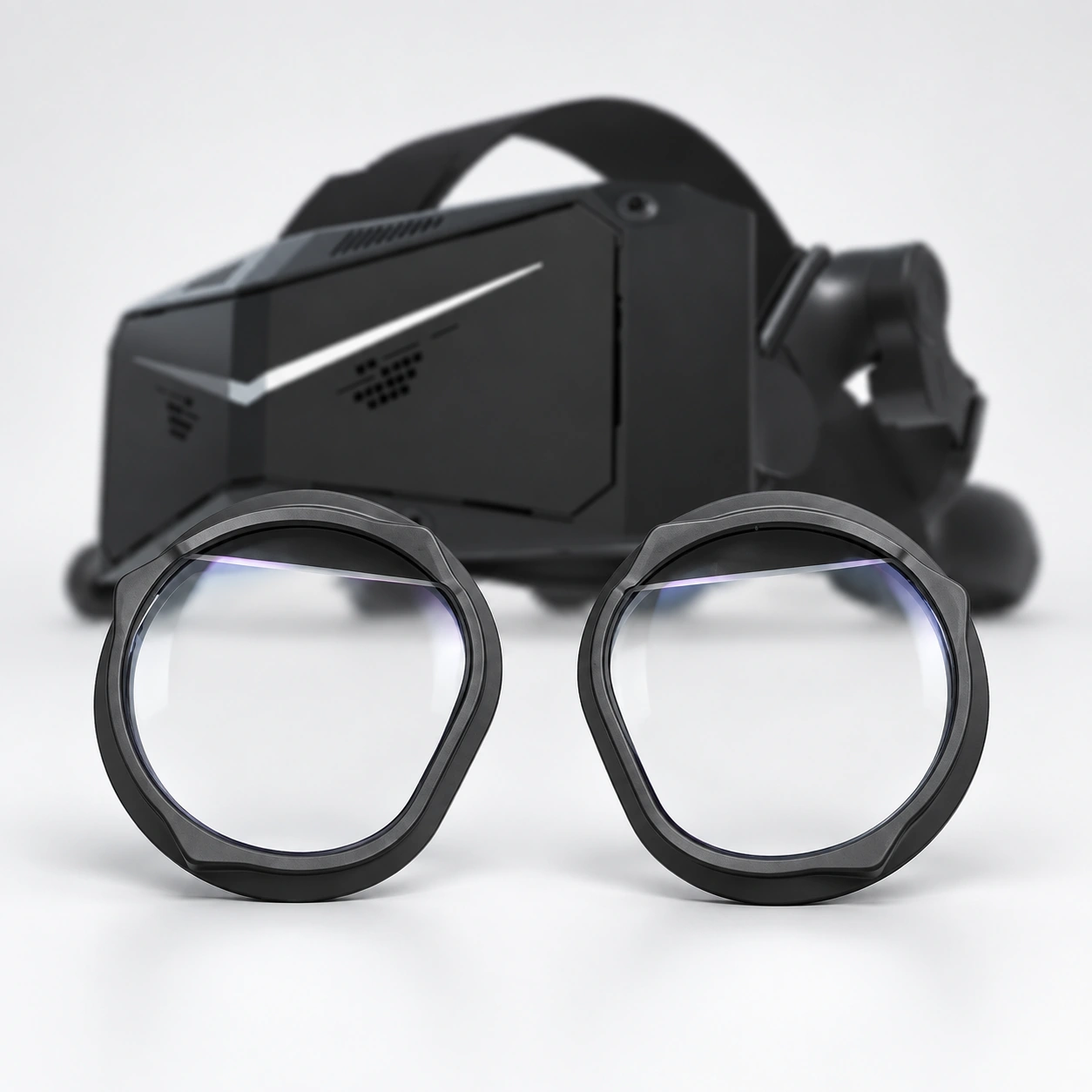
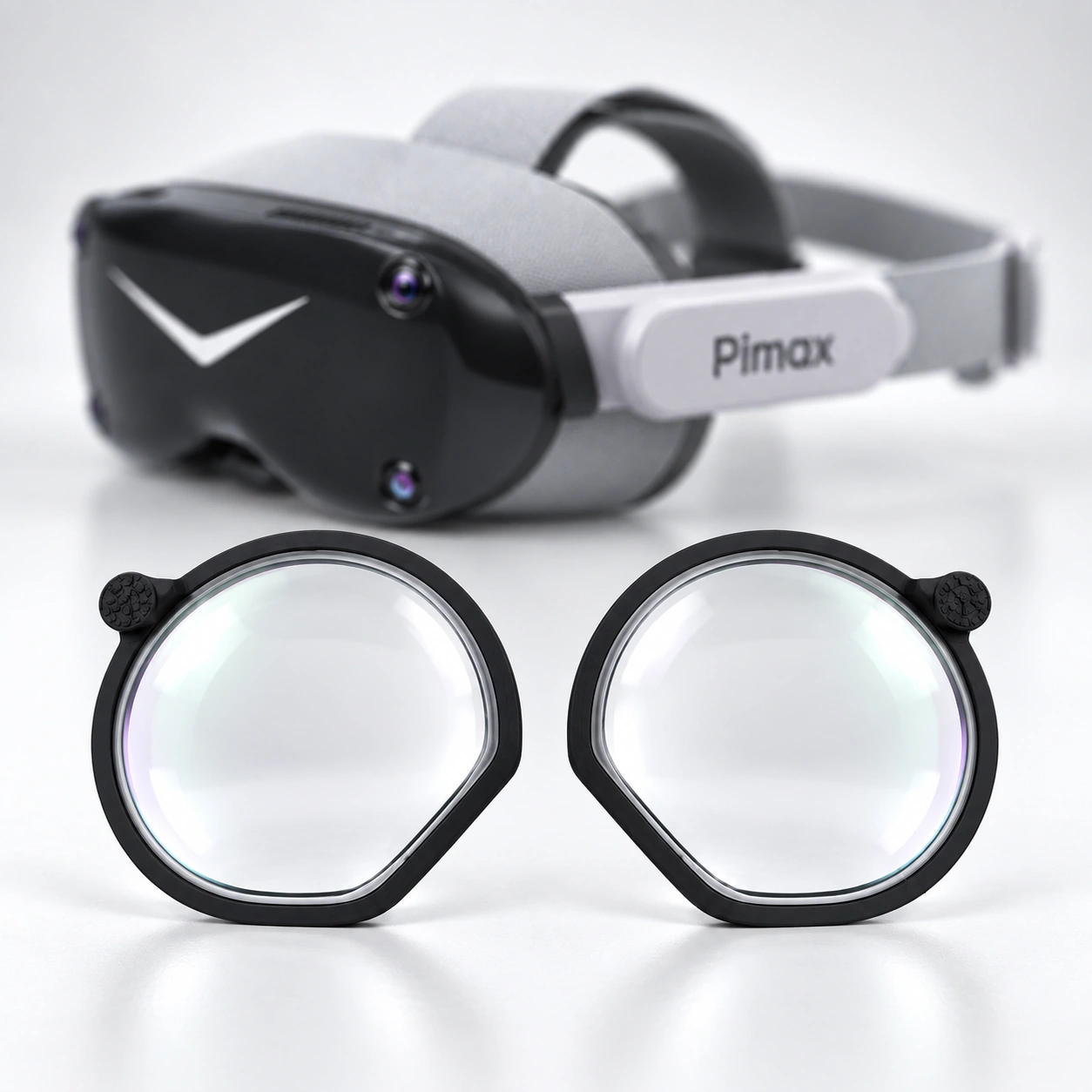
Pimax Crystal / Crystal Light
Confirm whether the device is Pimax Crystal or Pimax Crystal Light. Do not substitute a Crystal Super or Dream Air route.
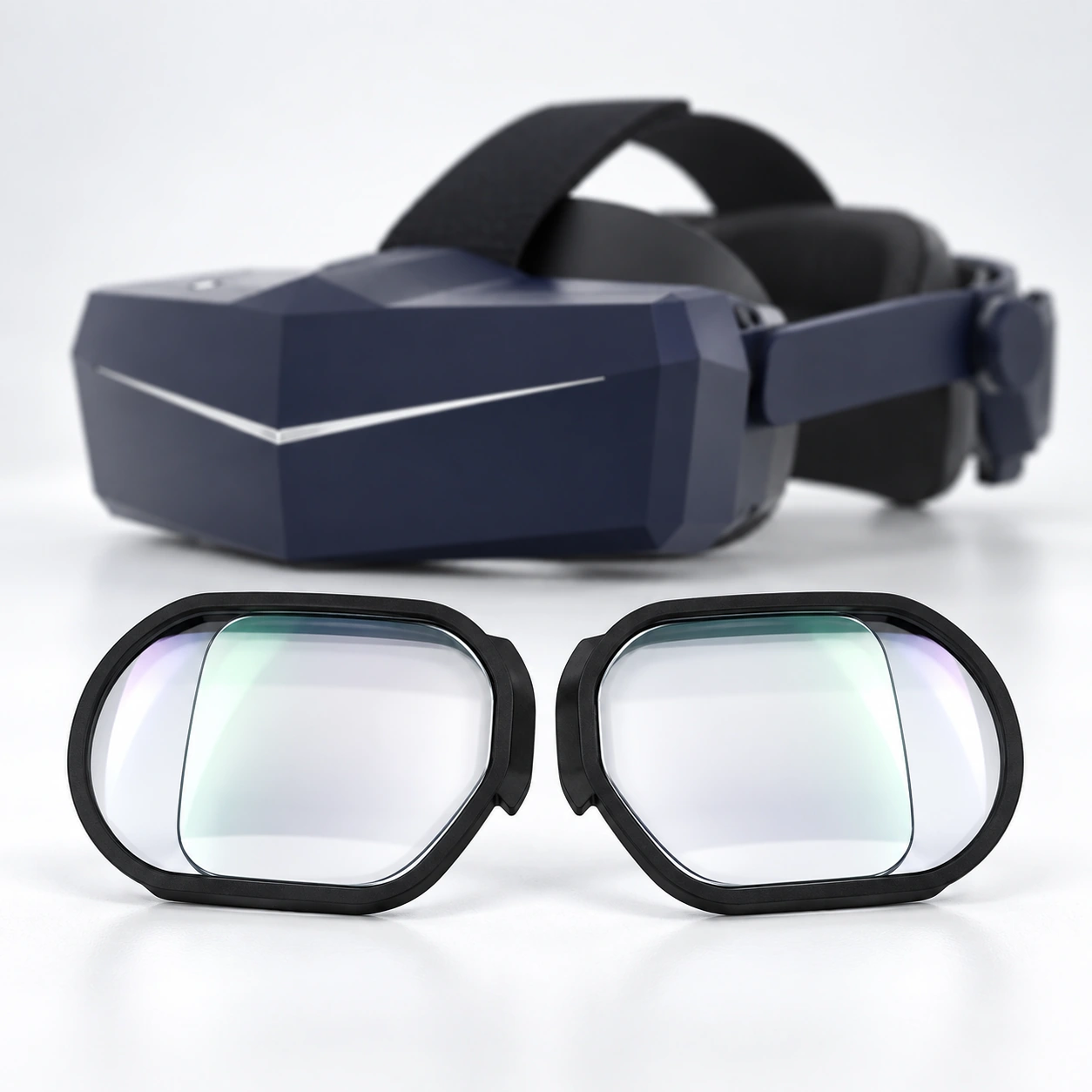
Pimax Crystal Super 50 PPD
Match the complete “Pimax Crystal Super 50 PPD” name. Do not substitute 57 PPD, 8K Micro-OLED or another Crystal Super variant.
Pimax Crystal Super 57 PPD
Match the complete “Pimax Crystal Super 57 PPD” name. Do not substitute 50 PPD, 8K Micro-OLED or another Crystal Super variant.
Pimax Crystal Super 8K Micro-OLED
Match the complete “Pimax Crystal Super 8K Micro-OLED” name. Do not substitute 50 PPD, 57 PPD or another Crystal Super variant.
Pimax Crystal Super Ultrawide Version
Match the complete “Pimax Crystal Super Ultrawide Version” name. Do not substitute another Crystal Super optical-engine version.
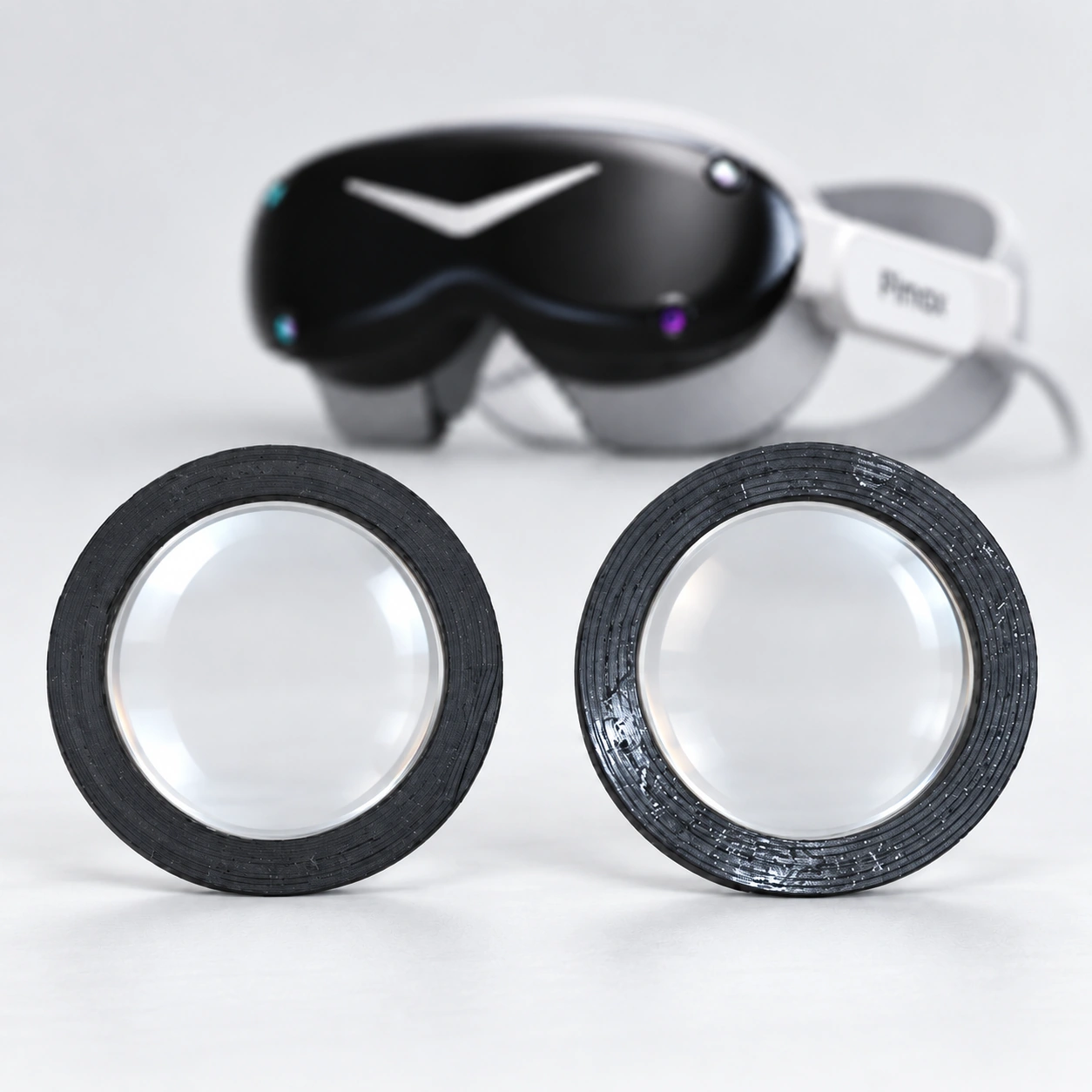
Pimax Dream Air
Match the complete “Pimax Dream Air” name. Do not use this route for Dream Air SE.
Pimax Dream Air SE
Match the complete “Pimax Dream Air SE” name. Do not use this route for Dream Air.
Pimax 5K / 8K / 8KX
Check the full 5K, 8K or 8KX model name before continuing. Do not substitute a Crystal or Dream Air route.
05
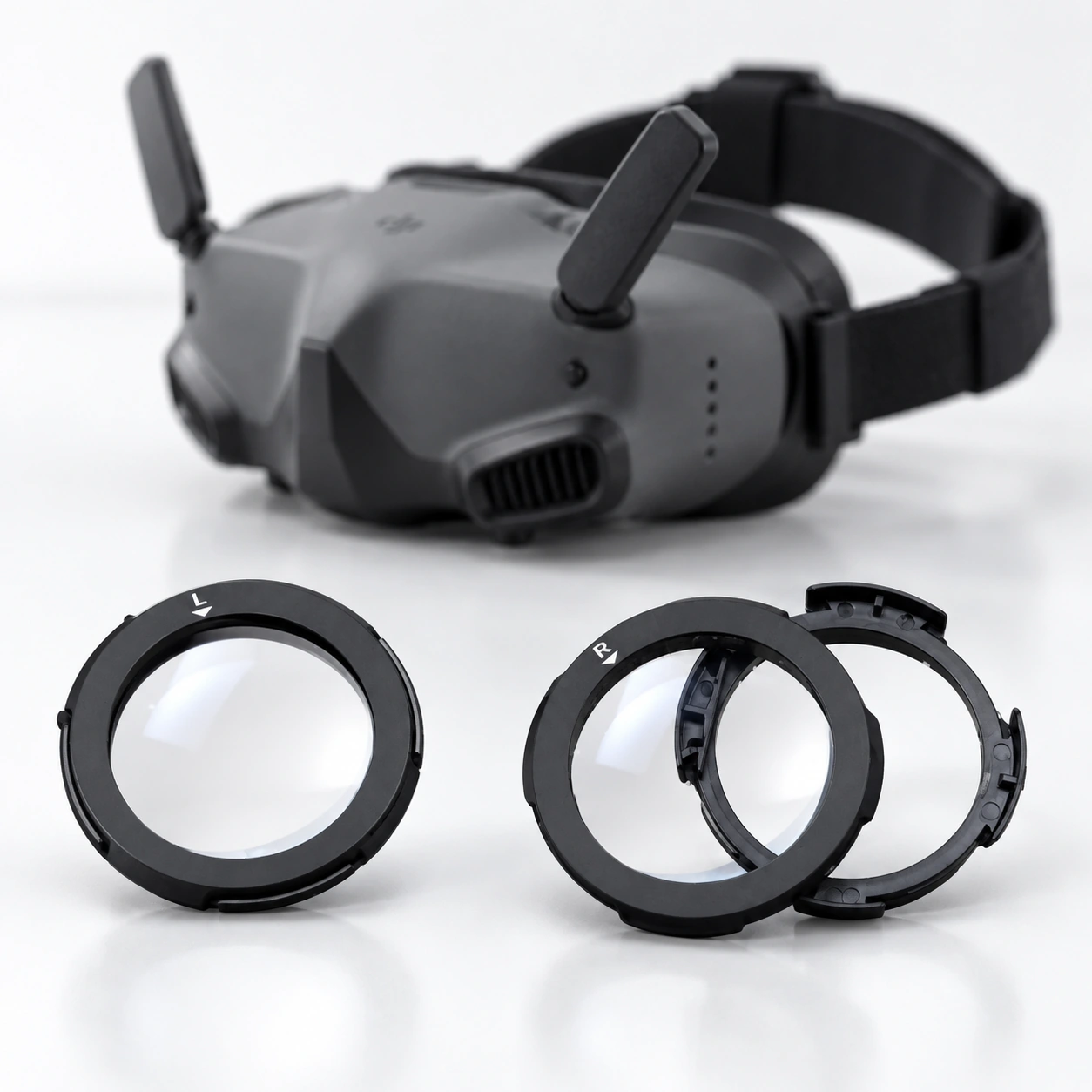
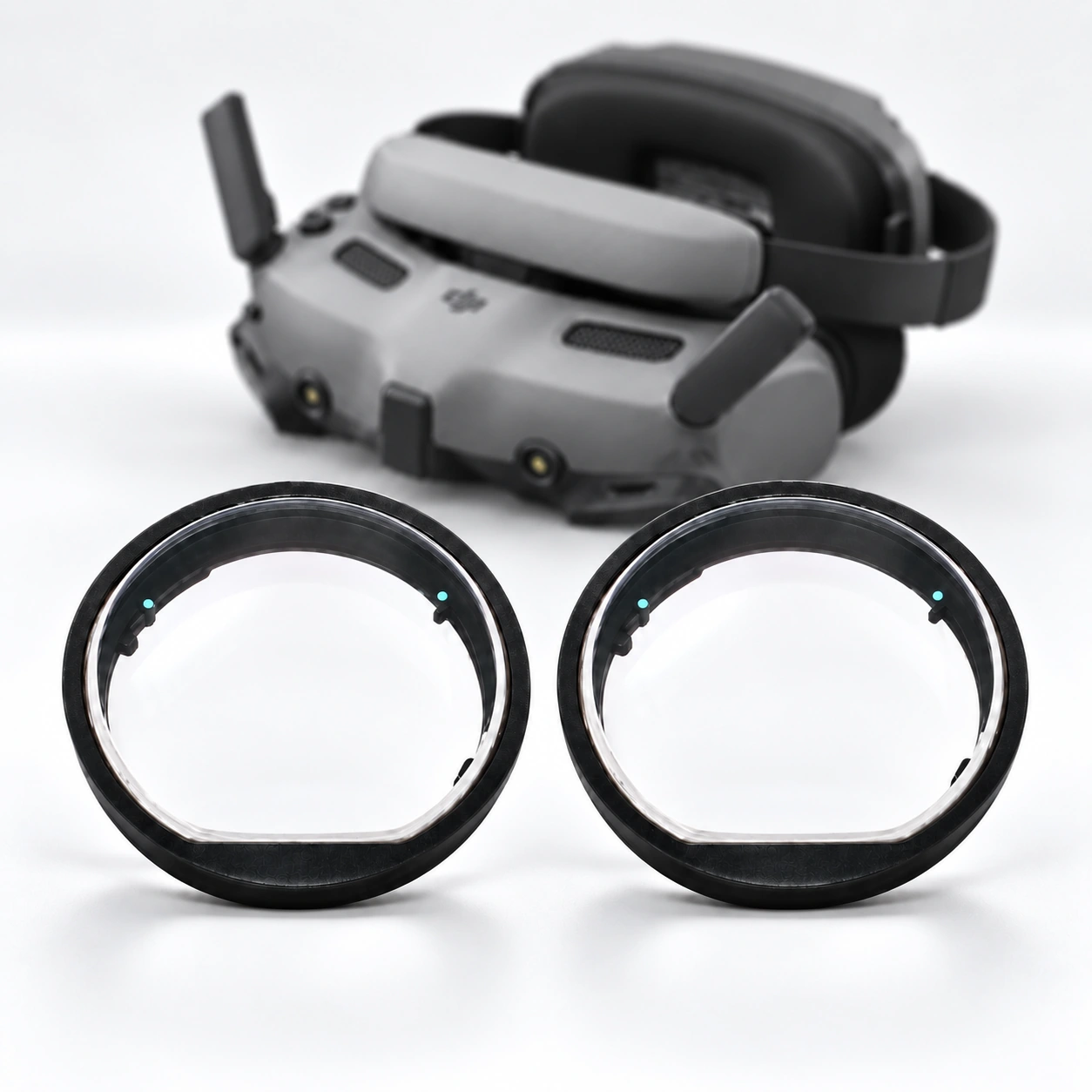
DJI Goggles
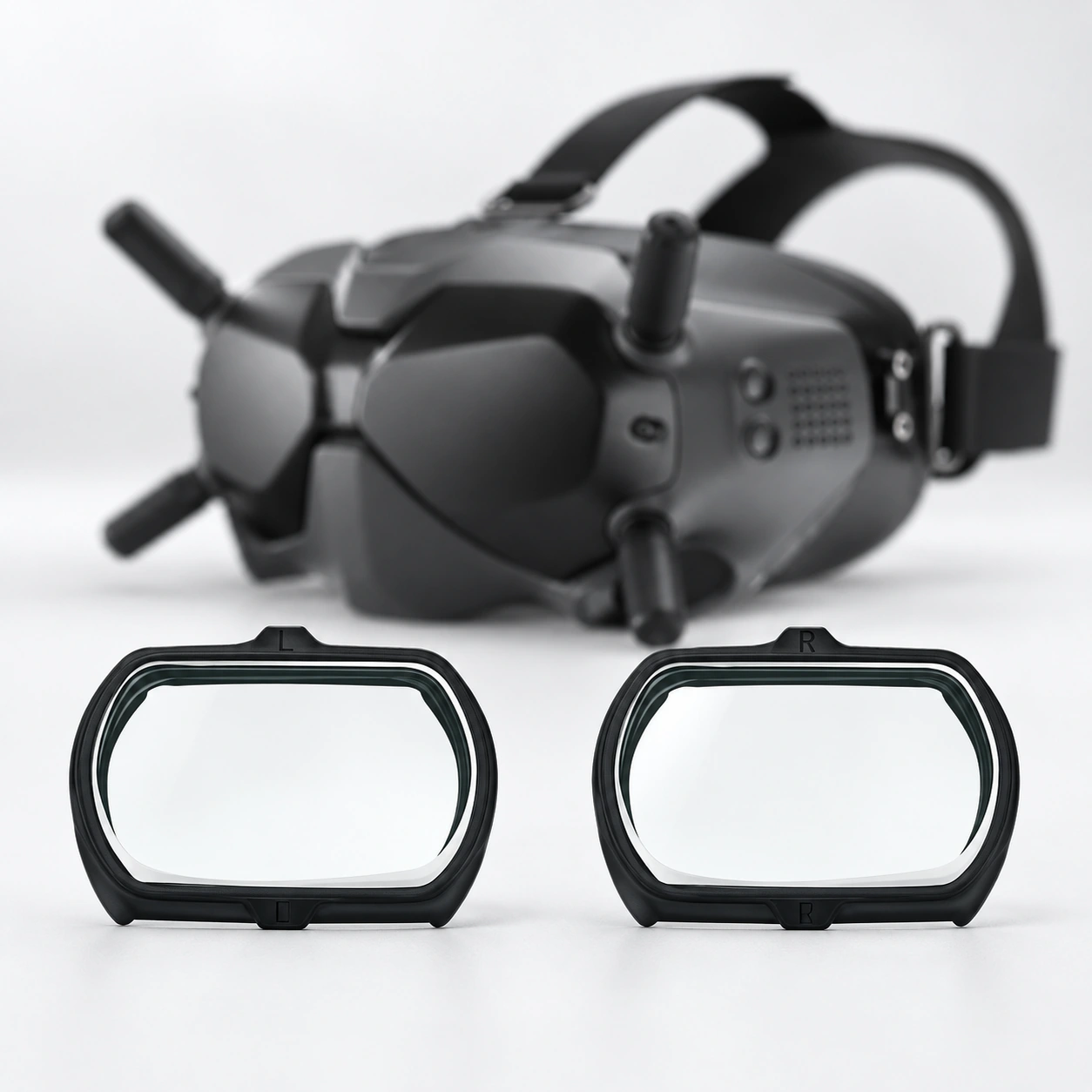
DJI FPV Goggles V2
Use this route only for DJI FPV Goggles V2. Do not substitute DJI Goggles 2 or DJI Goggles 3.
DJI Goggles 2 / Avata
Match the complete DJI Goggles 2 name. Do not substitute DJI FPV Goggles V2 or DJI Goggles 3.
DJI Goggles 3
Use this route only for DJI Goggles 3. Do not substitute DJI FPV Goggles V2 or DJI Goggles 2.
06
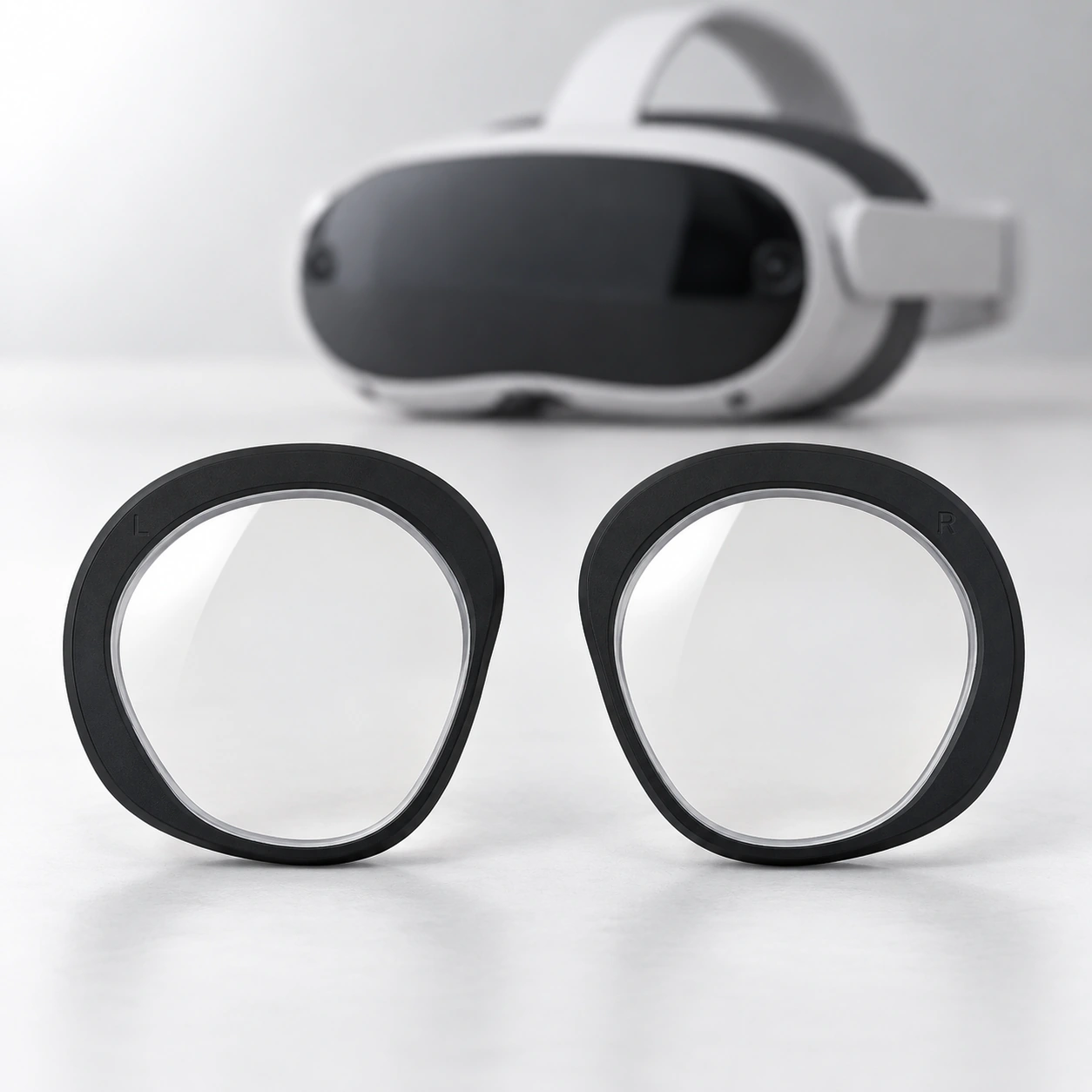
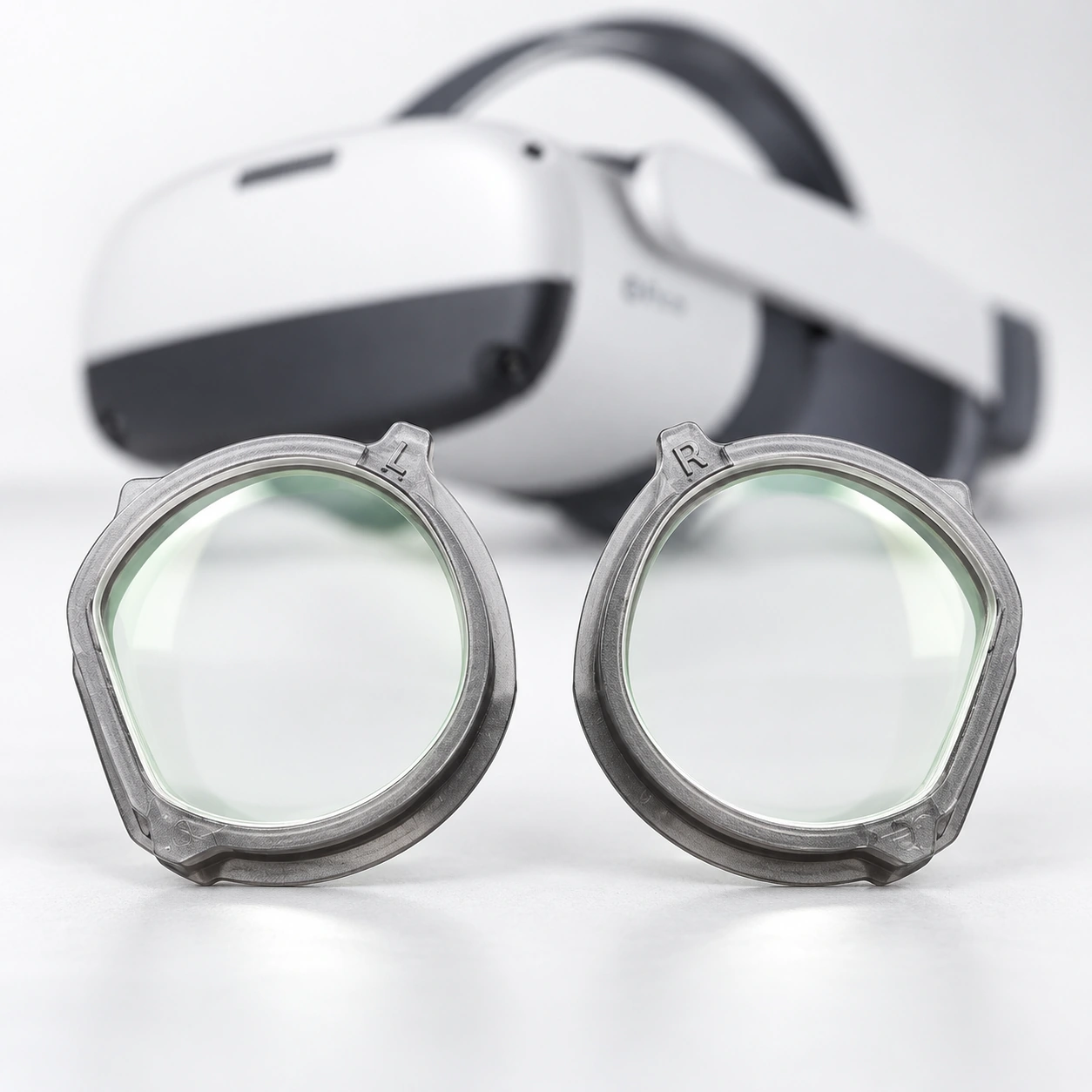
PICO
PICO 4 / PICO 4 Ultra
Check whether the headset is PICO 4 or PICO 4 Ultra. Do not substitute a PICO Neo 3 route.
PICO Neo 3 Link / Neo 3 Pro
Match the complete Neo 3 Link or Neo 3 Pro name. Do not substitute a PICO 4 route.
07
HTC VIVE
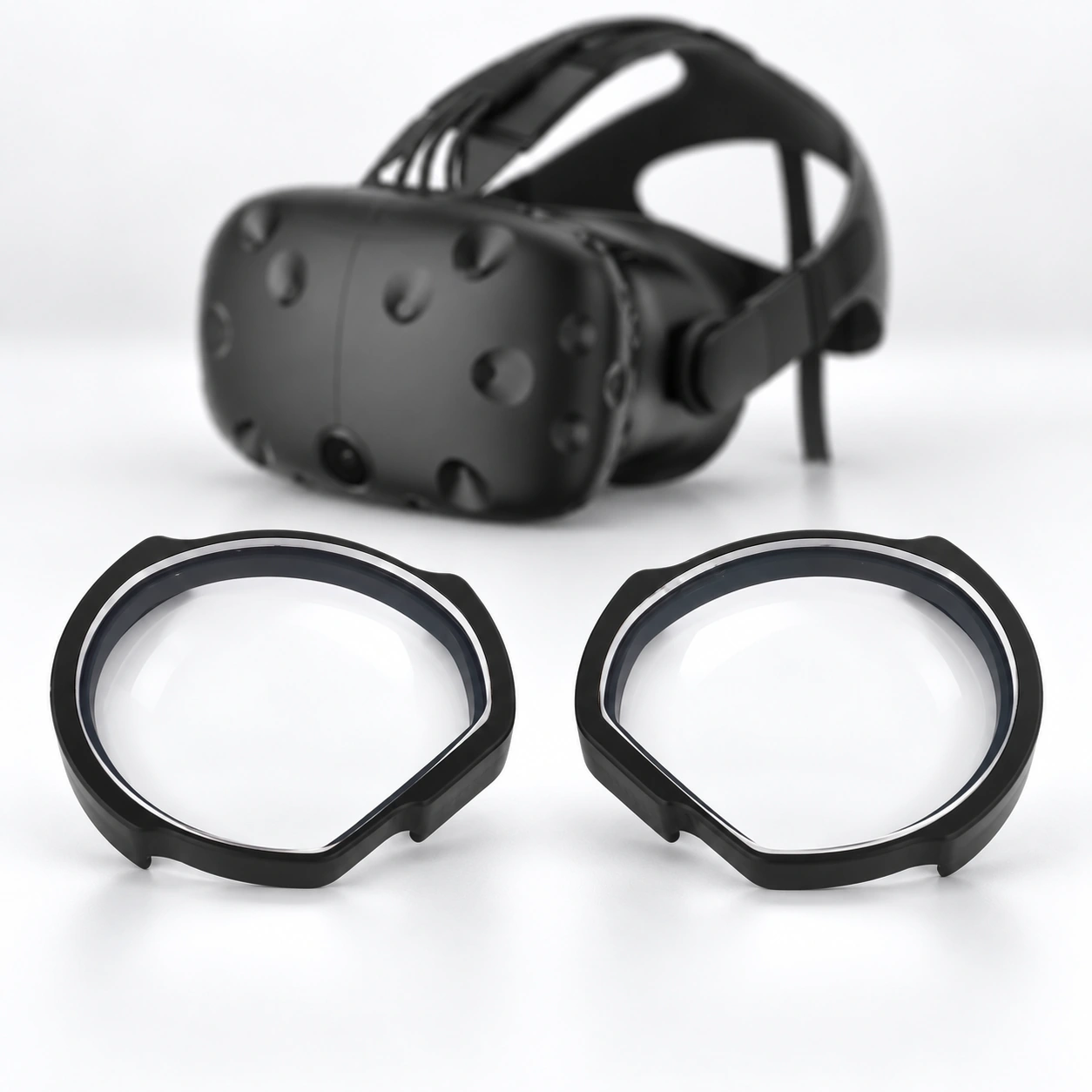
HTC VIVE / VIVE Pro / VIVE Focus
Read the complete VIVE, VIVE Pro or VIVE Focus model name. If the device shows a Focus suffix or generation, use model help before choosing a route.
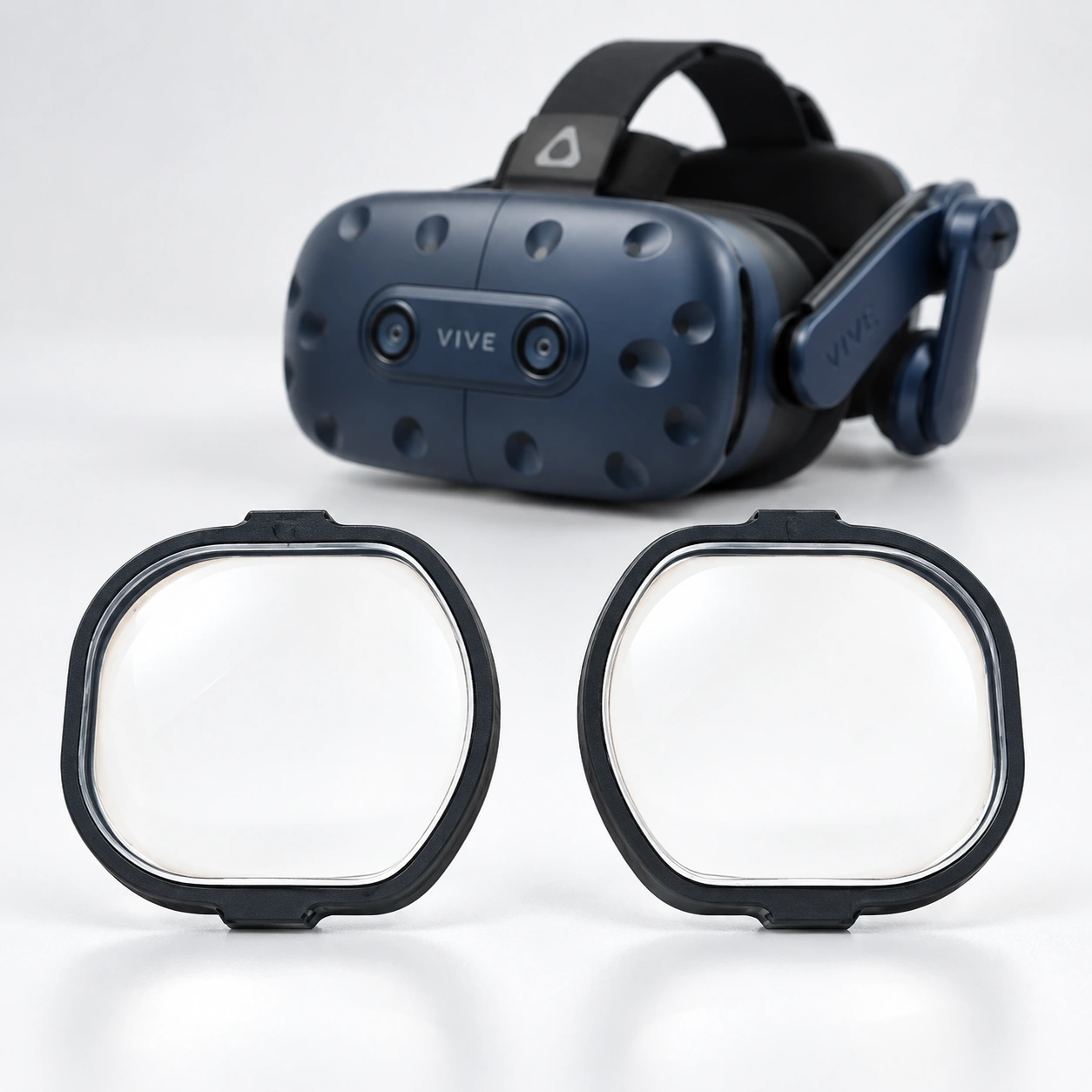
HTC VIVE Pro 2
Use this route only for HTC VIVE Pro 2. Do not substitute another VIVE Pro or VIVE Focus model.
08
HP Reverb
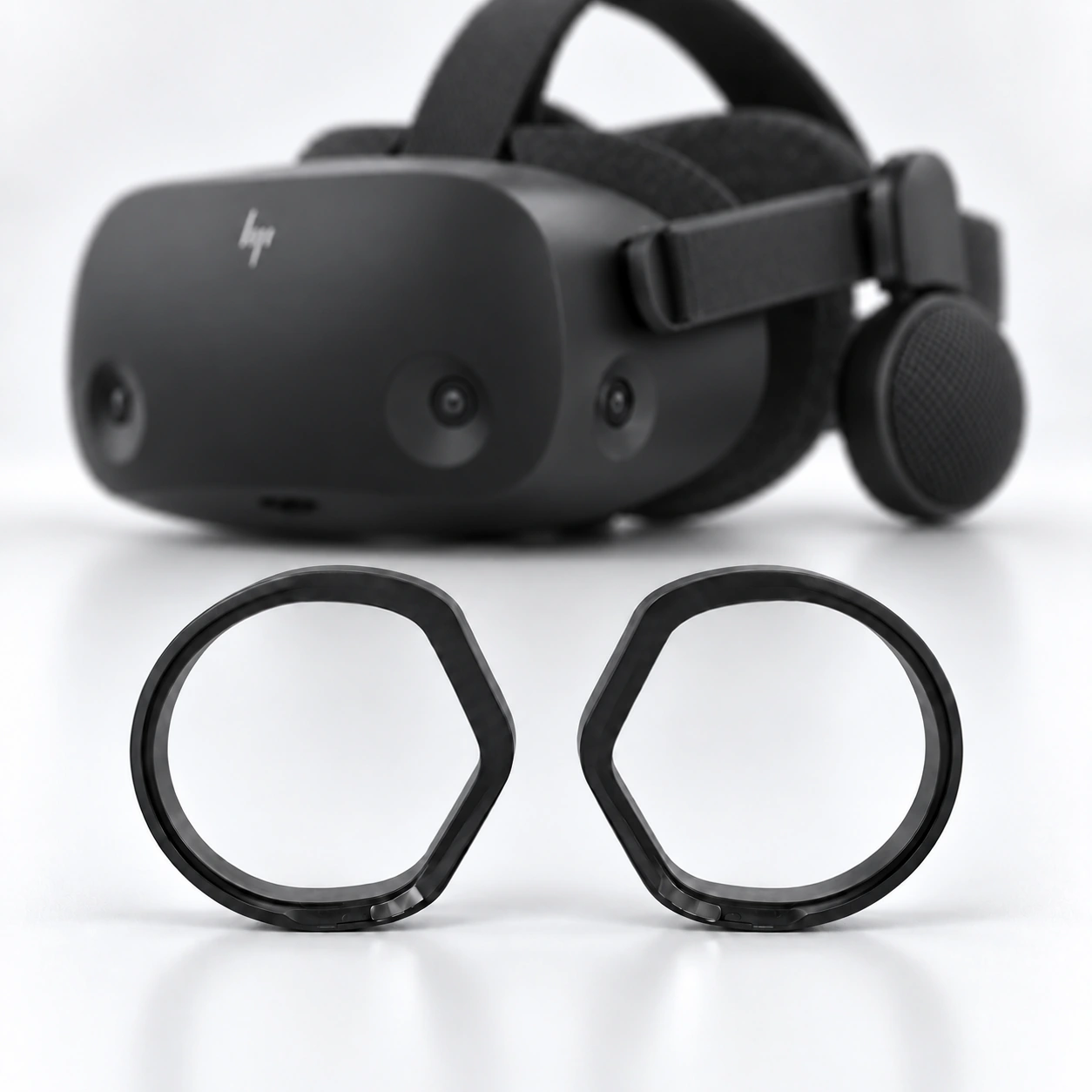
HP Reverb G2
Use this route only for HP Reverb G2. Check the device label when the generation is unclear.
09
Valve Index
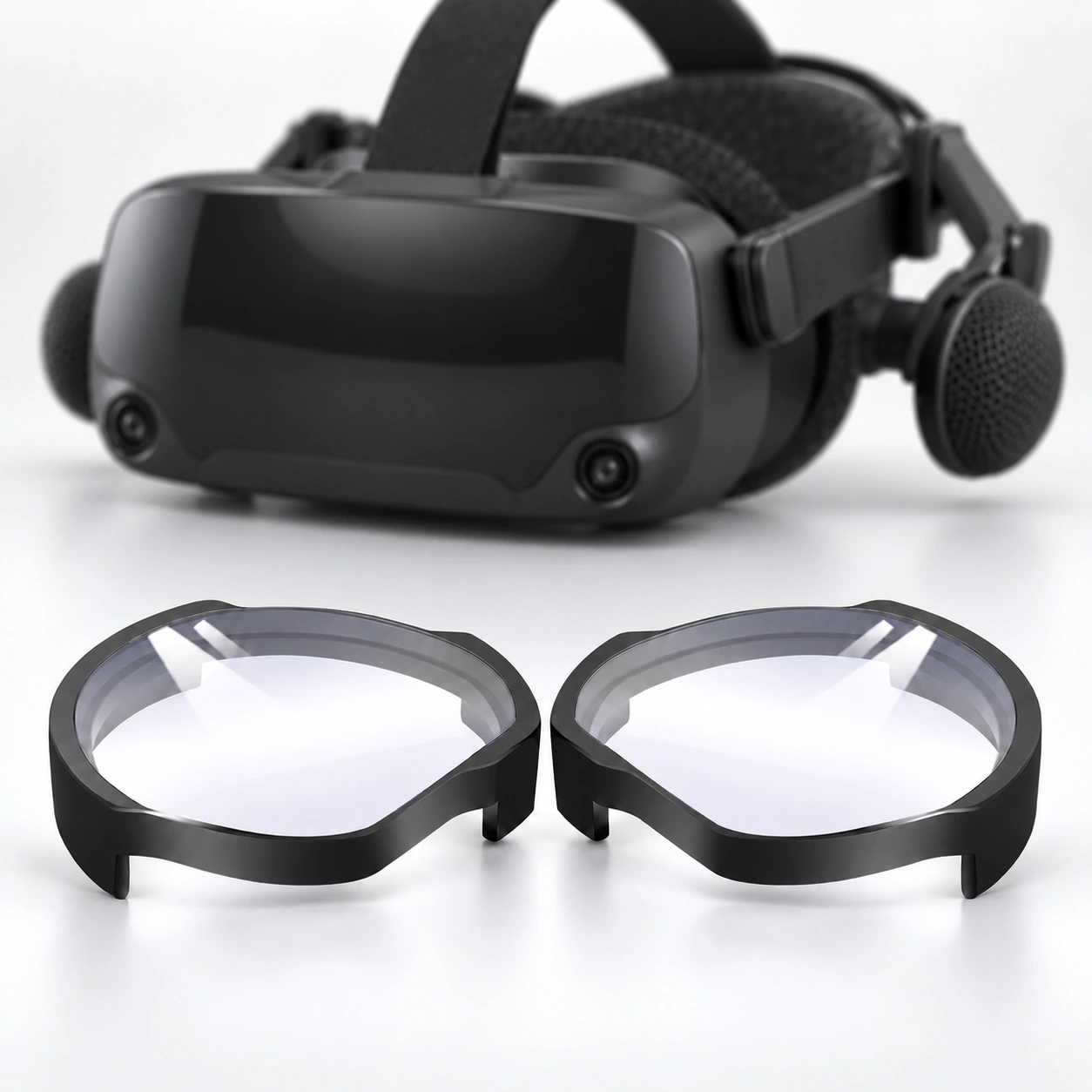
Valve Index
Use this route only for Valve Index. Do not substitute another SteamVR headset.
How the route works
The Hub stops at the model decision.
This page does not accept prescription information, configure a product or create an order.
01
Choose exact device
Match the full brand, model, generation and variant shown on the device, packaging or order record.
02
Match the model route
Choose the card with the same complete device name. If the name differs, use model help before moving on.
03
Provide only the prescription information requested there
Do not enter or upload prescription details on this Hub. Follow only the requirements shown on the confirmed model route.
04
Review price, production, shipping and limitations before ordering
Confirm the complete price, what is included, production estimate, shipping estimate and stated limitations on the model route before ordering.
Made to order
Every VR prescription lens is made to order. Production time and carrier transit are shown separately before ordering.
Fit and installation checks
What to verify for each exact headset.
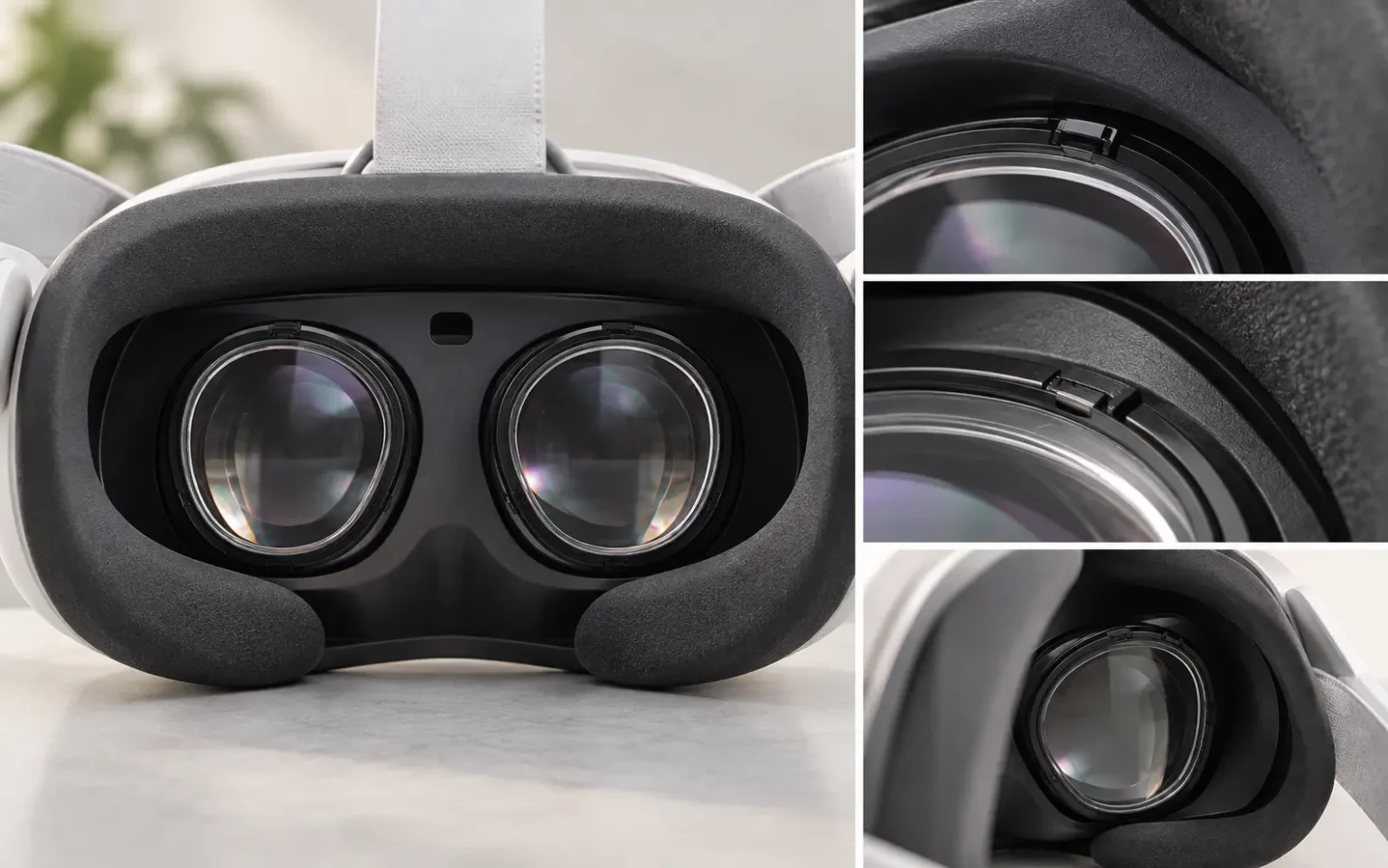
Check the insert shape, surrounding space, nearby sensors and installation method for the exact headset named on the route.
Read the complete model name
Keep related names on separate routes: Meta Quest 3 versus Quest 3S; PlayStation VR2 / PSVR2 versus PlayStation VR / PSVR1; and every Pimax Crystal Super optical-engine version.
01
Insert or carrier geometry
Does the insert or carrier match the lens opening and the exact device variant?
02
Face-interface space
What space is available around the lens opening, and does a spacer or third-party face interface also need to be checked?
03
Sensor and tracking space
Are sensors or tracking areas near the insert, and what clearance needs to be verified?
04
Installation and shared use
What are the confirmed installation and removal steps, and what needs to be checked when the headset is shared?
Prescription preparation
Confirm the device before preparing prescription details.
Keep the original prescription available, but do not upload it to this Hub or the WordPress media library. Once a model route is confirmed, provide only the information requested there.
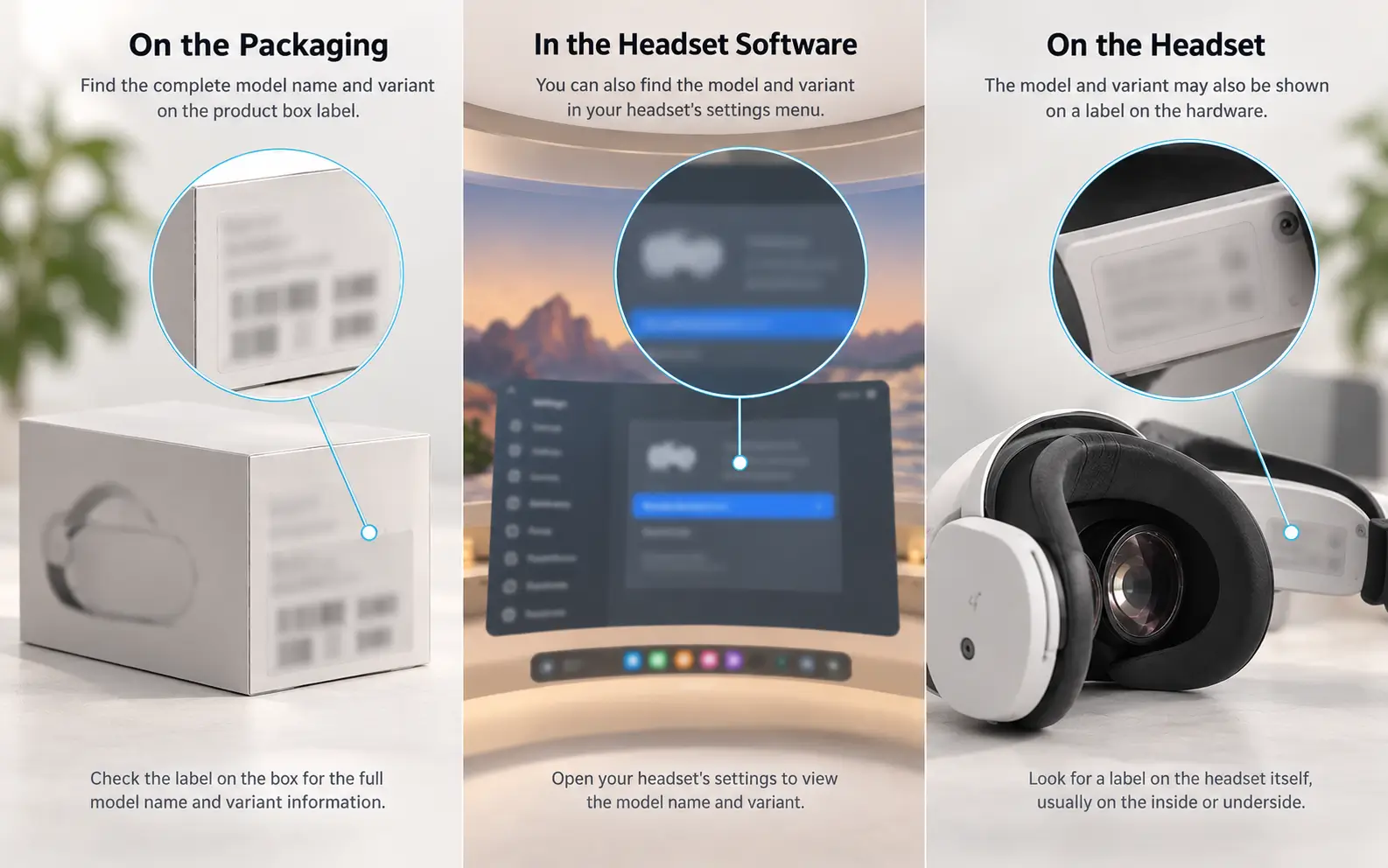
Check the device label, original packaging or order record, settings screen and manufacturer documentation. Match the complete brand, model, generation and variant. If the sources disagree or the name is incomplete, photograph the label and identifying hardware and use device help. Do not choose the nearest-looking name.
No. This Hub keeps Meta Quest 3 and Meta Quest 3S on separate routes. The Meta Quest 2 / Meta Quest 3S card is a navigation group and does not confirm that one insert fits both models.
Match the complete name, including Crystal, Crystal Light, every Crystal Super optical-engine version, Dream Air, Dream Air SE, and the 5K / 8K / 8KX family. Do not infer interchangeability. If the name is incomplete, use device help.
Keep every value exactly as written and do not omit or change information to fit a form. Ask prescription support to check the exact device route and prescription before ordering.
On the model-specific product page, before ordering. Check the complete price and included items, then check the production estimate and shipping estimate separately. If those details or the route limitations are missing, pause and ask for help.
Still deciding?
Match the name—or ask before moving on.
Return to the headset list when you can match the complete model name. If any part remains uncertain, use model help before providing prescription information.