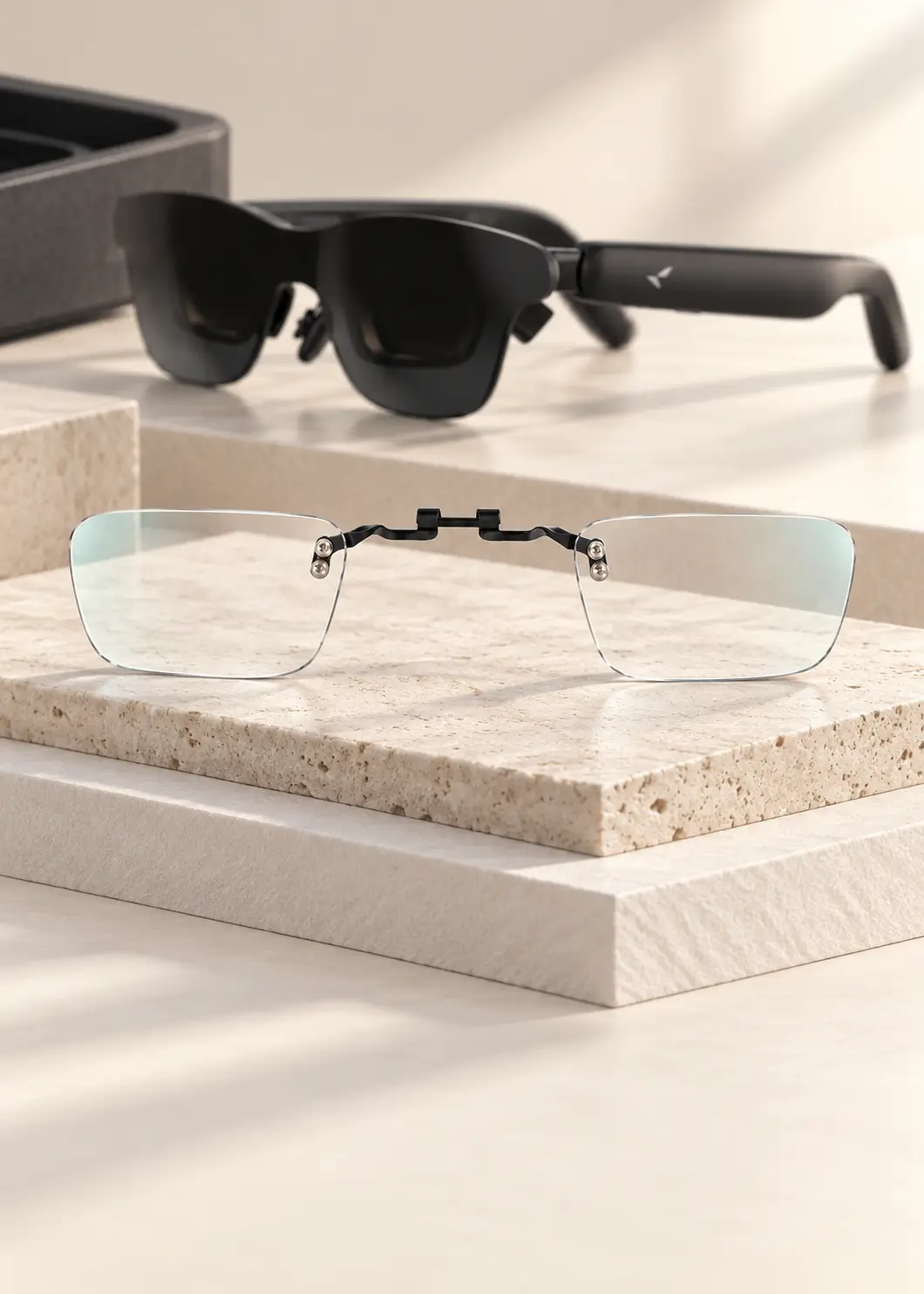
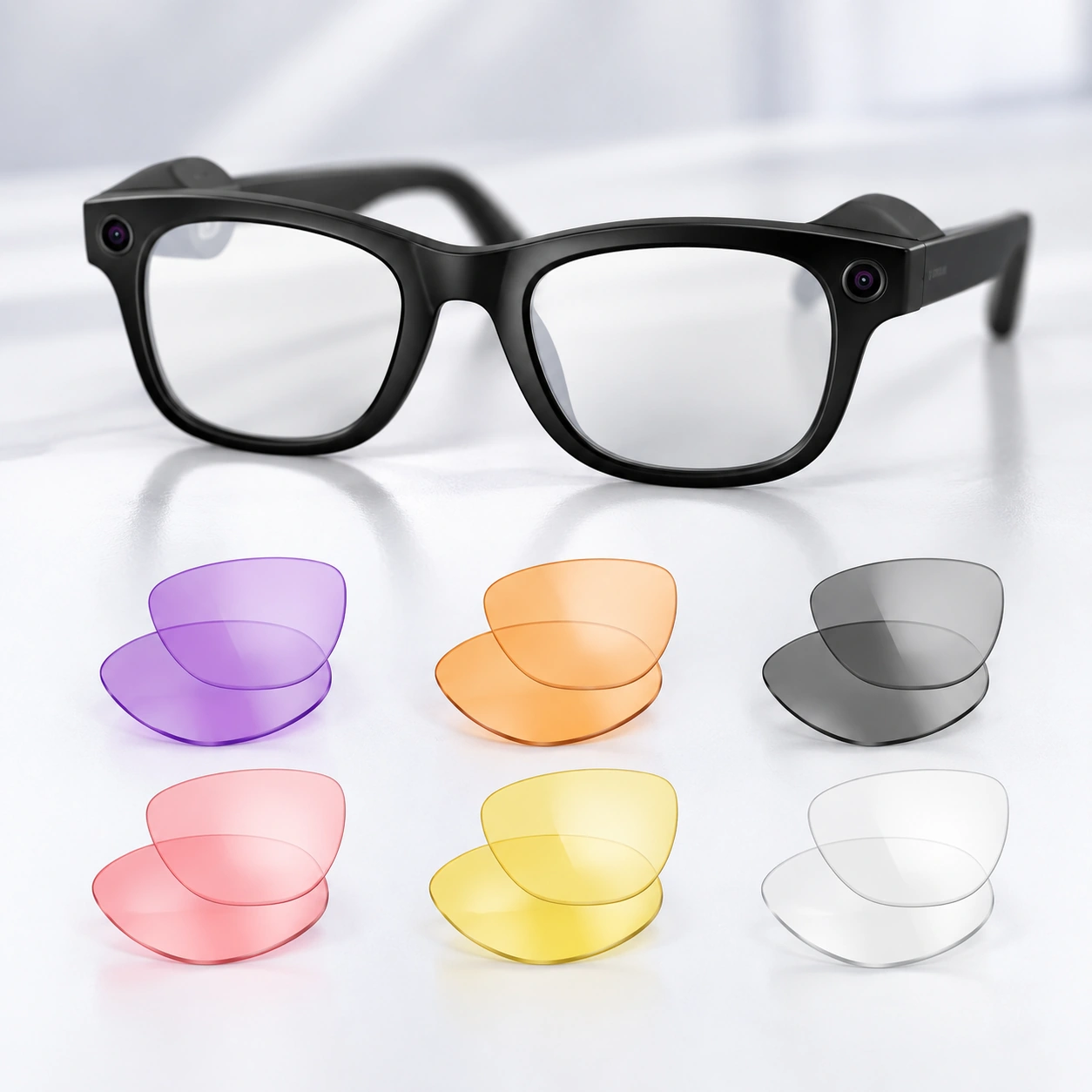
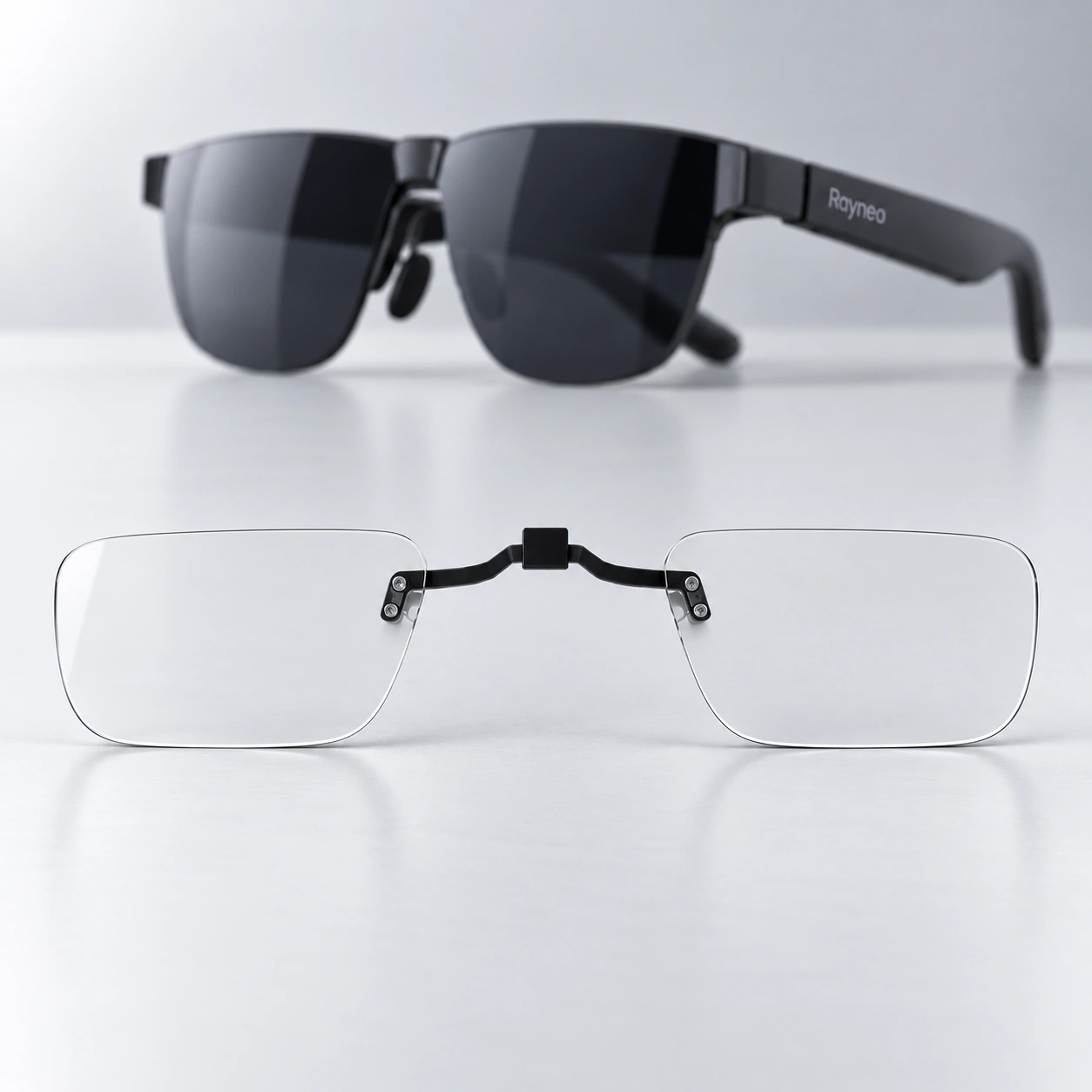
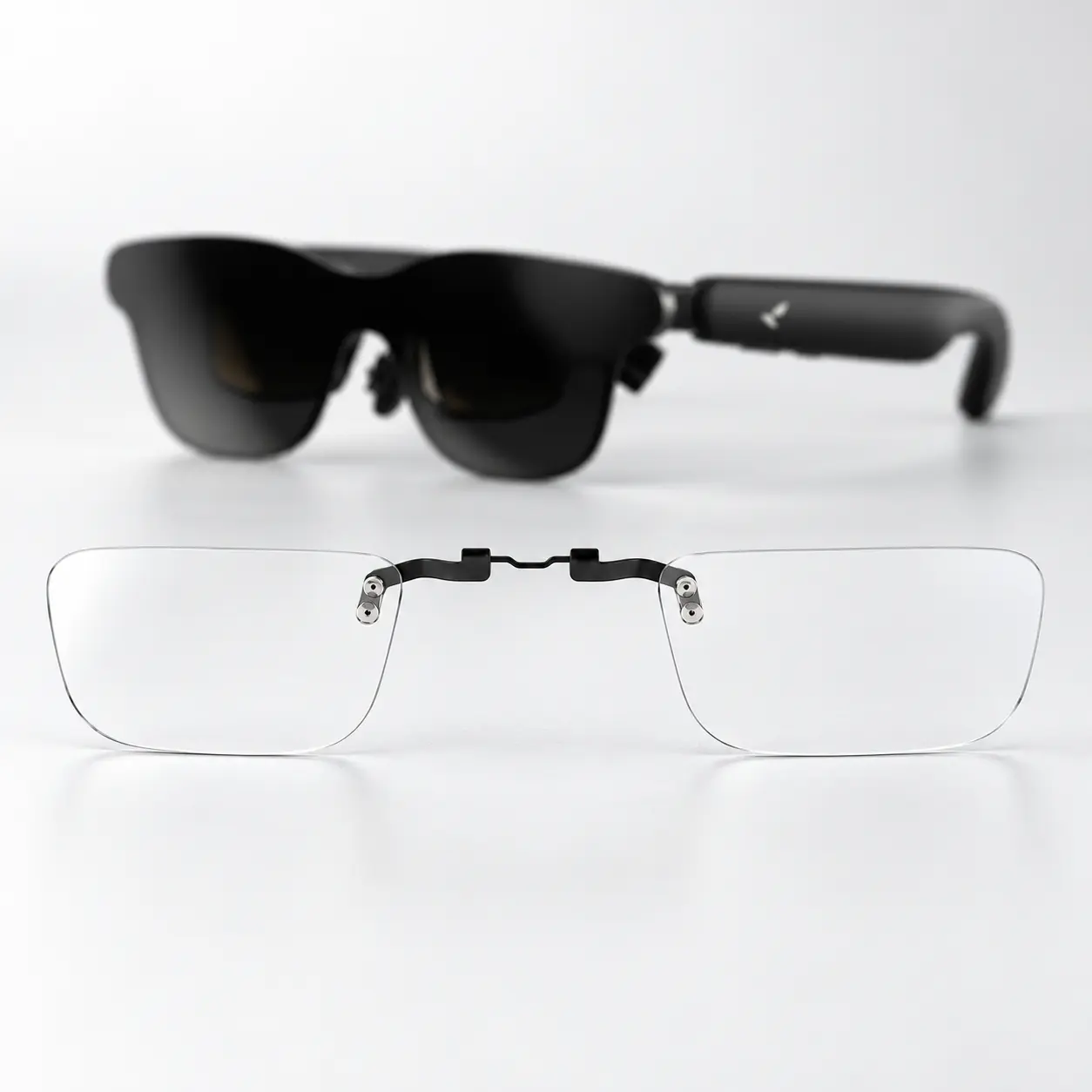
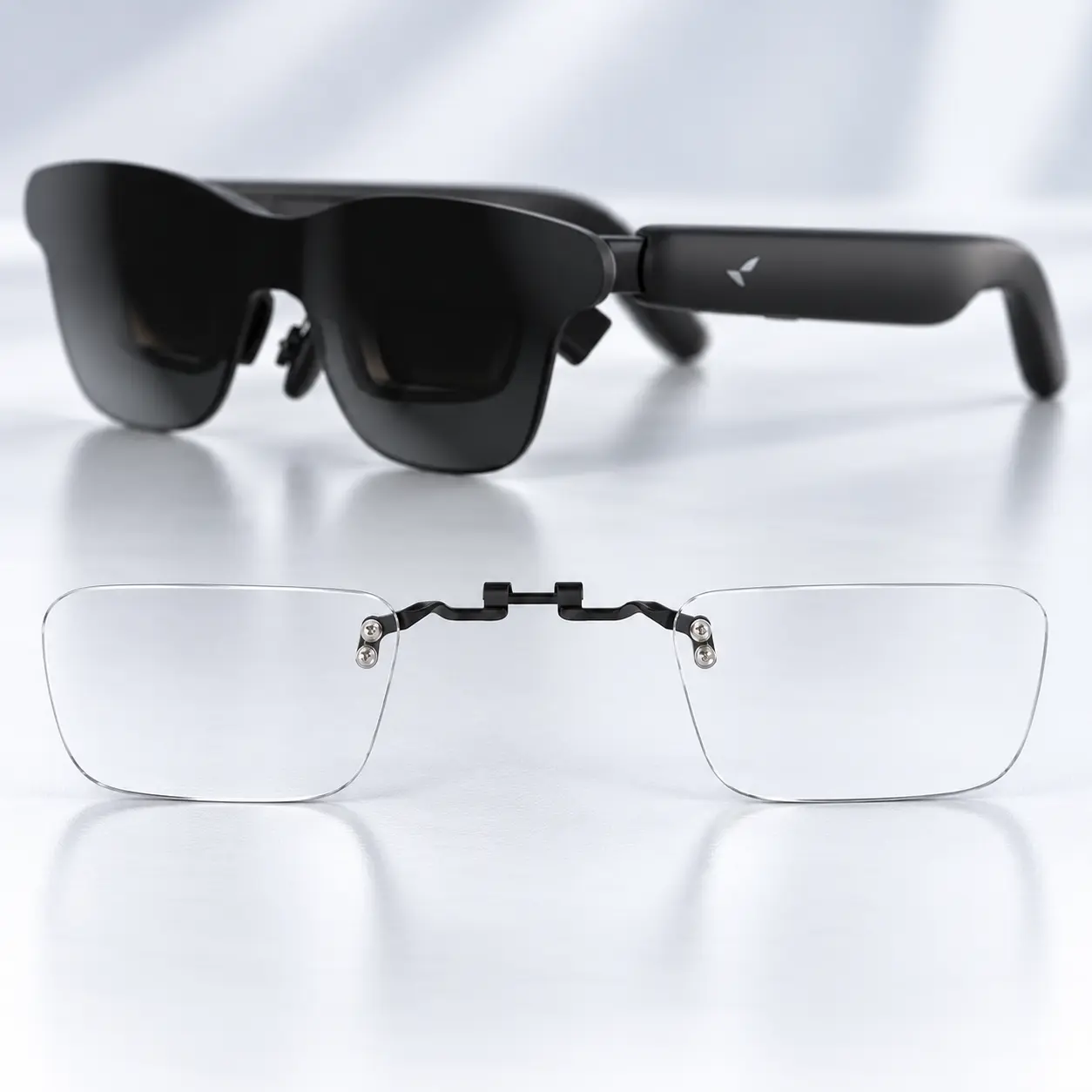
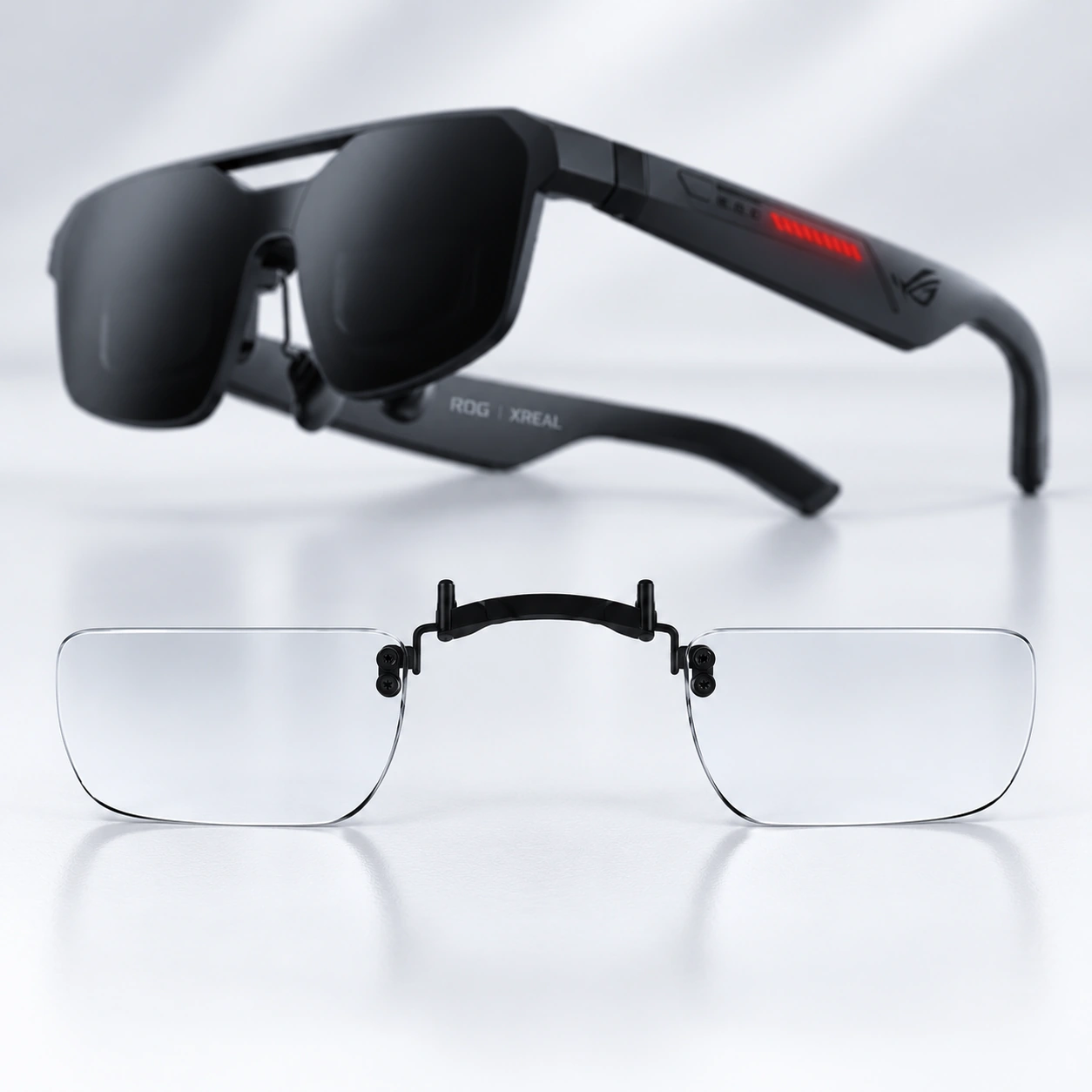
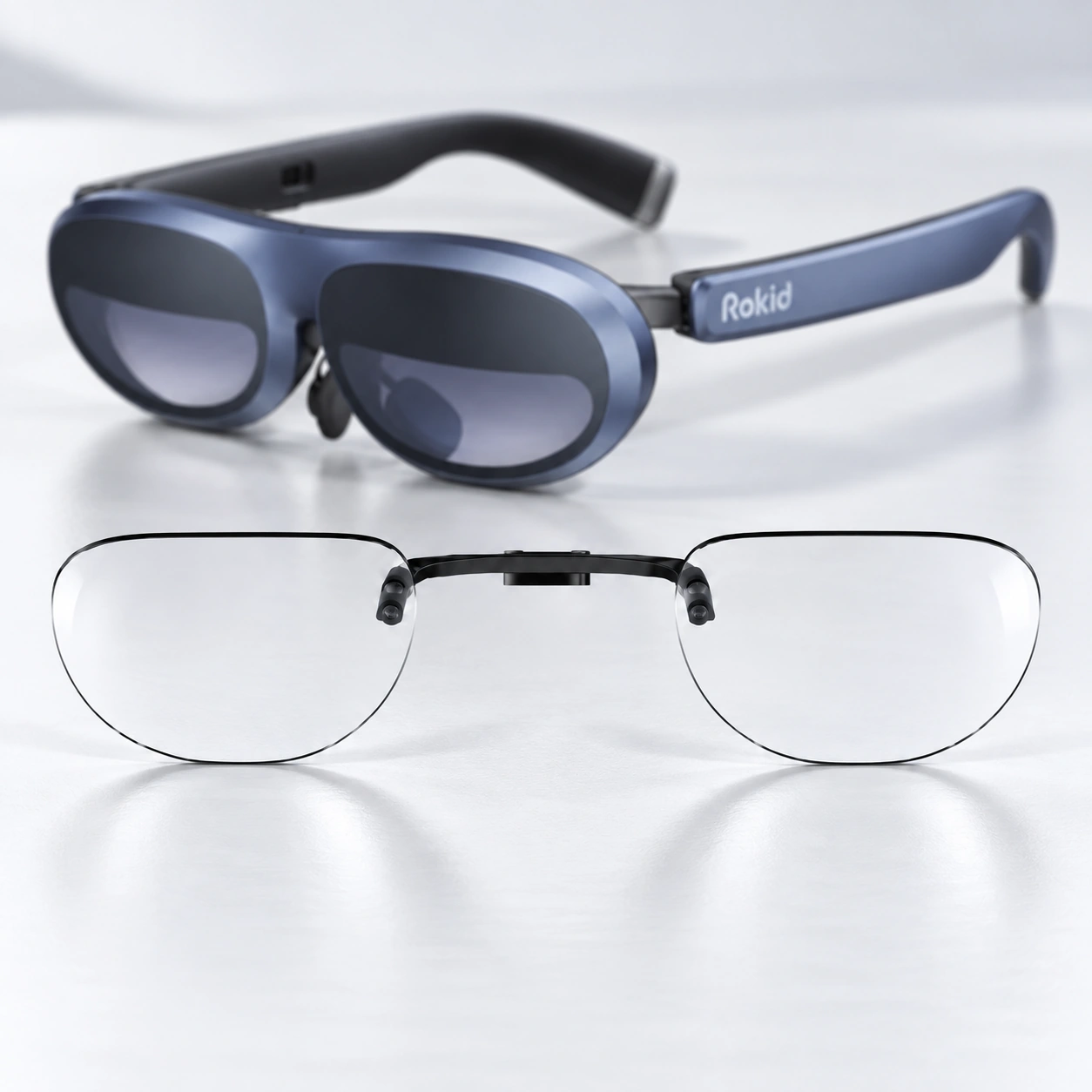
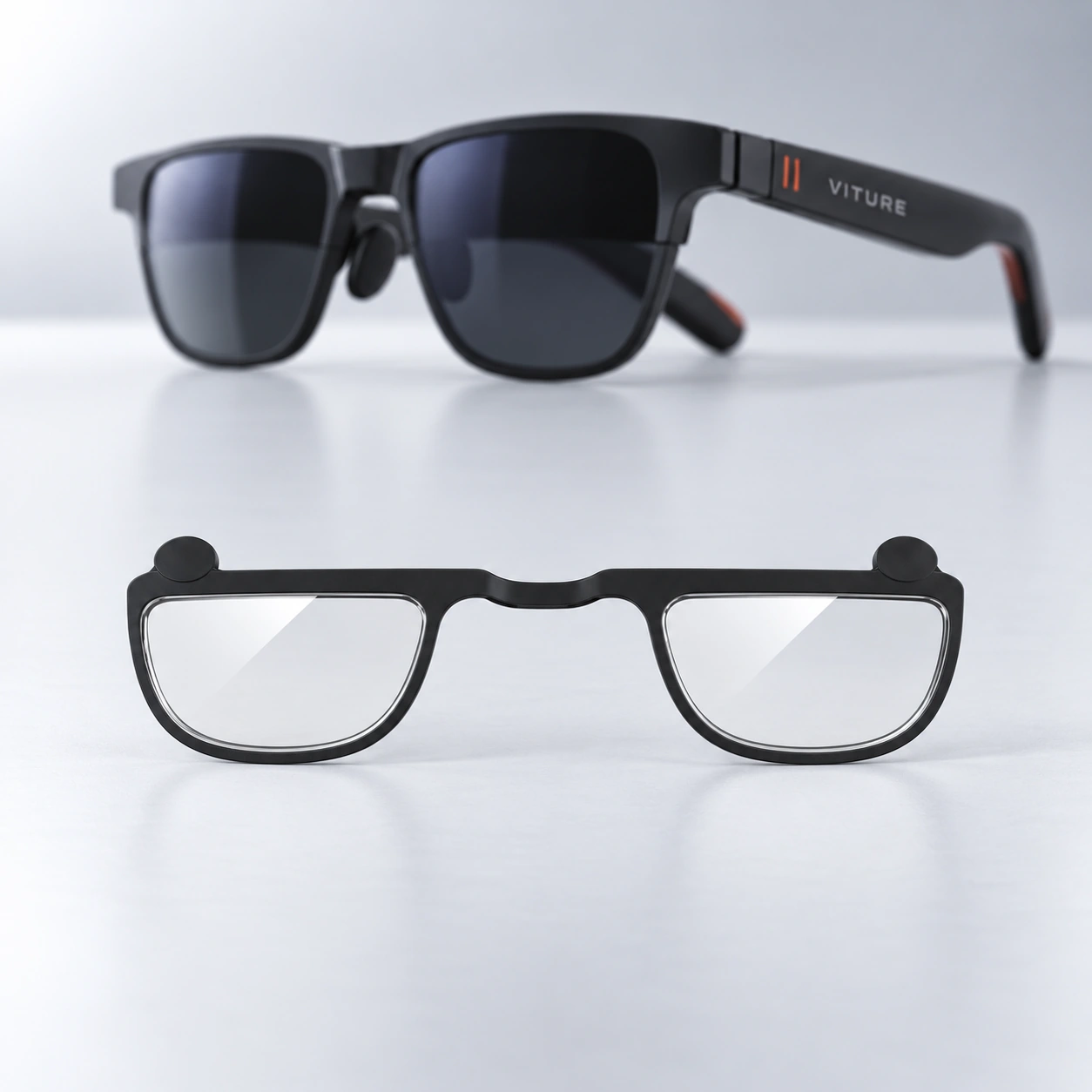
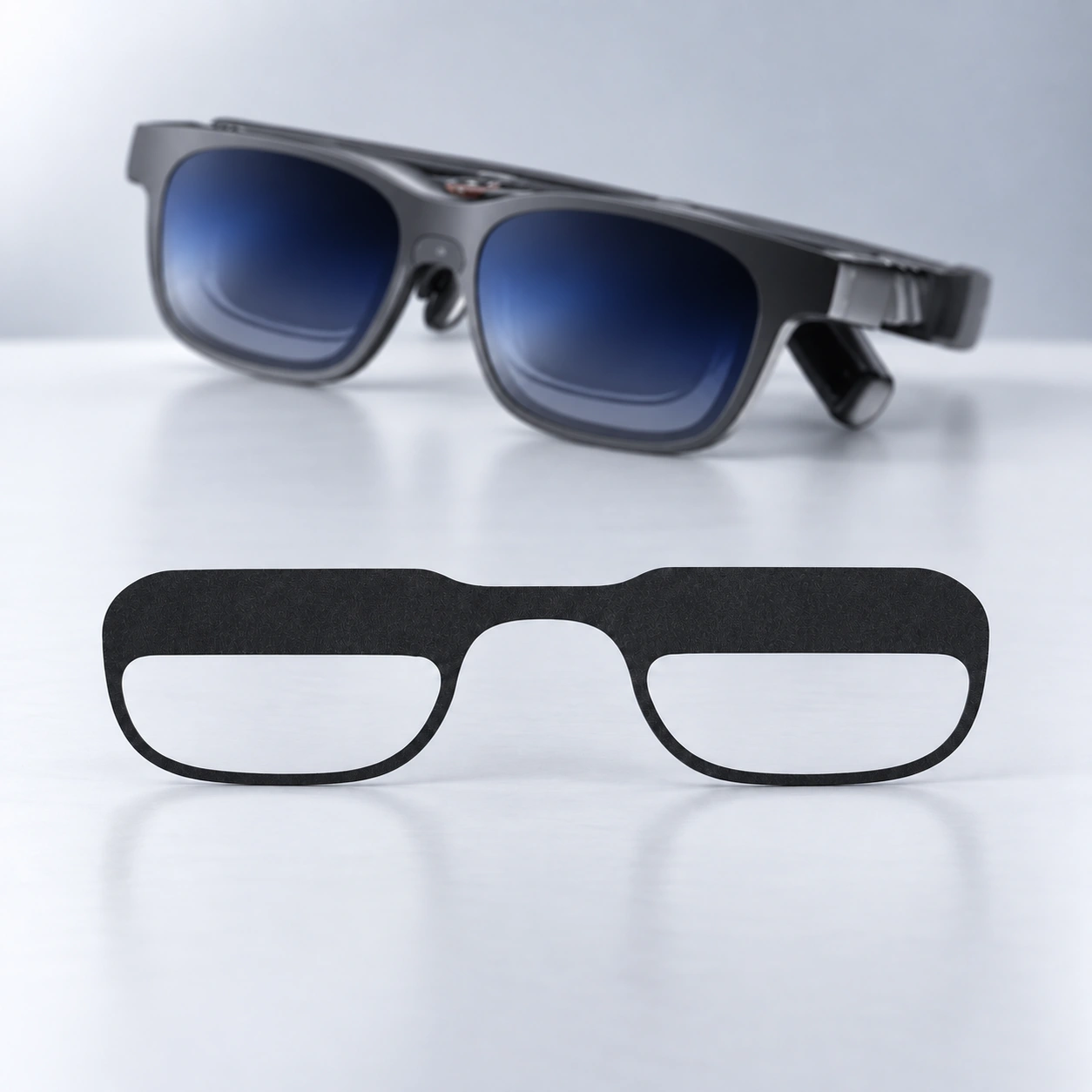
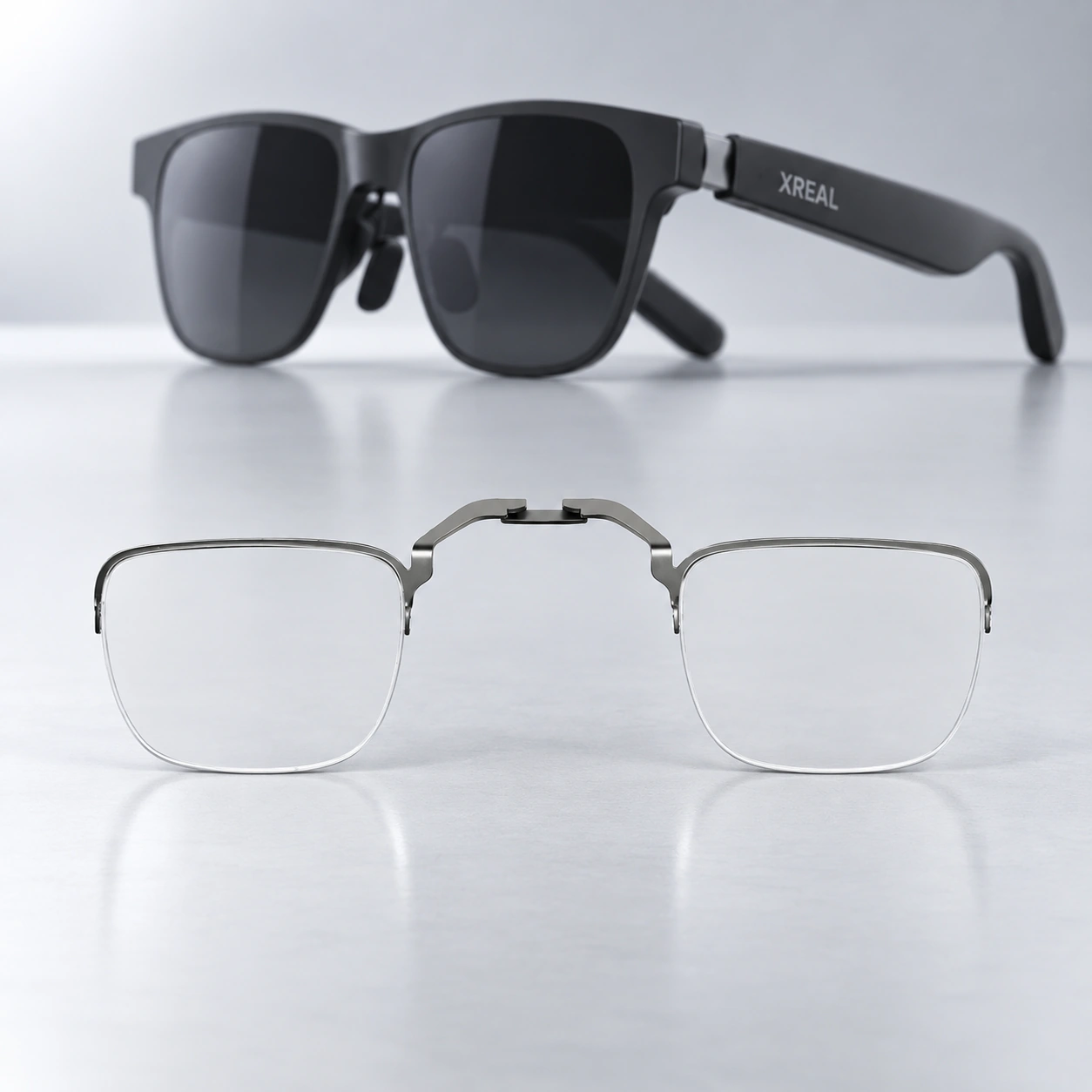
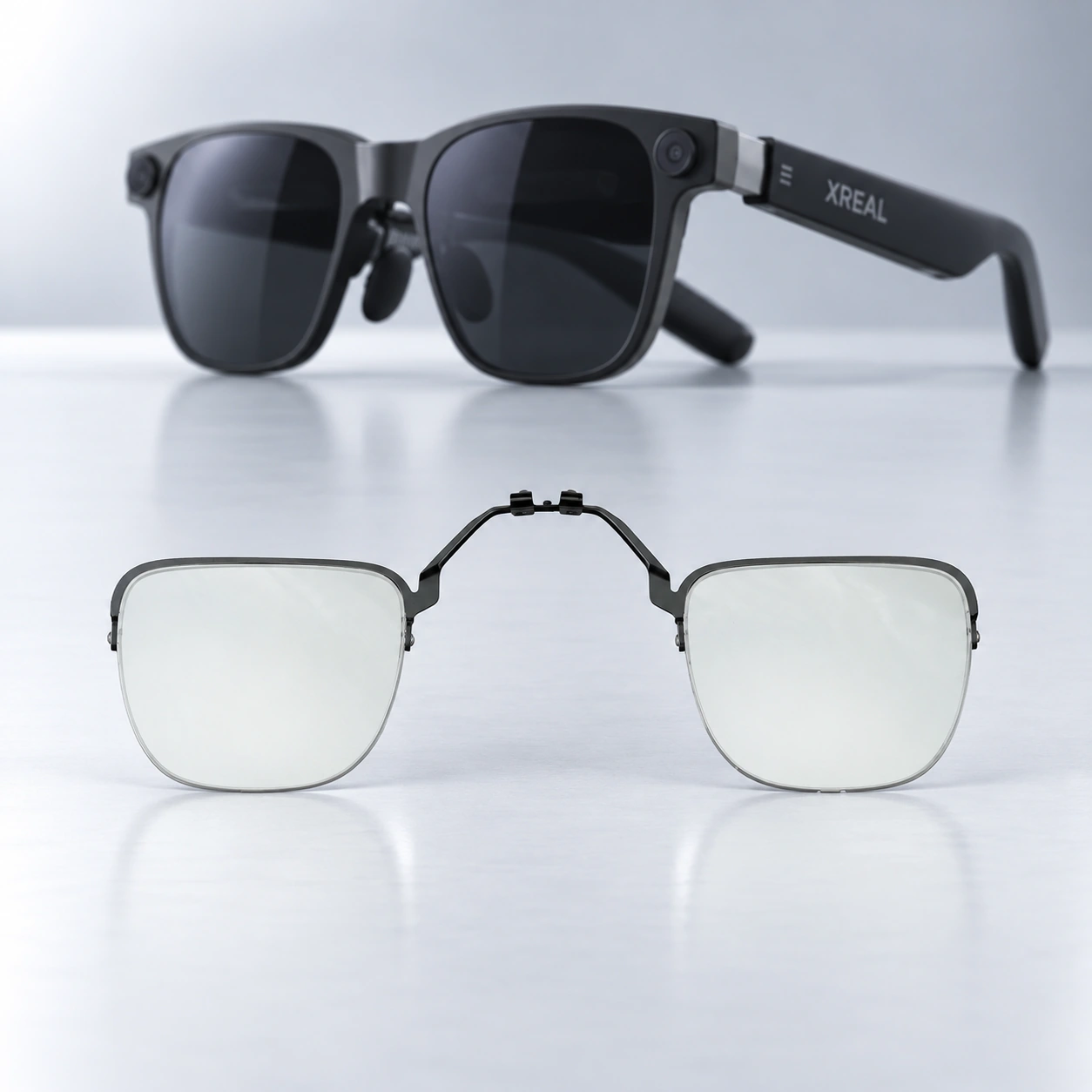
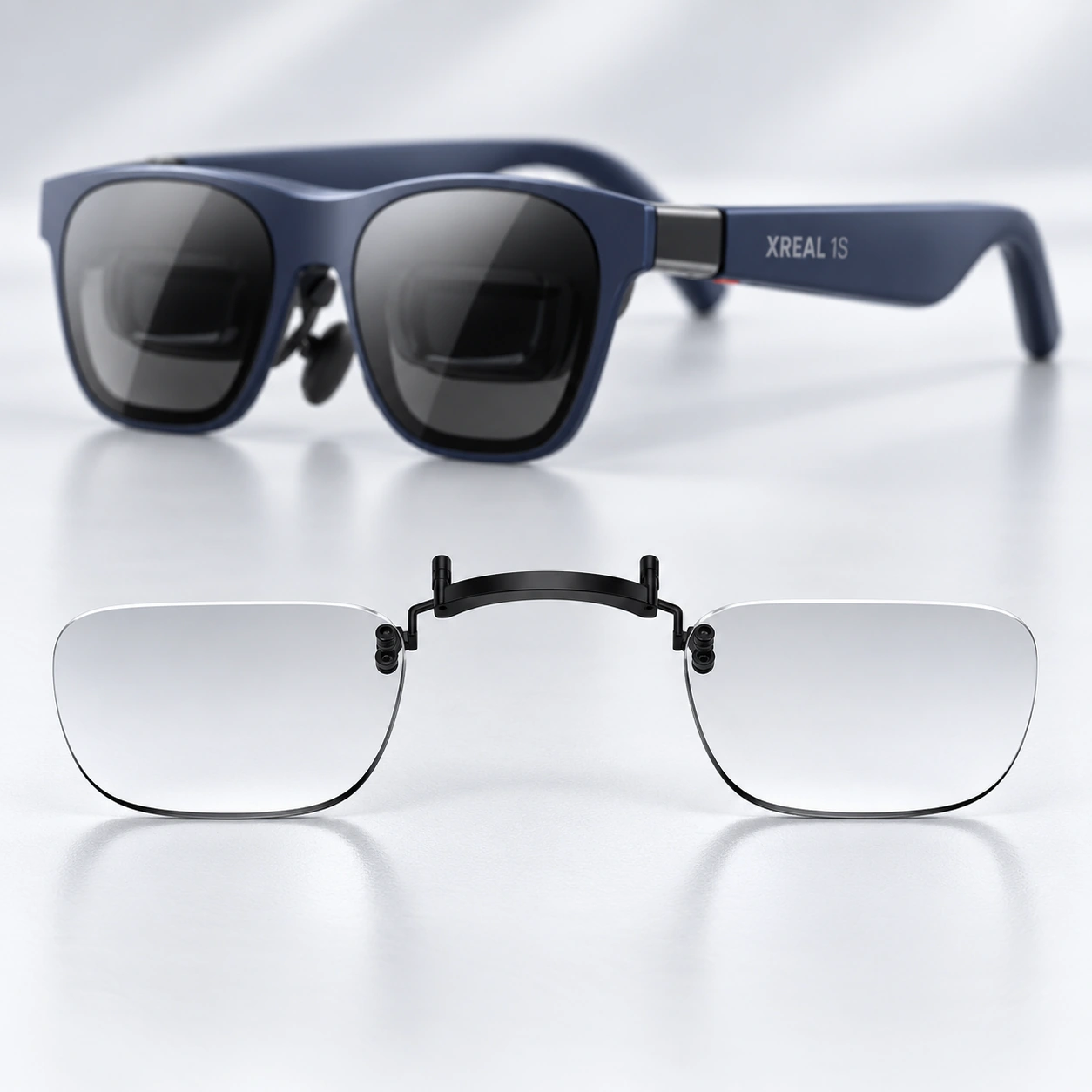
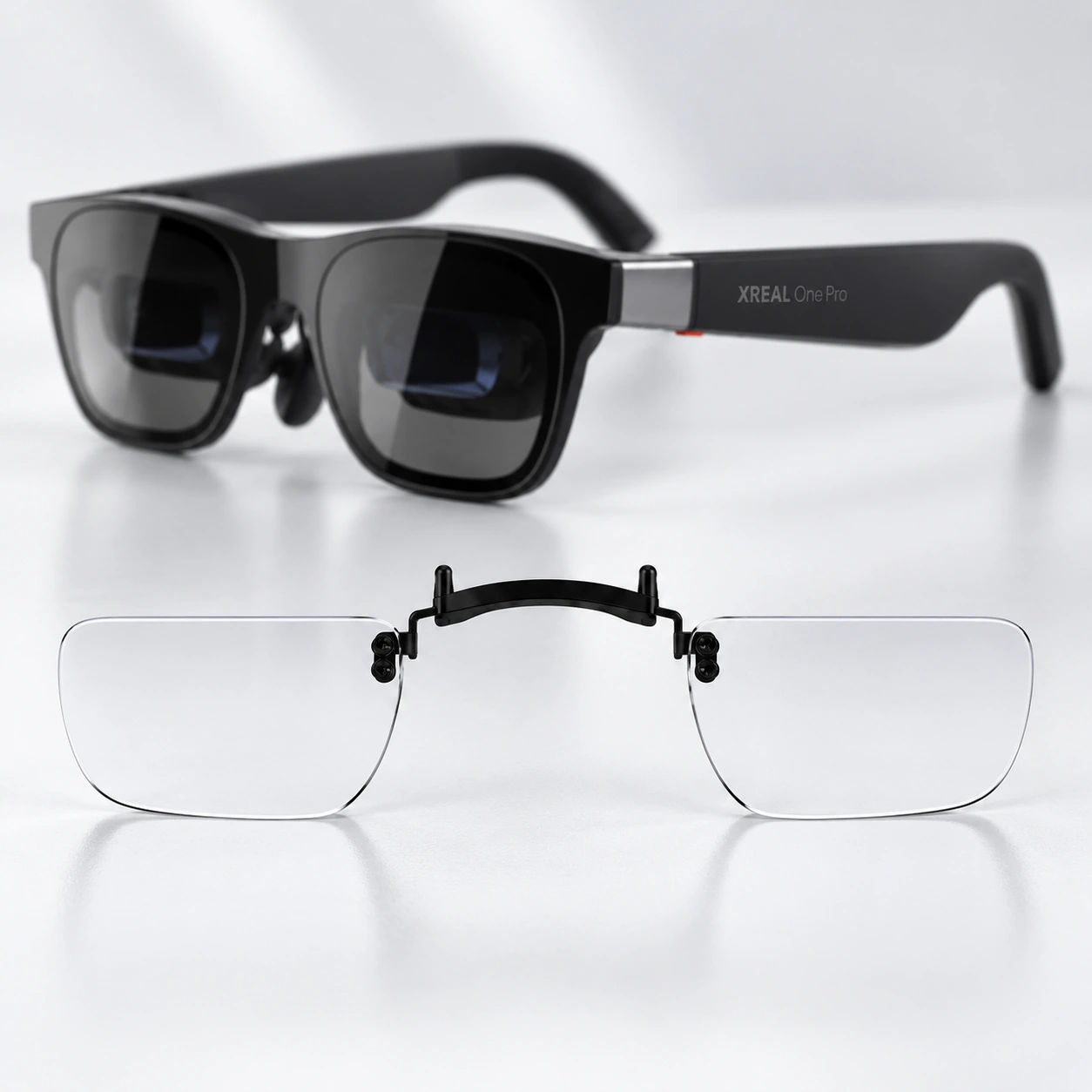
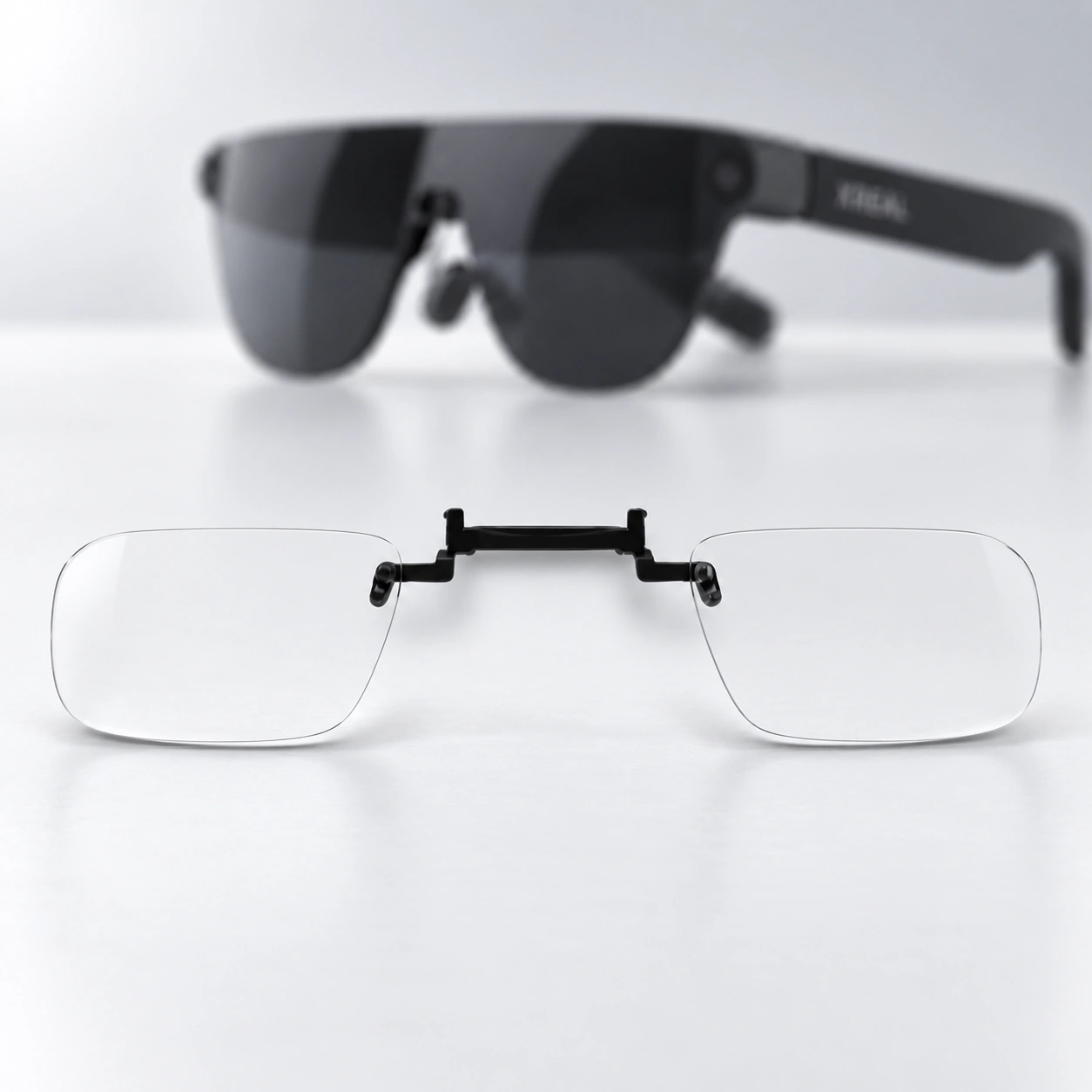
Smart glasses prescription lenses start with the exact model.
A replacement lens fitted into a frame and a separate insert or carrier are different physical products. Confirm the exact device before choosing a prescription-lens route.
The product contents and installation responsibility must be explicit for the exact model.
01 / DEVICE
Confirm model and size
Use the complete model name, generation and size shown on the device or packaging.
02 / ROUTE
Name the physical product
State whether the lens replaces the original or sits in a separate insert or carrier.
03 / RESPONSIBILITY
Confirm contents and installation
Record what is supplied, who installs it and where help or remedy begins.
Lens routes
Choose by the physical product, not the family name.
A brand or family can contain different models, generations and sizes. Use the exact model to decide whether the product is a replacement lens or a separate insert or carrier.
01 / Replacement-lens route
Exact frame required
Ray-Ban Meta
This route replaces the original frame lenses. Confirm the full frame family, generation, product code, shape and size before any prescription choice.
Frame family
Generation
Product code
Shape
Size
02 / Insert or carrier route
Exact device required
XREAL
This route uses a separate insert or carrier. Confirm the exact device model, carrier version, package contents and any excluded sibling models.
Exact model
Carrier version
Package contents
Incompatible siblings
Available lens range
Smart-glasses and AR prescription lenses by exact device.
Choose the model name shown on your glasses, packaging or settings before entering prescription details. Each group is kept separate so the exact device stays clear.
Use the exact model, product contents and fitting route to choose the right next step.
01
What is the difference between a replacement lens and an insert or carrier?
A replacement lens takes the place of the frame’s original lens. An insert or carrier is a separate physical component that holds the prescription lens.
02
Is a brand or product-family name enough?
No. A family can contain multiple generations, shapes, sizes or sibling devices that do not share the same route.
03
Which identifiers should I prepare?
Prepare the complete model name, generation, product code, shape and size, plus any carrier or insert version shown for the device.
04
Are the carrier and other installation parts always included?
Do not assume they are included. Confirm the package contents shown for the exact product before proceeding.
05
Is there one installation method for every smart-glasses product?
No. Follow instructions for the exact device and physical route, and stop when the method or required force is unclear.
06
What happens when device or route information is uncertain?
Pause and use device help. Share the full model name and clear product photos rather than assuming that a similar family or sibling model uses the same lens.
Independent product
Fovevia is an independent lens provider. Device and brand names are used only to identify the customer’s glasses; no affiliation, authorization, certification or endorsement by Ray-Ban, Meta, XREAL, RayNeo, Rokid, VITURE or ASUS ROG is implied.
Know the exact model? Confirm the route. Not sure? Request help.