DJI Prescription Lenses by Goggles Model
Showing all 3 results
-
DJI
Fovevia Prescription Lens Inserts for DJI FPV
Original price was: $69.95.$49.95Current price is: $49.95. View details -
DJI
Fovevia Prescription Lens Inserts for DJI Goggles 2
Original price was: $59.95.$49.95Current price is: $49.95. View details -
DJI
Fovevia Prescription Lens Inserts for DJI Goggles 3
Original price was: $69.95.$54.95Current price is: $54.95. View details
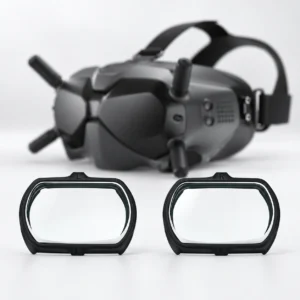
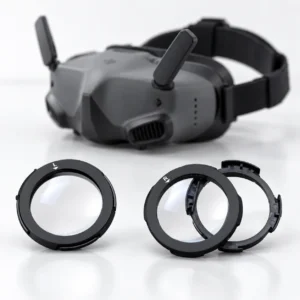
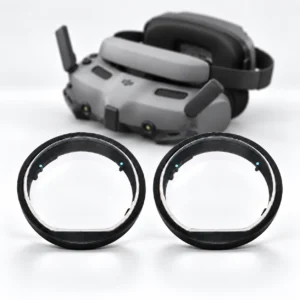
Choose by the goggles model, not the aircraft
Check the full model name on your DJI goggles before selecting lens inserts. This category has separate Goggles 2 and Goggles 3 products, plus a DJI FPV listing that requires Fovevia to confirm the exact goggles model first.
DJI Goggles 2
The DJI Goggles 2 prescription inserts listing covers Goggles 2 only. Before ordering, email support@fovevia.com to confirm whether this product can be made with your prescription values. Goggles Integra and Goggles 3 are separate named models.
DJI Goggles 3
Use the DJI Goggles 3 lens inserts listing for Goggles 3. Check the model label rather than the drone name; Goggles 2 and Goggles Integra are outside this listing’s stated compatibility.
DJI FPV listing: confirm the goggles first
DJI FPV names the aircraft, not the goggles model. Do not order the DJI FPV lens inserts until Fovevia confirms they fit your exact goggles. For Goggles 2 or Goggles 3, use the separate matching listing above.
Check lens options and prescription information
Review the selected product’s lens type, applicable options and displayed total. Follow its model and prescription confirmation instructions before ordering.
For prescription lenses, prepare separate right-eye (OD) and left-eye (OS) values from a current eyeglass prescription. Keep every plus or minus sign, provide AXIS when that eye has nonzero CYL, and follow the selected product’s PD instructions. The Prescription Guide explains the fields.
If your prescription values are unavailable in the product options or you need help entering them, email support@fovevia.com before ordering.