PICO Prescription Lenses by Headset Model
Showing all 2 results
-
Pico
Fovevia Prescription Lens Inserts for PICO 4 and PICO 4 Ultra
Original price was: $69.95.$49.95Current price is: $49.95. View details -
Pico
Fovevia Prescription Lens Inserts for PICO Neo3 Link and PICO Neo3 Pro
Original price was: $69.95.$49.95Current price is: $49.95. View details
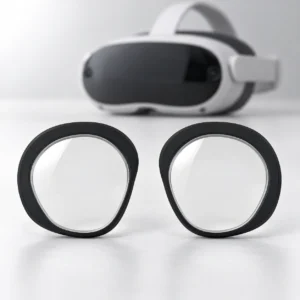
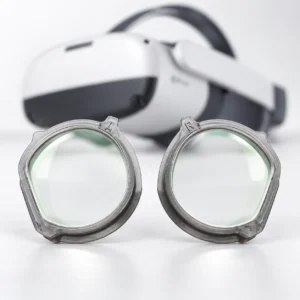
Choose the listing for your PICO headset
Use the complete model name on your headset to choose PICO prescription lenses. This category has separate listings for the PICO 4 group and the named Neo3 versions below.
PICO 4 and PICO 4 Ultra
The PICO 4 and PICO 4 Ultra inserts listing covers these two models. Confirm whether your headset is PICO 4 or PICO 4 Ultra before choosing the product; its listed compatibility does not extend to other PICO variants.
PICO Neo3 Link and PICO Neo3 Pro
Use the PICO Neo3 Link and Neo3 Pro inserts listing for these versions. Check for Link or Pro in the model name rather than selecting by Neo3 alone.
Confirm prescription availability before ordering
For either PICO listing, email support@fovevia.com before ordering to confirm whether the selected product can be made with your prescription values.
Have a current eyeglass prescription with separate right-eye (OD) and left-eye (OS) values. Preserve every plus or minus sign, have AXIS ready when that eye has nonzero CYL, and follow the selected product’s PD instructions. The Prescription Guide explains the fields.
If the model label or prescription details are unclear, contact Fovevia for help. Review the selected product’s options and displayed total before ordering.