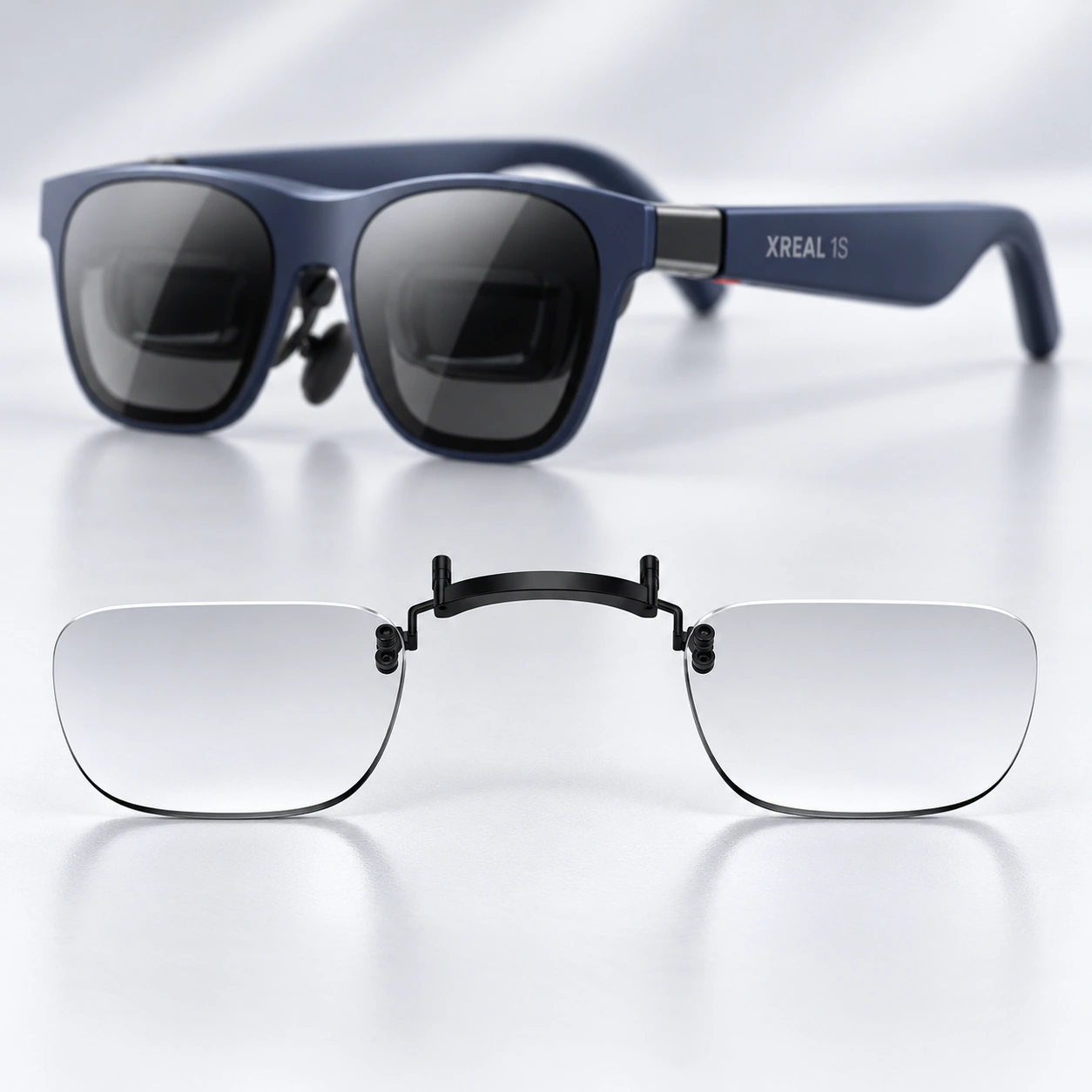
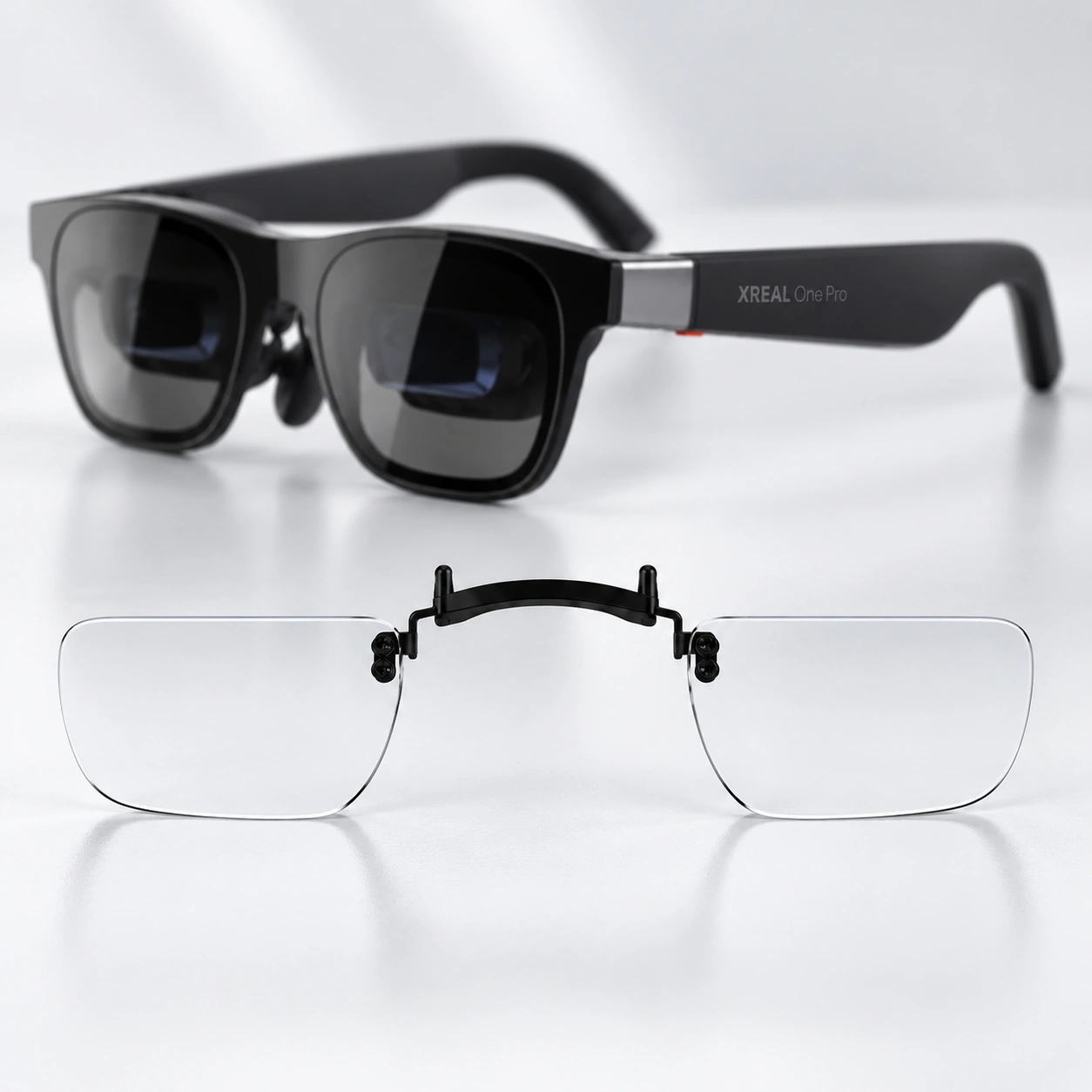
Find prescription lens inserts for your XREAL model
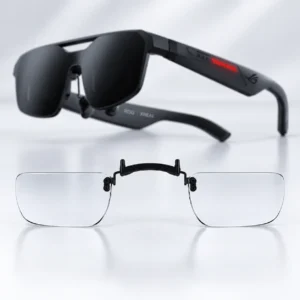
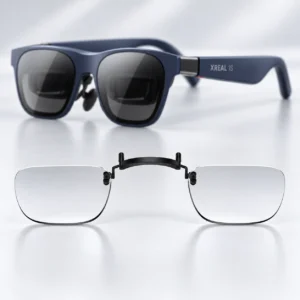
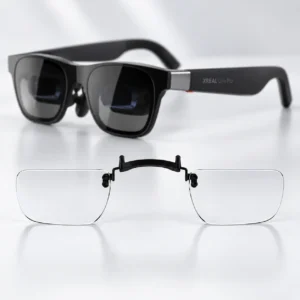
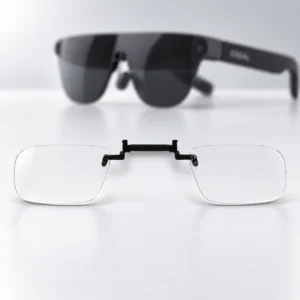
Choose an insert from the exact model name on your XREAL glasses. One/1S, One Pro, Air 2/Air 2 Pro, Air 2 Ultra, ROG XREAL R1 and xbx a01+ have the separate listings shown below. Do not infer cross-model compatibility from the XREAL brand name alone. For a closer comparison of One/1S, One Pro and the Air 2 families, read our XREAL insert model guide.
One/1S versus One Pro
The One/1S listing covers those two named models; One Pro has its own product page. Their galleries show the lens insert inside the glasses around the nose-bridge area. Match the mounting arrangement to the exact product instead of assuming an insert frame fits another model.
The One/1S and One Pro product pages include mounting illustrations or fitted-insert views and prescription guidance. If your parts differ from the images or you need a carrier or spare mounting part, ask support to confirm the product before purchase.
Choose the lens type and review the options
Prescription lenses have corrective power based on your eyeglass prescription; plano lenses have no corrective power. The current One/1S and One Pro forms list both choices, a $25 reduction for plano, and an optional blue-light filter at +$9.95. They also list anti-glare and scratch-resistant coatings as included. Review the options and displayed total on the exact product page.
If you are still deciding how you will use the glasses, our XREAL movies-versus-work comparison explores what a film demonstration can leave out of a work setup.
Enter each eye's prescription carefully
Prepare a current eyeglass prescription. Copy the right-eye (OD) and left-eye (OS) values with their plus or minus signs, and provide AXIS when the corresponding eye has nonzero CYL. Follow the PD instructions on your selected product and do not guess missing measurements. Contact support about prescription information the form does not cover.
Installation, production and support
Use the product-specific mounting images and model-specific instructions. Handle the bridge or frame rather than pressing on a clear lens, and stop if a part does not align. Ask support to review unclear mounting details before forcing or modifying a component.
Production normally takes 1–4 business days before dispatch, with shipping transit separate. Special or advanced custom orders require 3–7 business days for production. See Shipping & Delivery and Returns & Refunds for the published delivery, correction and remedy conditions. For help choosing the listing, use our prescription and product support or ordering FAQ.
Recognize the insert family
Use these product illustrations with the full model name on your device. The pictures identify product families; they do not establish cross-model fit.