Pimax Prescription Lenses by Headset Model
Showing all 8 results
-
Pimax
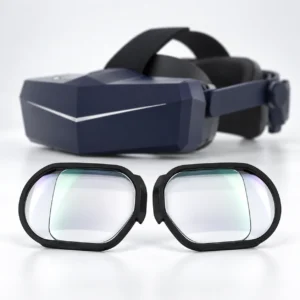
Fovevia Prescription Lens Inserts for Pimax 5K, 8K and 8KX
Original price was: $69.95.$49.95Current price is: $49.95. Select options -
Pimax
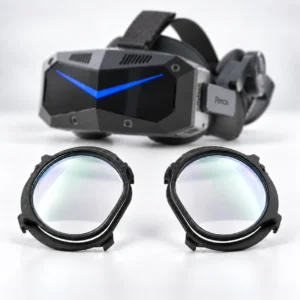
Fovevia Prescription Lens Inserts for Pimax Crystal Light
Original price was: $89.95.$59.95Current price is: $59.95. Select options -
Pimax
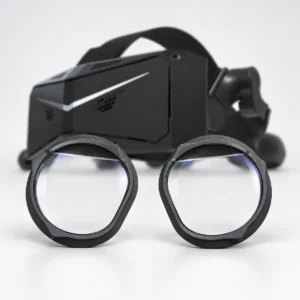
Fovevia Prescription Lens Inserts for Pimax Crystal Super 50 PPD
Original price was: $79.95.$59.95Current price is: $59.95. Select options -
Pimax
Fovevia Prescription Lens Inserts for Pimax Crystal Super 57 PPD
Original price was: $79.95.$59.95Current price is: $59.95. Select options -
Pimax
Fovevia Prescription Lens Inserts for Pimax Crystal Super 8K Micro-OLED (116° HFOV)
Original price was: $89.95.$69.95Current price is: $69.95. Select options -
Pimax
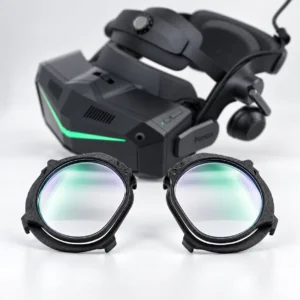
Fovevia Prescription Lens Inserts for Pimax Crystal Super Ultrawide (140° HFOV)
Original price was: $79.95.$59.95Current price is: $59.95. Select options -
Pimax
Fovevia Prescription Lens Inserts for Pimax Dream Air
Original price was: $89.95.$69.95Current price is: $69.95. Select options -
Pimax
Fovevia Prescription Lens Inserts for Pimax Dream Air SE
Original price was: $89.95.$69.95Current price is: $69.95. Select options
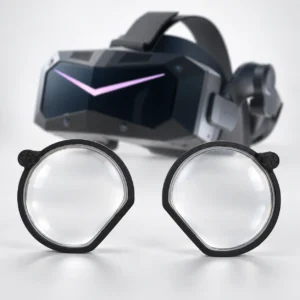


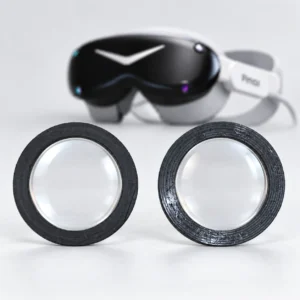
Match your complete Pimax headset model
Choose Pimax prescription lenses by the full headset name and, for Crystal Super, the optical-engine version. Check the model label before selecting one of the existing listings below.
Crystal Light
The Pimax Crystal Light inserts listing covers Crystal Light only. Confirm the Light suffix rather than choosing by the Crystal family name alone.
Crystal Super optical-engine versions
Crystal Super has four separate listings. Match the designation on your optical engine:
- Crystal Super 50 PPD inserts
- Crystal Super 57 PPD inserts
- Crystal Super 8K Micro-OLED inserts
- Crystal Super Ultrawide inserts
Dream Air or Dream Air SE
Use the Pimax Dream Air inserts listing for Dream Air, or the separate Dream Air SE inserts listing for the SE variant. Confirm whether your headset name includes SE.
5K, 8K and 8KX
The Pimax 5K, 8K and 8KX inserts listing covers these named models. For Crystal Super 8K Micro-OLED, use its optical-engine listing above.
Check prescription requirements for your chosen model
For Crystal Light, Crystal Super Ultrawide and Dream Air SE, email support@fovevia.com before ordering to confirm whether the selected product can be made with your prescription values.
Prepare separate right-eye (OD) and left-eye (OS) values from a current eyeglass prescription. Preserve every plus or minus sign, have AXIS ready when that eye has nonzero CYL, and follow the selected product’s PD instructions. The Prescription Guide explains the fields.
If your complete model or optical-engine version is unclear, ask Fovevia to confirm it before choosing lenses. Review the selected product’s options and displayed total before ordering.