Glasses and contact lens prescriptions should not be treated as interchangeable documents when ordering VR inserts. They describe different ways of correcting your vision, and a contact lens prescription includes information for fitting a lens on the eye. Even when some power numbers look the same, that does not establish that the document supplies the eyeglass information an insert order requires.
If the only file you can find came with your contacts, confirm the required document before copying it into an order. Your eye-care professional can provide or clarify the prescription; the insert provider can explain which document its product accepts.
Why matching numbers do not settle the question
Ordinary glasses hold their lenses in front of the eyes. Contact lenses sit on the eye surface. University of Iowa Health Care explains that this difference in position matters when comparing the prescriptions.
Its contact lens FAQ says corrective power often differs from glasses power. That does not mean every value on the two documents must differ. It does mean you should not decide that one file can replace the other because a familiar number appears on both.
An insert is also a separate optical product. A contact lens that works for you does not establish which values or document an insert manufacturer should use. Resolve the document question with the appropriate people before choosing order options.
Identify the document you actually have
A prescription, a lens box and an old order confirmation can all contain eye-related information, but they answer different questions.
| Document or record | What it describes | What to confirm |
|---|---|---|
| Eyeglass prescription | Correction prescribed for spectacle lenses, with information for each eye. | Ask the prescriber whether this is the current document, then check the insert product’s requirements. |
| Contact lens prescription | Contact lens power plus fitting and product information for lenses worn on the eye. | Ask the prescriber for the appropriate eyeglass record; do not convert the contact values yourself. |
| Contact lens box or previous order summary | Information about a lens or order previously supplied. | Locate the original prescription and confirm the document type before using it for an insert order. |
The FDA’s U.S. contact lens prescription checklist shows why that file contains more than power alone: it lists lens material and/or manufacturer, base curve or an appropriate designation, and diameter when appropriate. These details describe contact lenses. They are not a list of fields every VR insert order requires.
If you only have a contact lens prescription
Start with the eye-care professional or clinic that examined you. Ask whether they hold a current eyeglass prescription for you and can provide a copy. If they cannot confirm or supply that record, ask what is needed to obtain the appropriate information before ordering.
You do not need to invent a new prescription to ask this question. A process request could be: “I am preparing an order for prescription inserts. I can find my contact lens prescription, but need to confirm my current eyeglass prescription. Do you have that record, or what should I do to obtain it?”
Once a document is available, check its identity with the prescriber if anything is unclear. Do not reconstruct it from contact lens packaging, remove unfamiliar details or change the numbers to fit a website menu. If you already have both documents, their availability still does not replace checking which one the selected product accepts.
Use the rules for your exact VR or AR product
Fovevia’s current Prescription Guide asks for a current eyeglass prescription for the Quest 2/3S, Quest 3, XREAL One/1S and One Pro insert listings it covers. For another device or smart-glasses replacement lenses, follow that product’s own requirements.
Choose the exact device and optical product first, then confirm the accepted document. If your record has separate sections or information the listing does not clearly address, ask before ordering. Do not infer acceptance from a dropdown that lets you select a value.
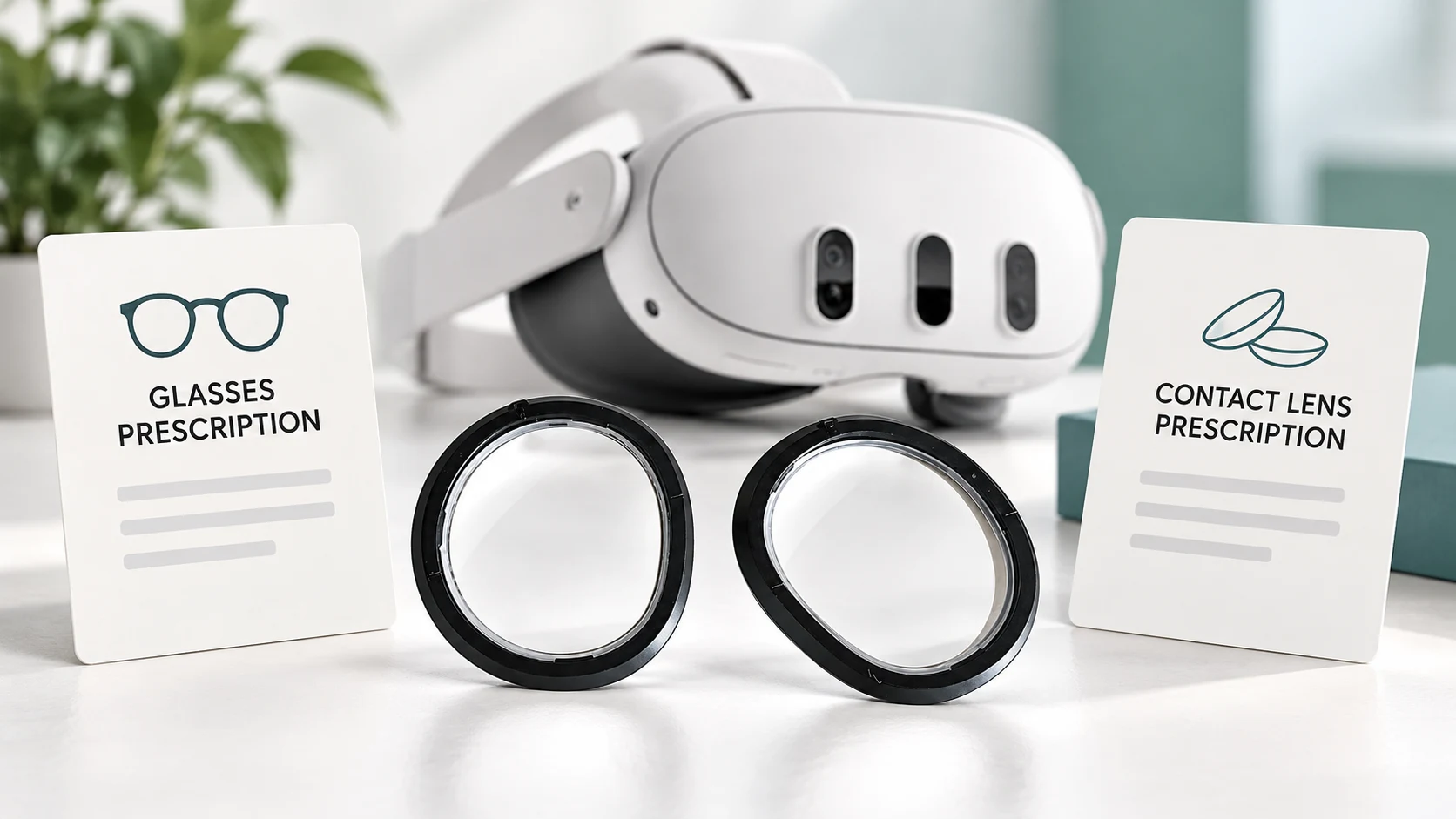
The guide covers Fovevia’s current manual-entry process. Keep the original document for checking, and ask which submission route to use if a document is needed for clarification. Do not attach prescription files or include complete prescription values in the general Contact form or a public message.
Check these details before entering an order
- The complete device model and the specific lens product are confirmed.
- You know which document the product requests and have confirmed an unclear document with the prescriber.
- Missing information and acceptance questions are resolved; the order will use confirmed information rather than approximate values.
- You know the appropriate route for asking about the product or supplying information if requested.
If your separate question is why a VR provider asks for distance rather than reading correction, see why VR often uses a distance prescription.
For a Fovevia product or submission-process question, use Support with the exact device and the document type you have. Keep the full original record available for clarification. The team can explain the ordering route; your eye-care professional should resolve uncertainty about the prescription itself.