The display inside a VR headset may be only a short distance from your face, but that does not make it equivalent to reading a phone held close to your eyes. Headset optics change how the display reaches your eyes. Many insert providers therefore ask for a distance eyeglass prescription, rather than a reading prescription.
The ordering rule belongs to the exact headset and lens product. It is not a conversion to calculate from the screen’s physical position. If you have separate distance, reading or computer prescriptions, keep them distinct until the provider identifies the required record.
The screen’s location is only one kind of distance
There are three distances that easily get mixed together: where the physical panel sits, where its image is focused optically, and where an object appears in the virtual scene.
| Distance | What it describes | What it does not tell you |
|---|---|---|
| Physical panel distance | The panel’s position inside the headset. | Which prescription your eyes need to view its image. |
| Optical image distance | The focus presented through the headset optics. | How far away every virtual object appears. |
| Virtual scene depth | The apparent location of a menu, hand or distant object. | A new prescription power for each object. |
Meta’s display-design documentation separates the eye’s focusing demand from the way the two eyes turn toward a depicted object. In the fixed-focus displays it describes, the focusing demand stays fixed while convergence changes with the scene. A nearby physical panel therefore does not make the experience equivalent to reading a nearby phone.
A virtual book can look near without behaving like a real book
In a conventional fixed-focus headset, moving a virtual page closer does not move the physical display or automatically refocus the headset optics. Its apparent depth and the optical plane you focus on are different parts of the experience.
This is also why a large virtual screen advertised at a particular apparent distance should not become a DIY prescription calculator. Neither its advertised size nor the distance shown in an app tells you to add or subtract a certain lens power. The headset and the lens provider’s instructions are the useful starting points.
What “use your distance prescription” means when ordering
For its Meta Quest inserts, Zenni requests distance vision values rather than reading or computer-glasses values. This is a product-specific ordering instruction. It is not a claim that every headset focuses at infinity, or that a user should calculate an extra correction from a published focal distance.
Suppose your prescription document contains right-eye and left-eye values plus an ADD field, and you normally wear progressives. Do not turn that into a new “VR prescription” by adding the ADD to SPH, deleting fields from the document or copying numbers from a separate pair of readers. Ask which values the provider requires, while keeping the full original document available for clarification.
Fovevia’s prescription guide explains the information required for the products it covers. If you only have a contact lens record, read why it should not automatically replace an eyeglass prescription. Keep the original eye labels, signs and additional fields intact while the required values are clarified; do not choose an approximate menu value to make the record fit.
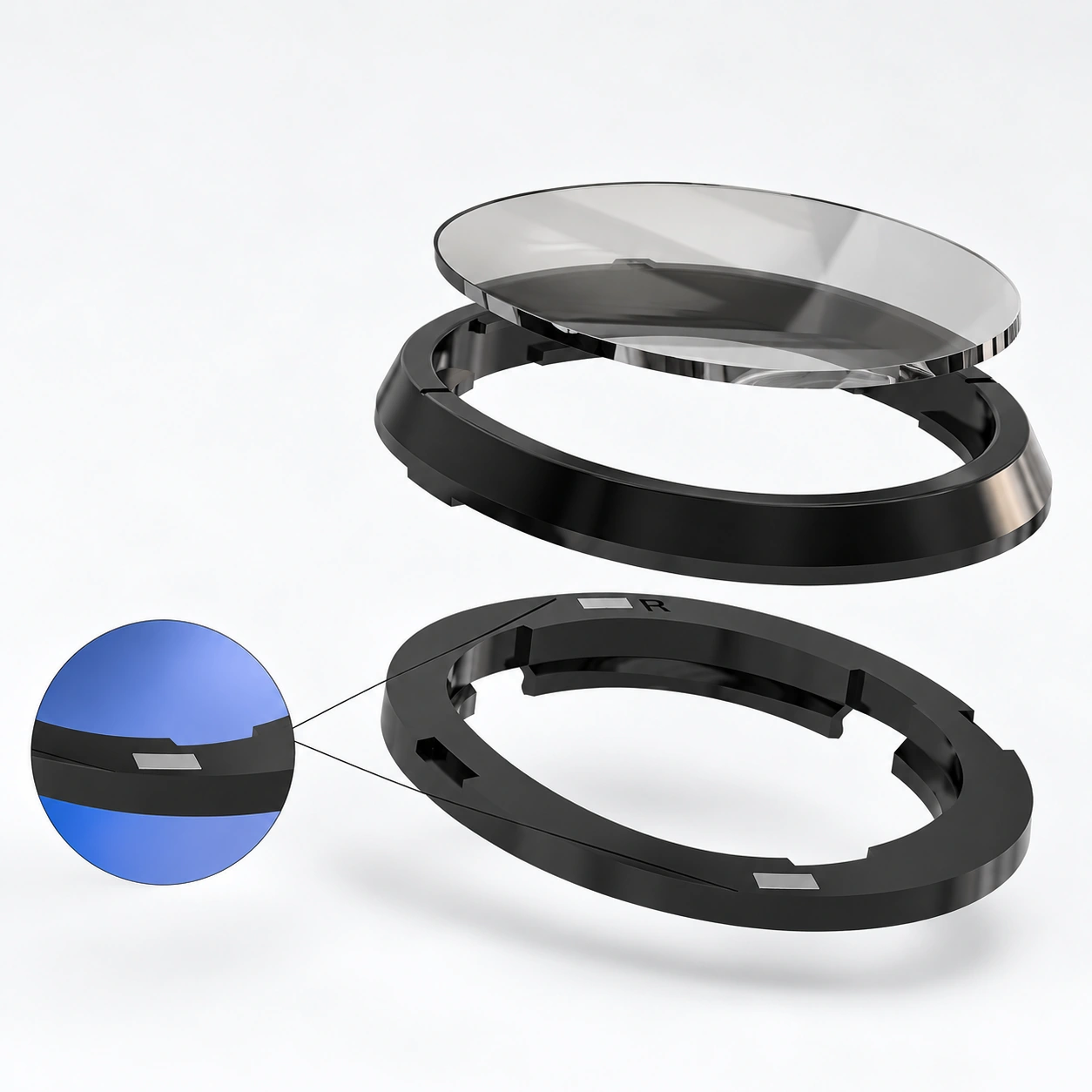
The exact headset can change the question
A single focal-distance number should not be applied to every VR headset. Pimax’s Crystal-series prescription discussion describes a headset-specific focal-distance consideration and advises some progressive or reading-glasses users to consult an optician about the appropriate prescription.
That makes the full headset name and variant useful information for the prescriber and insert supplier. It does not justify changing your own prescription. Advice for a Crystal model should not be applied to a Quest, and one provider’s instructions do not establish what another company can manufacture.
If you only use reading glasses and do not normally need distance correction, the right next step is clarification rather than automatically ordering a reading-powered insert. A plano option has no corrective power; it should not be presented as a solution to unexplained blur.
Ask a precise question before you buy
“Which values from this prescription should I submit for this headset?” is more useful than “What strength should I use for VR?” Include:
- The exact device and model variant.
- Whether your eyeglass record has separate distance/near sections or additional fields. Keep the full original document available for the appropriate submission route.
- Whether you use distance, reading, computer or progressive glasses.
- What is unclear: the required prescription type, a missing field, or the image itself.
Do not place prescription documents or complete prescription values in Fovevia’s general Contact form. Ask the team which submission route to use if a document is needed.
If you are choosing a device-specific product, the VR lens collection is the next product route. For a Fovevia order question, use support@fovevia.com or the support page; the team can explain product requirements. Uncertainty about what should be prescribed belongs with an eye-care professional.
For Fovevia ordering steps, use the Prescription Guide and Installation & Care Guides. Browse all published help and buying articles in Guides.