Quest 3 fogging can happen while you sit still or watch a film. Exercise is not required for condensation. When the view looks “foggy,” check the accessible surfaces as well as the image. Start by noticing when the haze appears and which surface you can actually see it on. Buying an anti-fog accessory before making that distinction can leave the original question unanswered.
Take the headset off when the view becomes unclear. Look at the accessible lenses in ordinary room light, without touching them to test for moisture. If you wear glasses or removable inserts, include those in the check. Avoid assuming that the headset’s original lenses are the affected pair.
Watch when the haze appears
A mark that is already there before you put the headset on calls for a different next step from a surface that clouds after a few minutes. The observations below help you describe the problem; none establishes a diagnosis.
| What you observe | What to check next |
|---|---|
| Clouding begins soon after a cold headset is put on | Note where it was stored and whether the room or headset temperature recently changed. |
| The same patch is visible before use | Inspect accessible surfaces for residue and follow the appropriate cleaning instructions. |
| The view changes after reclining or refitting | Check headset position, lens clearance and anything pressing on the interface. |
| The surfaces look clear, but only a film or app looks hazy | Compare a native headset menu before treating it as surface fog. |
| A patch persists and seems beyond an accessible surface | Describe it to device support; do not open the optical assembly. |
Keep “looks hazy” separate from “I can see condensation on this surface” in your notes. That small distinction makes a support conversation more useful, especially when the effect is difficult to photograph.
Sitting still does not rule out condensation
The U.S. National Weather Service explains dew point using a familiar example: moisture forming on a cold bottle. Water vapour can condense when the conditions at a surface reach the dew point. A workout is not part of that requirement.
A headset brought from a cool room into a warmer, humid space gives you a temperature change worth recording. Your position while watching also deserves attention. A pillow, a shifted strap or a different face-interface position may change how the headset sits. Observe whether the problem follows that change rather than deciding that all seated use should be fog-free.
That is a reason to compare conditions, not proof of what is happening inside your particular device. You do not need to measure the lens temperature or calculate a dew point to make a useful first check.
Try one short comparison before buying more parts
Return to a comfortable seated position for a brief comparison, using the same content and your usual vision correction. Change one condition at a time so that a different result tells you something.
- Start with the storage change. If the headset has just come from a cold location, allow it to adjust naturally to the indoor room before another session. Keep it away from direct sunlight and heat sources; do not use a heater or hair dryer as a shortcut.
- Check how it rests. Use the normal fit adjustments, with adequate clearance around glasses or inserts. Do not tighten the headset until your face or eyelashes press against a lens.
- Compare sitting and reclining. Note whether a pillow or bedding pushes the headset out of position. Keep the device uncovered rather than tucking it under a blanket.
- Record the timing. Note whether the view is clear at the start, how soon it changes, and whether the same accessible surface clouds again. Stop the comparison if visibility or comfort is poor.
These checks can help you avoid changing a face interface, adding a fan and applying a treatment at the same time. If all three change together, you will not know which change mattered—or whether the apparent improvement was temporary.
Clean the surface you identified
Meta’s care guidance says the headset lenses should be cleaned with a dry microfiber cloth and warns that liquids, including cleansers and soap, can damage them. A cleaner sold for ordinary glasses is not automatically appropriate for the Quest’s original optics.
Removable inserts have their own care instructions. For example, Zenni publishes separate cleaning and anti-fog-cloth instructions for its inserts. Those instructions do not establish what is safe for another company’s coating or the original headset lens. For a Fovevia pair, follow the current insert-care guidance, which specifies a clean, dry microfiber cloth unless the exact product guide says otherwise.
If ordinary recommended care does not remove a patch, ask for help before trying stronger products or repeatedly rubbing it. An unclear view is not a reason to experiment with an unapproved spray on several optical surfaces.
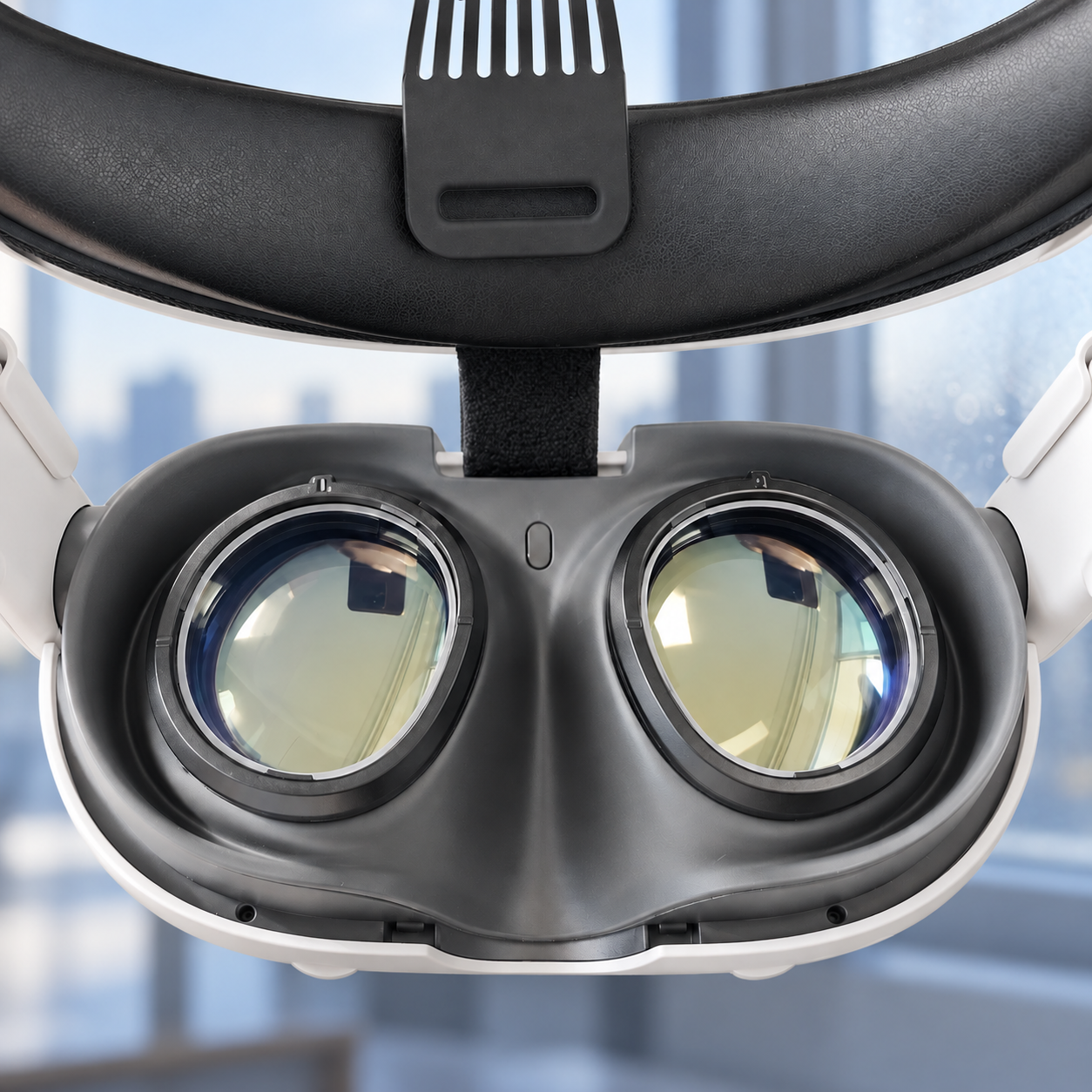
Extra lenses add another surface to identify
Prescription inserts let you use the appropriate correction without a spectacle frame inside the headset. They are not, by that fact alone, a solution to condensation. If you already own inserts, inspect and care for them as a separate pair; do not prise at the headset optics to reach an uncertain mark.
If your main difficulty is crowded glasses or repeated frame adjustment, our glasses-versus-inserts comparison addresses that choice. If the surfaces remain clear and text is soft from the outset, follow the Quest 3 blurry-text checks for fit, correction and the image source. Neither question needs an anti-fog purchase as its starting assumption.
Give support the pattern you observed
For persistent or unexplained haze, record the affected eye or area, when it begins, storage conditions, glasses or insert use, and the face interface fitted. Include whether the mark is visible with the headset off and which care instructions you followed. If actual moisture appears inside the device, stop using it and contact Meta rather than opening or heating it.
Ask Meta about the headset; use Fovevia Support for a Fovevia insert, mount or care question. That gives the right team something concrete to review. More device-specific help is available in Guides.