“Pimax Crystal Super” is not a complete insert order description. Check the optical-engine version as well as the headset name. For Dream Air, keep the SE suffix when it applies. A similar-looking headset, a shared family name or an old order confirmation may leave out the detail a lens supplier needs.
Start with the equipment you actually use now. Then ask for the matching prescription product. This is particularly useful if you have changed an optical engine, bought a used headset, or are comparing a standardized lens option with custom inserts.
Copy the full name before comparing lenses
Pimax describes Crystal Super as a modular headset with different optical engines. The engine is therefore part of the identification task. A listing named for one version should not be treated as a promise that it covers every Crystal Super configuration.
Pimax also lists Dream Air and Dream Air SE as separate models. For an insert enquiry, copy the complete name from the current device or purchase record. If an engine has since been replaced, include the replacement details; the original headset invoice may describe an earlier setup.
| Your current device | Detail to retain in the enquiry | Fovevia listing to check |
|---|---|---|
| Dream Air | The full model name, without adding SE | Dream Air inserts |
| Dream Air SE | The SE suffix | Dream Air SE inserts |
| Crystal Super 50 PPD | 50 PPD optical engine | 50 PPD inserts |
| Crystal Super 57 PPD | 57 PPD optical engine | 57 PPD inserts |
| Crystal Super 8K Micro-OLED | 8K Micro-OLED optical engine | 8K Micro-OLED inserts |
| Crystal Super Ultrawide | Ultrawide optical engine | Ultrawide inserts |
The table reflects separate Fovevia product listings. It does not establish that every pair has different geometry, or that a pair can be moved between versions. Obtain an explicit answer for the two exact configurations if reuse is your goal.
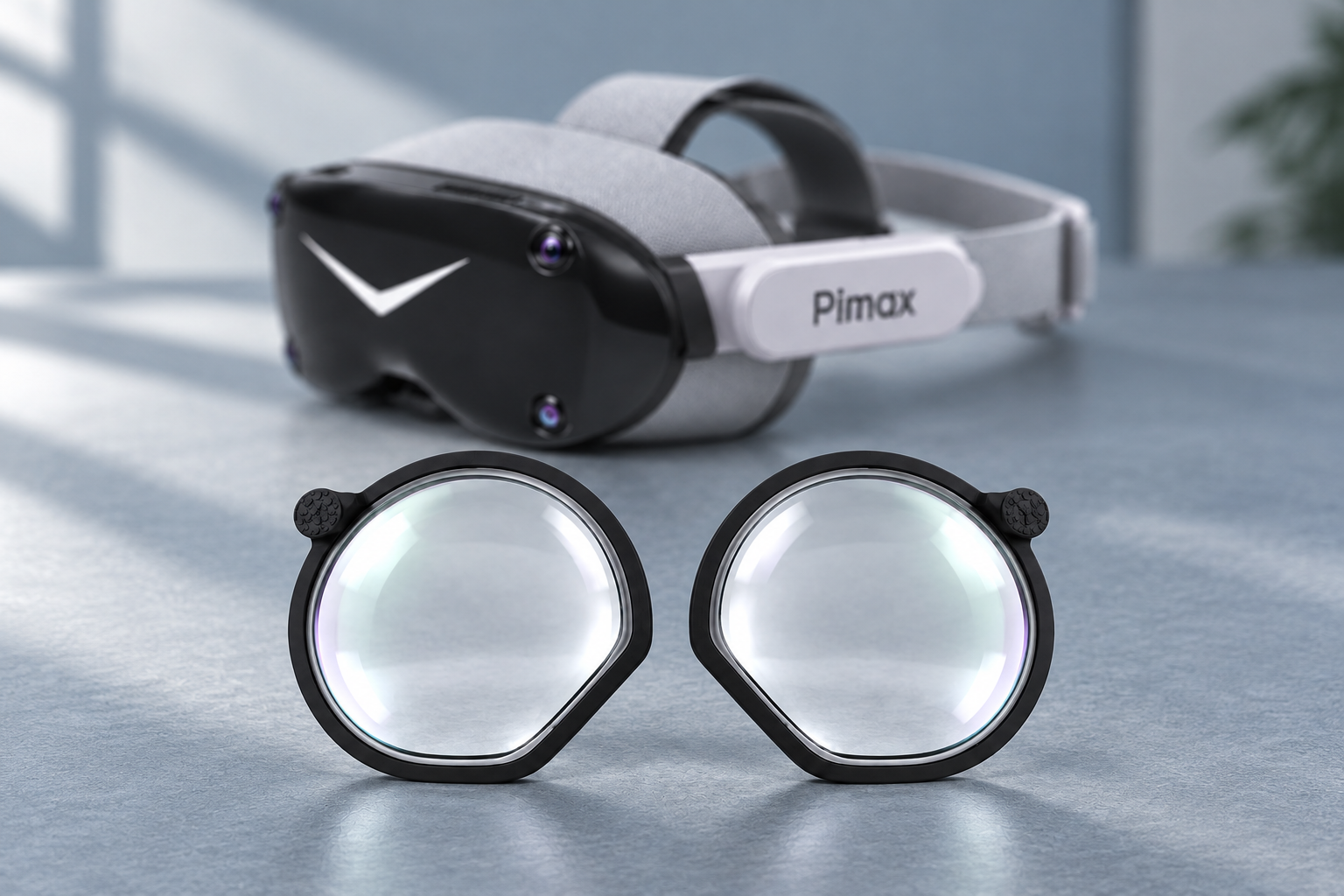
Separate the correction you need from the lens option on offer
A Dream Air community question asks what to do when an offered lens option appears to request only sphere values, while the user’s prescription also contains cylinder and axis. That is a useful reason to inspect the fields before buying. It does not establish what every current manufacturer or supplier can make.
Prepare the original prescription with separate right- and left-eye values. If it includes CYL and AXIS, ask how those values will be handled. If a standardized option does not represent the document, obtain advice rather than picking the nearest entry or dropping a field to make the form accept it.
The same approach applies when a forum recommends a “computer prescription” or an adjustment based on headset focal distance. Do not use a community formula to alter your own prescription. Give the exact device information to your eye-care professional and ask which prescription to submit. The VR distance-prescription article provides background without substituting for that decision.
Ask about the finished assembly, not just its shape
Users also ask whether inserts preserve the close-to-eye arrangement of compact headsets. A Dream Air and Crystal Super discussion raises exactly that concern. A product image cannot tell you the finished thickness, clearance or viewing area for your prescription.
Make your enquiry concrete. Name the engine, describe any facial-interface accessory, and say whether you already have an insert carrier. Ask which parts arrive with the order, whether assembly is included, and whose carrier the lenses are intended to use. “Prescription lenses included” and “a complete preassembled insert supplied” answer different questions.
If the seller gives a thickness or clearance estimate, ask what prescription and assembly it describes. A frame-only dimension does not describe every finished lens. Where the supplier cannot provide a useful answer, leave that question open rather than treating a generic “low profile” description as a measurement.
Keep FOV and eye-tracking questions specific
Headset field-of-view specifications describe the manufacturer’s device. They are not measurements of the view you will obtain with a particular prescription insert, facial interface and eye position. You do not need to choose between competing forum measurements to identify the right product listing.
For eye tracking, ask whether the supplier has checked the exact insert with your engine. A statement about another Crystal Super engine, a different insert brand or the headset without inserts does not answer that question. Request the scope of any test instead of turning “compatible” into a broader promise about accuracy or performance.
Send one complete enquiry
- Full headset name and current optical-engine version, including any replacement.
- Have the current prescription available with its original signs and separate eye values; ask which route to use if the supplier needs the document.
- Any existing carrier and relevant facial-interface accessories.
- The requested package: lenses, carrier, assembled pair and any other included parts.
- Specific questions about clearance, tracking, the complete quote, production timing, shipping and the remedy if the supplied item differs from the confirmed match.
Use the prescription guide for document preparation, while following the requirements of your selected Pimax listing. For a remaining model or package question, ask Fovevia Support with the device details first. Do not place a prescription document or complete values in the general Contact form or a public message. Keep the written confirmation with the order so both sides can refer to the same device and product.