If PSVR2 looks clear when you first put it on, then loses clarity when you turn your head, describe that change before choosing a lens accessory. Prescription inserts can provide your correction without an ordinary spectacle frame inside the headset. You still need a comfortable, stable headset position.
The phrase “bigger sweet spot” can hide several experiences. Someone may find it easier to put the headset on consistently, stop adjusting their glasses, or finally use suitable correction. Those experiences do not establish that an insert has enlarged the clear viewing region of the headset’s own optics.
Does the clear view move away, or never arrive?
Use a familiar PS5 menu as a reference. Notice what happens during normal, comfortable movement rather than testing with the headset pressed against your face. Keep the same menu visible so a change of game or scene does not become another variable.
| What you notice | What to investigate next |
|---|---|
| Clear at first, softer after moving | Record whether the headset or your glasses shifted. Revisit positioning before buying another accessory. |
| Never clear, including the familiar menu | Check the setup instructions and your existing correction. Persistent problems need more information than a “sweet spot” label. |
| Menu readable, one game or scene softer | Compare that content separately. A prescription order should not rest on one application’s appearance. |
This gives you a useful description, not a diagnosis. A recent PSVR2 community discussion about inserts includes users who previously kept rearranging their glasses and headset. Its replies also show why “it feels clearer” needs a more specific explanation.
Give the headset a repeatable starting position
Sony’s official positioning instructions place the rear band low on the back of the head and warn that wearing it too high can make it unstable. The scope and lens-distance adjustments have separate jobs. Tightening the band harder is not a substitute for finding a comfortable position.
On PS5, open the PlayStation VR2 card from the Control Center and choose Adjust Visibility. Follow the on-screen prompts, then check the familiar menu again. If the view improves only while you support or reposition the headset, include that observation when asking for help.
Try putting the headset on again after removing it normally. Can you find the same clear position without a long search? That is a practical question for everyday use, especially if your glasses tend to move during the process. It is more useful than comparing your result with an unrelated screenshot from another person’s headset.
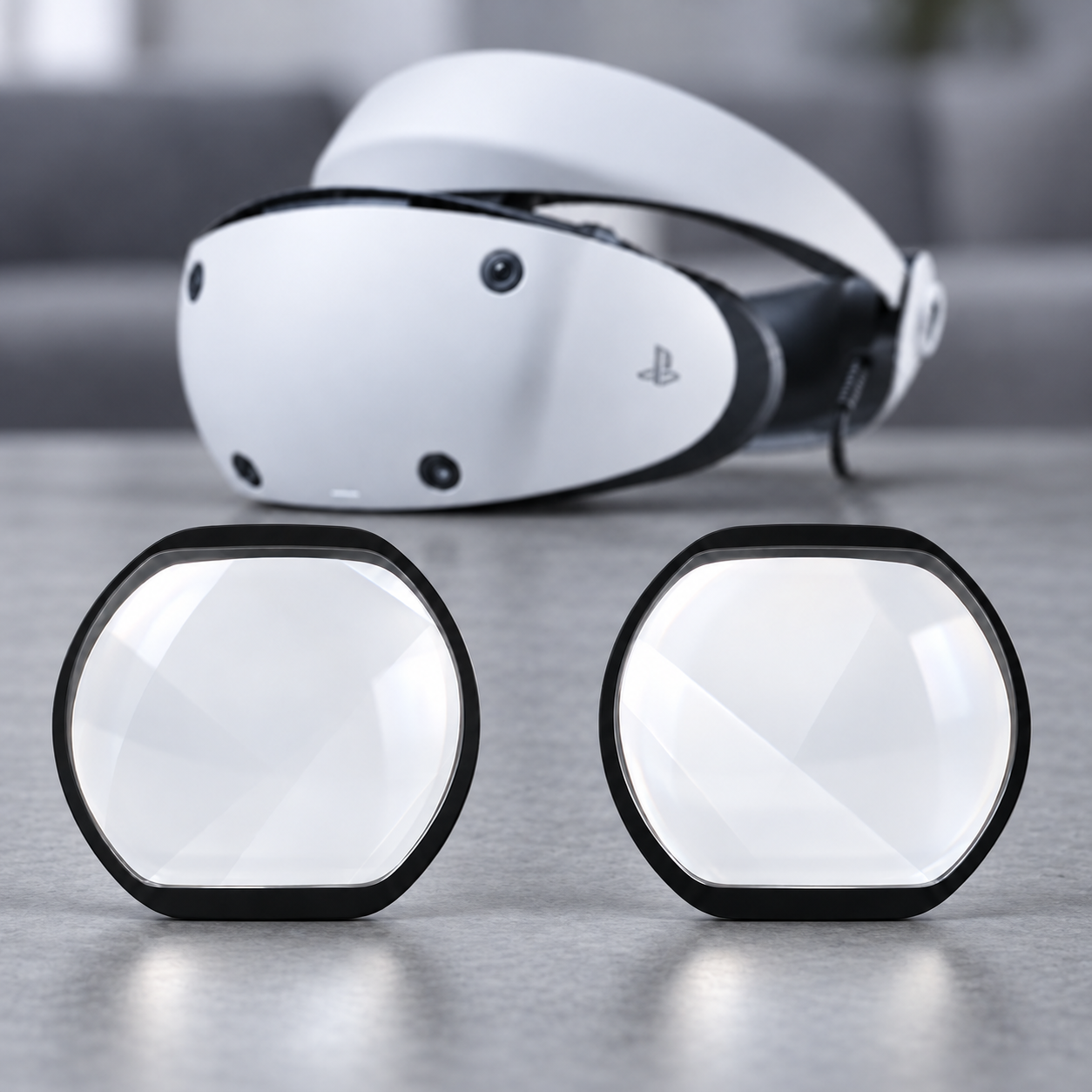
What changes when your spectacle frame is removed
With prescription inserts, you put your ordinary glasses aside for the VR session. If those frames were the part you kept repositioning, removing them changes the handling routine. You can assess headset placement without also trying to keep that spectacle frame in its usual position.
The insert still needs to match both the exact headset and the prescription. Check whether it leaves comfortable space around your nose and eyelashes, and use the supplier’s fitting instructions. Do not move the scope closer until a lens or frame touches your face just to chase a wider view.
Inserts also need a changeover plan when someone else uses the headset. Your prescription is personal. Consider where the pair will be kept during another person’s session and how you will distinguish it from another user’s pair. If removing ordinary glasses would not solve a handling problem for you, the purchase deserves the same careful assessment as any other accessory.
Keep three different adjustments separate
The lens-distance control positions the headset optics for your eyes. Eye-tracking calibration is a separate PS5 setting, described in Sony’s setup instructions. Neither is a website field for changing the SPH, CYL or AXIS on your prescription.
Likewise, a report that an insert made PSVR2 easier to use is not evidence that it changes a game’s rendering or replaces the original headset lenses. When a seller describes eye-tracking compatibility, ask whether that statement covers the exact insert and PSVR2 combination you are considering. Do not transfer a different brand’s test result to another product.
If you are unsure which prescription document to prepare, start with the prescription submission guide. For the separate question of why a nearby headset screen can use a distance prescription, read the VR focal-distance explanation. Avoid changing prescription values to compensate for a fit problem.
Before you order, write down these five details
- Confirm that the device is PlayStation VR2, rather than the original PlayStation VR.
- State whether you currently use glasses, contacts or existing inserts during VR.
- Describe whether clarity is absent from the start or changes after movement.
- Note the positioning checks you completed and any nose, eyelash or frame contact.
- Ask the supplier to confirm the prescription, included components and any relevant tracking or clearance questions.
The Fovevia PSVR2 listing is the model-specific place to check the current offer. If your main uncertainty remains how the setup sits on your head, describe that first through Support. A clear account of what moves gives the next person something more useful to work with than “the sweet spot is small.”