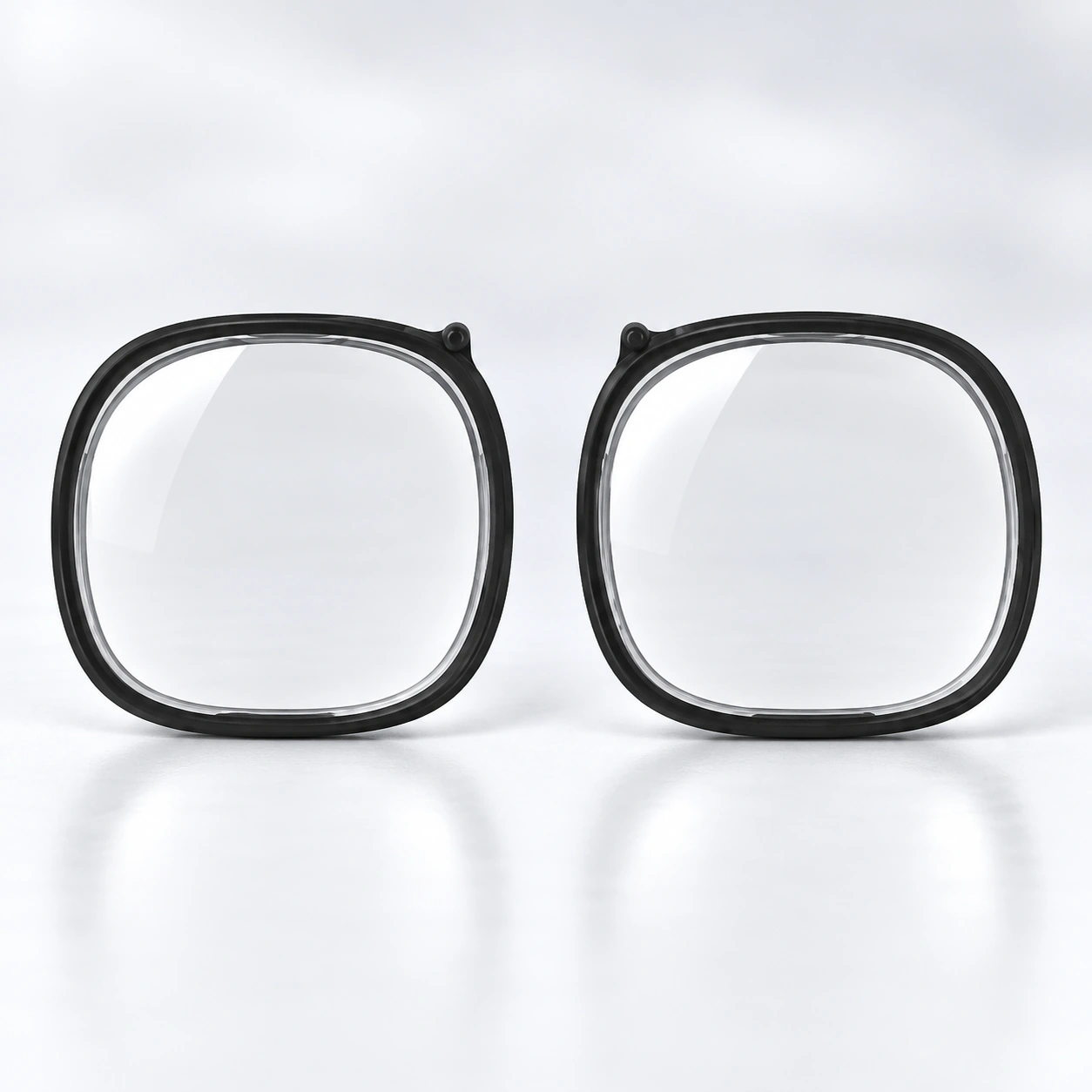
Prescription lens inserts for Meta Quest 2 and Quest 3S
These made-to-order lens inserts are listed for Meta Quest 2 and Meta Quest 3S. Select prescription correction or plano lenses for the exact headset named on your device.
Confirm your headset before ordering
This listing covers only Meta Quest 2 and Meta Quest 3S. It does not cover Meta Quest 3, Meta Quest Pro or other Meta Quest models. The “S” in Quest 3S matters: Meta Quest 3 has a separate product page.
Upgrading to another headset? Check our Quest lens insert compatibility guide before reusing your inserts.
What is in the package?
- One pair of lens inserts
- One lens cloth
- One storage case
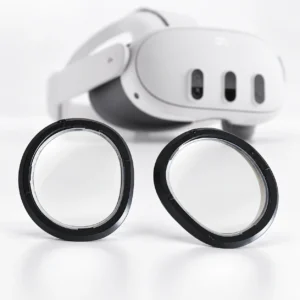
Lens design and frame
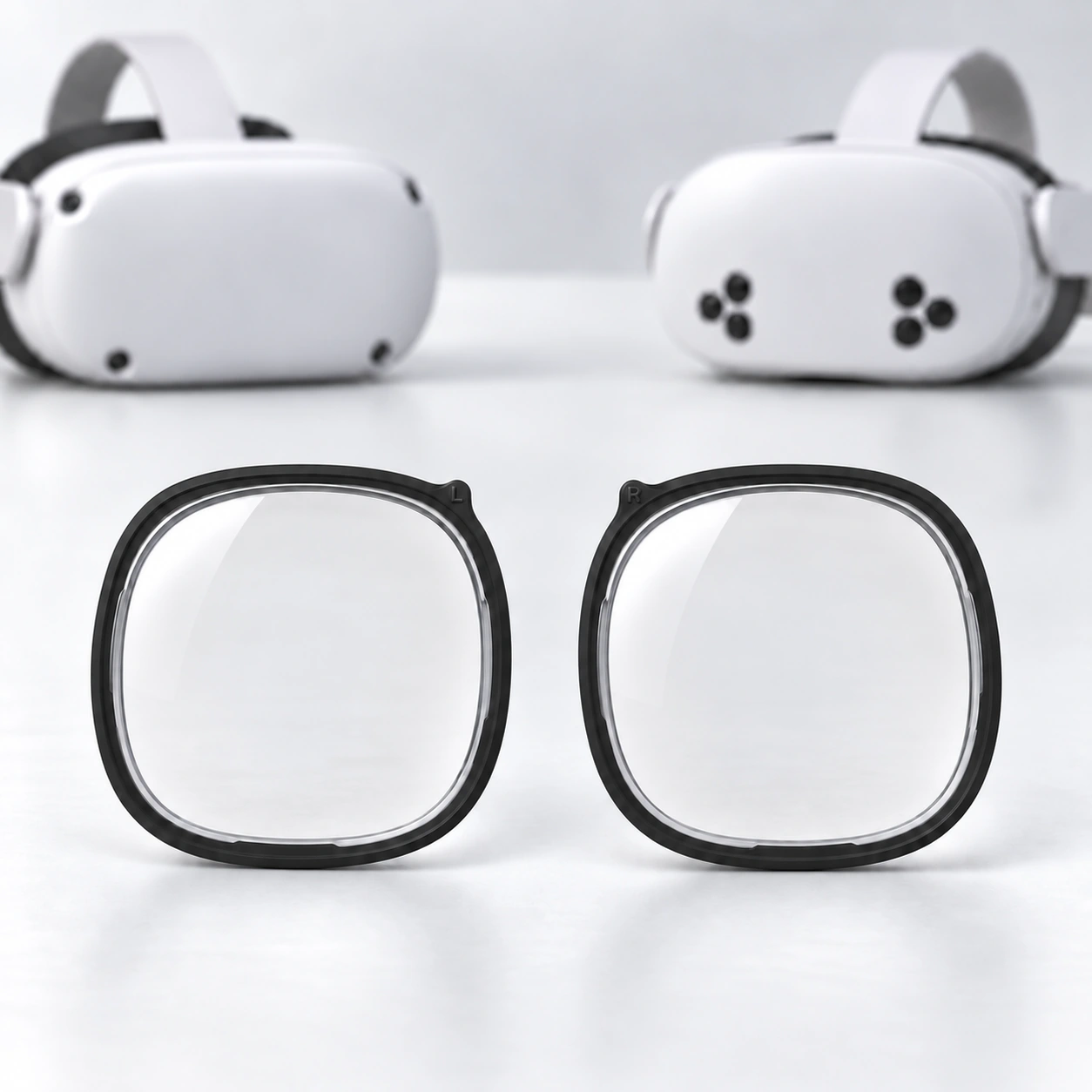
These inserts use aspheric resin lenses. Materials for a custom prescription may vary; ask support@fovevia.com to confirm the material for your order if it affects your choice. The insert frames are molded using the corresponding real device.
Magnetic attachment and removal
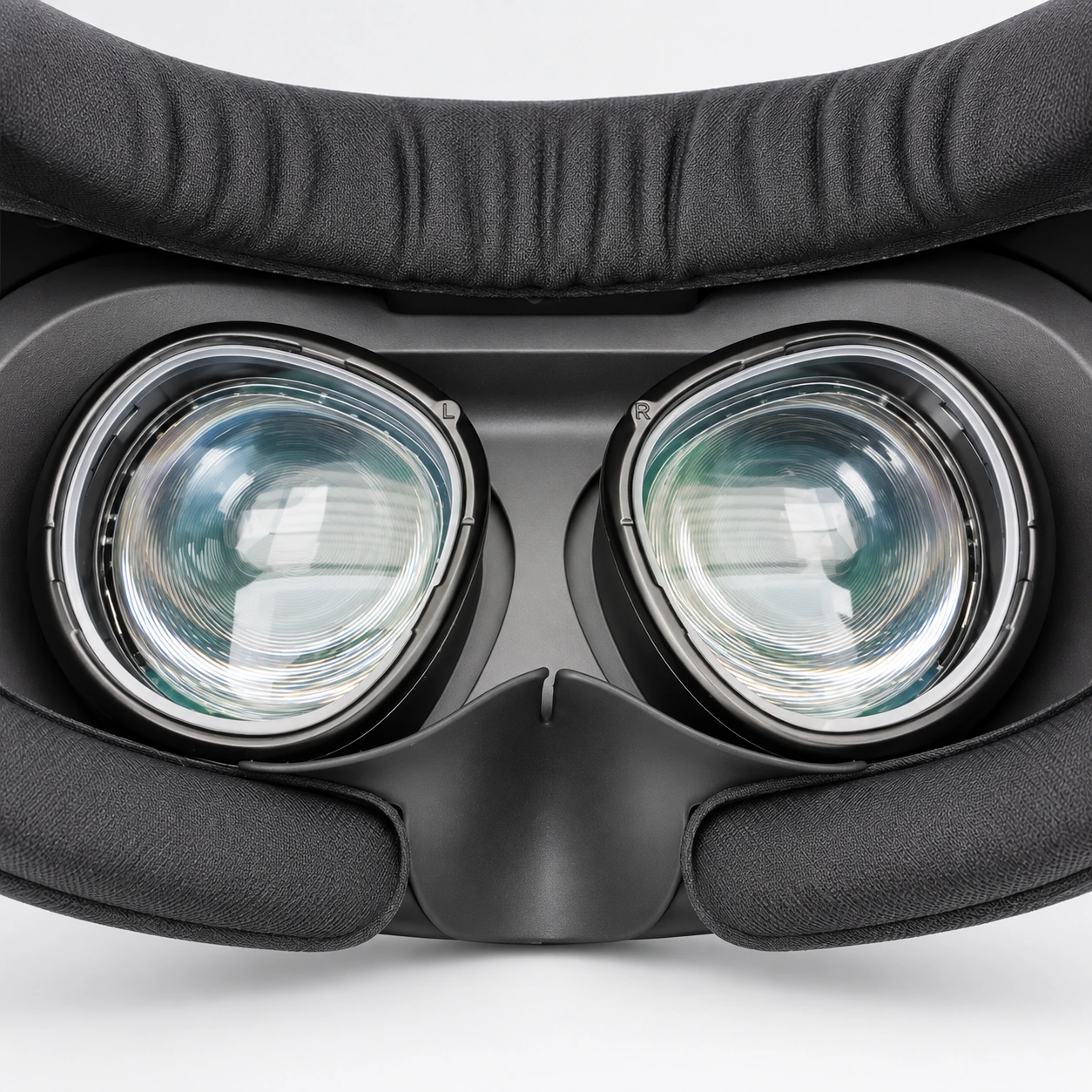
The Quest inserts use magnetic attachment. Match the right and left sides and align the insert frame with its matching mount. Handle the frame, keep the optical surfaces clear and let the magnetic parts meet without pressing on the lens.
To remove an insert, hold its frame and gently separate the magnetic attachment. Do not pull the headset lens or force a part that will not release. Contact support if the mounting parts or removal direction are unclear.
Choose prescription or plano lenses
| Option | What the current form offers |
|---|---|
| Prescription lenses | Choose this for corrective lenses made to your eyeglass prescription. |
| Plano lenses | No corrective power. The current option pricing deducts $25 from the prescription-lens price. |
| Blue-light filter | Optional at +$9.95. This option does not change your prescription power. |
| Anti-glare and scratch-resistant coatings | The current form lists these coatings as included. Scratch resistance does not mean scratch proof. |
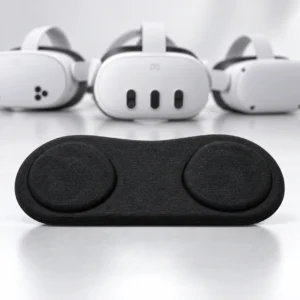
| Lens cover | Optional at +$5.95. This is a cover for the original headset lenses when the headset is not in use; it is not a corrective lens insert. |
Some SPH and CYL selections carry an additional charge for each eye. Enter both eyes and select any optional additions, then review the displayed total before ordering. Production and shipping are separate stages; see the delivery information below.
Enter the prescription for each eye
Prepare a current eyeglass prescription with separate right-eye (OD) and left-eye (OS) values. Copy each number and its plus or minus sign exactly as written. Do not round, convert or infer a missing value.
The current dropdowns list SPH −15.00 to +15.00 and CYL −8.00 to +8.00 for each eye. These are the values listed in the order form. If your prescription is outside the listed values, includes prism or other information not covered by the form, or needs clarification, contact support before ordering. AXIS is needed when the corresponding eye has nonzero CYL.
Pupillary distance (PD)
The form accepts one total PD value or separate right and left PD measurements. Copy the measurement as provided; do not guess or turn one total into two separate values. If your prescription does not include PD, ask your optometrist before ordering. This listing does not display a separate PD range limit.
The guide below identifies common prescription fields and illustrates how pupillary distance is measured.

If you are unsure how to enter your prescription, email support@fovevia.com before ordering. You can also visit our prescription and product support or ordering FAQ.
Understand the insert assembly
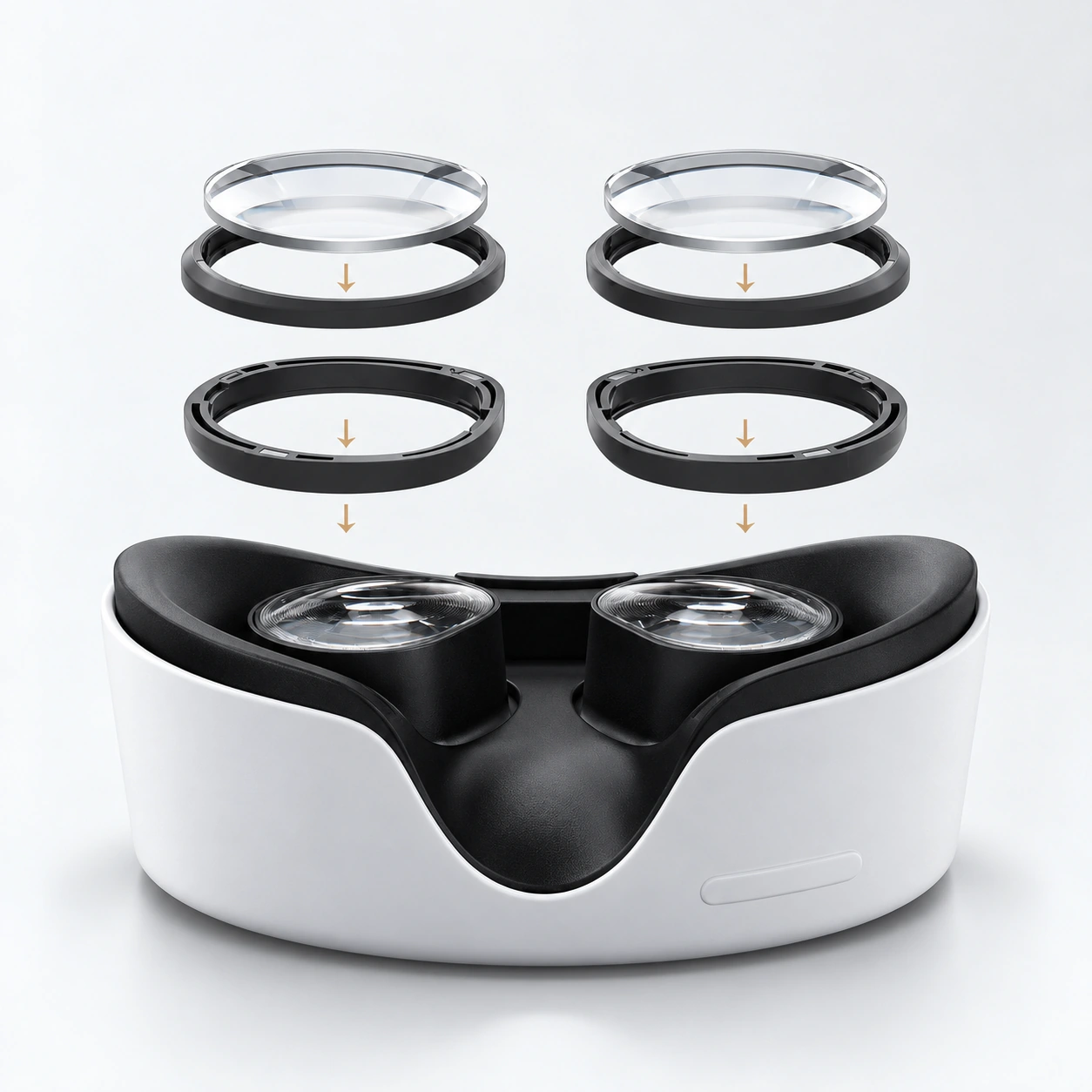
The illustration below separates the clear optical lens, its upper frame and the lower mounting ring to show their positions above the headset eyepieces. It is a parts view, not an instruction to remove the prescription lens from its frame.
- Check that the headset and insert are the correct model before fitting either side.
- Identify the right and left inserts from their markings or model-specific instructions, and match each to the corresponding eyepiece.
- Use the illustrated frame position as a reference. Handle the frame rather than pressing on the clear lens, and stop if the parts do not align.
- Check that both sides sit securely before wearing the headset. If you use a third-party face interface or the insert touches your face or the original lens, ask support to review the fit.
For removal, handle the frame rather than the optical surface. If you are unsure where to apply pressure or how to detach the mounting ring, contact support with a photo instead of forcing the assembly.
Production, shipping and order changes
Each product is made to order. To request a cancellation or correction, email support@fovevia.com within 3 hours after your order confirmation is issued. The email sent time determines whether the request is within the cancellation window. If no request is sent within that period and no prescription or order clarification is pending, production begins automatically.
Production normally takes 1–4 business days before shipment. Special or advanced custom orders require 3–7 business days for production. Shipping transit time is separate.
Custom-order policy
After production begins, custom prescription lenses cannot be cancelled or returned because of a change of mind or customer-entered prescription error. Verified manufacturing errors, defects, transit damage, and rights that cannot be excluded by law follow the applicable returns and remedy policy.
Non-prescription products may be returned if the request is made within 14 calendar days after delivery and the product meets the applicable return conditions.
Read the Returns & Refunds policy and Shipping & Delivery for the applicable conditions and destination-specific transit information.
Before ordering
- Confirm that your headset is Meta Quest 2 or Meta Quest 3S.
- Prepare a clear, readable eyeglass prescription for both eyes.
- Choose prescription or plano lenses and review any paid options.
- Ask support about unclear prescription values, supplied parts or third-party accessories before ordering.
Frequently asked questions
Meta Quest is a trademark of Meta Platforms, Inc. Fovevia Optics is independent and is not affiliated with, sponsored by, endorsed by, or otherwise associated with Meta Platforms, Inc.
Keep these instructions nearby: Prescription Guide · Installation & Care.