Quest 2, Quest 3 and Quest 3S do not all use the same Fovevia lens inserts. Fovevia lists Quest 2 and Quest 3S together, while Quest 3 has a separate product. If you are changing headsets, match the complete model name before assuming your existing pair will transfer.
For an existing pair, check its brand as well as its headset model. Fovevia’s shared Quest 2/3S listing establishes the scope of that product; it cannot identify an unlabelled frame or another supplier’s insert.
The Fovevia model match
| Your headset | Current Fovevia listing | What to select |
|---|---|---|
| Meta Quest 2 | Quest 2 / Quest 3S inserts | The listing shared with Quest 3S |
| Meta Quest 3S | Quest 2 / Quest 3S inserts | The listing shared with Quest 2 |
| Meta Quest 3 | Quest 3 inserts | The separate Quest 3 listing |
Meta makes the same model split when describing its Zenni insert options: Quest 3 has one style, and Quest 2/3S another. That corroborates the distinction between the headsets; the Fovevia product pages define the fit of Fovevia products.
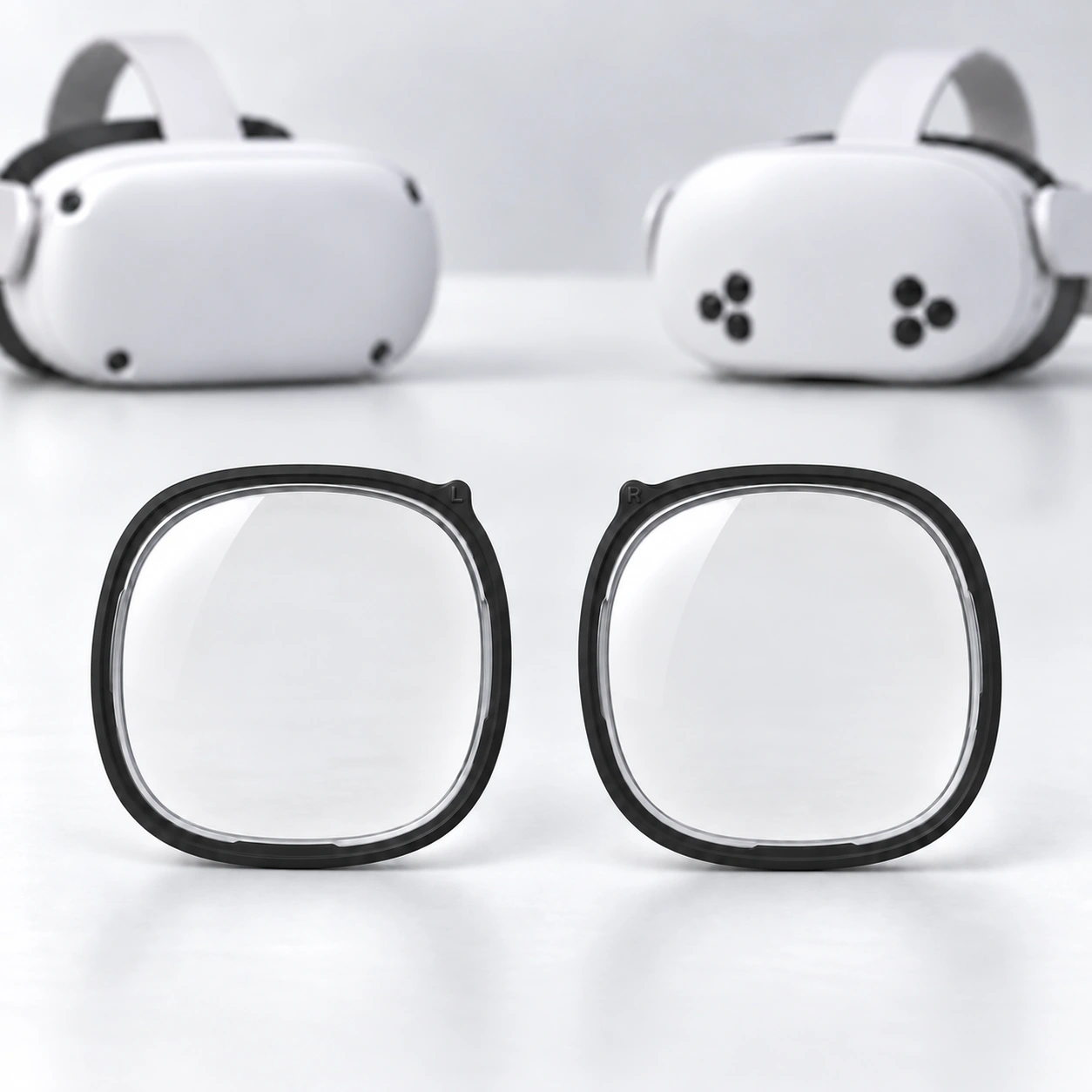
Why an unchanged prescription does not make inserts interchangeable
Your prescription describes the correction for your eyes. An insert also needs a frame that matches the headset. These are different checks: the same prescription can be ordered for different headsets, but the existing finished pair is not automatically the right physical product for the new one.
An upgrade order therefore has two separate questions: which headset will hold the inserts, and which prescription should go into the lenses? Matching the prescription numbers, seeing a similar shape in a photograph or finding the word “Quest” on a receipt cannot settle the first question.
If the existing pair came from another supplier, ask that supplier about its exact model. Keep the original order number or packaging handy. Product names such as “Quest compatible” are too broad to settle a reuse question.
If you are upgrading from Quest 2
Moving to Quest 3S
Fovevia’s current Quest 2/3S listing covers both headsets. If your pair is identifiable as that Fovevia product, the listing is the relevant compatibility reference. If it is an older purchase, an unidentified pair or a different brand’s insert, confirm its model before treating this table as permission to reuse it.
Even when the model matches, check whether you have a newer prescription. Retaining the old frame is a different decision from continuing with its existing correction. If you are uncertain whether an older prescription is still appropriate, ask your eye-care professional.
Moving to Quest 3
Choose the dedicated Quest 3 product. Fovevia’s Quest 2/3S product description explicitly excludes Quest 3, so this upgrade changes the product you need even if your prescription is unchanged.
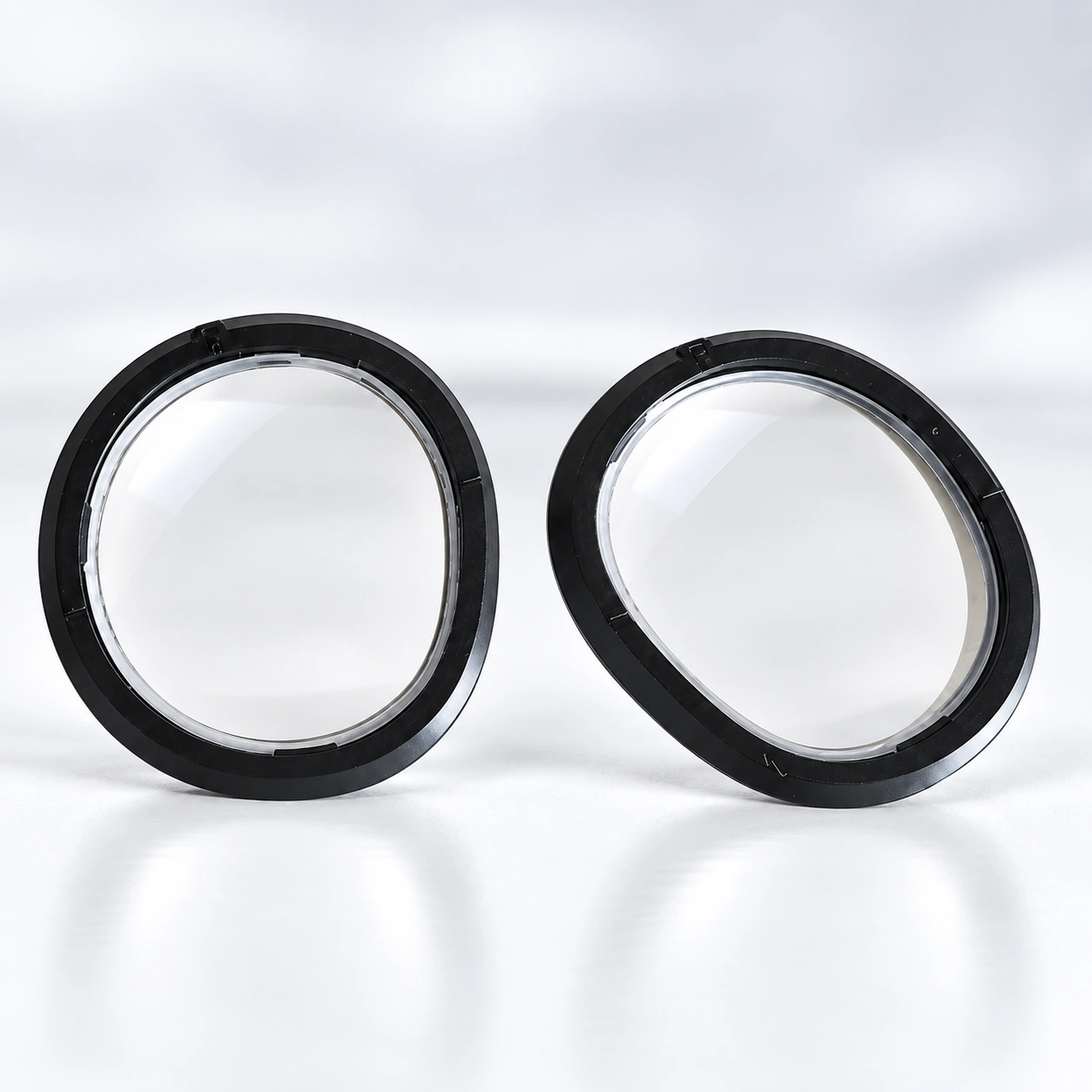
The check to make before ordering
Check the model name on your headset, original box or purchase record. The final “S” matters: Quest 3 and Quest 3S lead to different Fovevia products. If the name is uncertain, send a clear model-label photo to Fovevia Support before selecting a product.
For a reuse question, include the old insert’s brand and model, the headset it was bought for and the headset you now own. A photo can help identify the item, but it cannot by itself confirm the prescription or every detail of its fit.
Do not force a pair into a new headset to find out whether it fits. Use the instructions supplied for the confirmed insert model when fitting it. Installation is the next step after compatibility has been established.
Choose the listing for the headset you will use
If the full model name is known, the table above gives the relevant Fovevia product. You can also browse the Meta Quest lens range to check the current listings. If the old pair or headset remains unidentified, resolve that question with Support before ordering.
For Fovevia ordering steps, use the Prescription Guide and Installation & Care Guides. Browse all published help and buying articles in Guides.