Choose XREAL prescription lens inserts by the complete glasses model. One / 1S and One Pro / 1 Pro+ lead to different Fovevia products; Air 2, Air 2 Ultra, ROG XREAL R1 and xbx a01+ also need their own model match. A familiar XREAL name is not enough to identify an insert.
Use the model on your glasses, box or original order, then match it to the listing below. These six groups reflect Fovevia’s current XREAL range. They do not establish compatibility for an unidentified carrier or another supplier’s adapter.
Match the complete model name
| Glasses model | Fovevia product | Distinction to keep |
|---|---|---|
| XREAL One or XREAL 1S | One / 1S lens inserts | One Pro is a separate listing |
| XREAL One Pro or XREAL 1 Pro+ | One Pro / 1 Pro+ lens inserts | Keep the complete “One Pro” or “1 Pro+” name |
| XREAL Air 2 or Air 2 Pro | Air 2 / Air 2 Pro lens inserts | Air 2 Ultra has its own listing |
| XREAL Air 2 Ultra | Air 2 Ultra lens inserts | Keep the “Ultra” in the model name |
| ROG XREAL R1 | ROG XREAL R1 lens inserts | Use the R1 listing rather than a One-series product |
| XREAL xbx a01+ | xbx a01+ lens inserts | Match the full xbx a01+ model name |
XREAL’s official One-series guide distinguishes the prescription frames used by One, One Pro, the Air 2 series and the original Air. Similar-looking glasses are not enough to establish that an insert will fit.
The original XREAL Air is not included in Fovevia’s Air 2/2 Pro product description. If you own Air, Nreal-branded glasses or another model outside this table, check the current XREAL range or ask Support about that exact model. Do not remove a suffix to make a listing appear to match.
Choose a Fovevia listing, then assess reuse separately
XREAL’s official One-series FAQ says One prescription lenses can be used with 1S, while older Air-series lenses cannot. Fovevia’s shared One/1S listing follows that model grouping.
For a new Fovevia pair, One / 1S and One Pro / 1 Pro+ have separate product listings. Reusing an existing pair is a different question: XREAL’s current 1 Pro+ FAQ says prescription lenses for One, 1S and One Pro can be used with 1 Pro+. Follow the accessory’s installation instructions and confirm the exact Fovevia or third-party part you own; that manufacturer statement does not identify every carrier or expand every supplier’s listed product scope.
XREAL offers One Pro in M and L sizes. Keep that marking with your full model name. If the lens product’s ordering details do not explain your version, ask Support to confirm it before buying. The Fovevia listing alone does not establish how every supplied or existing carrier relates to those sizes.
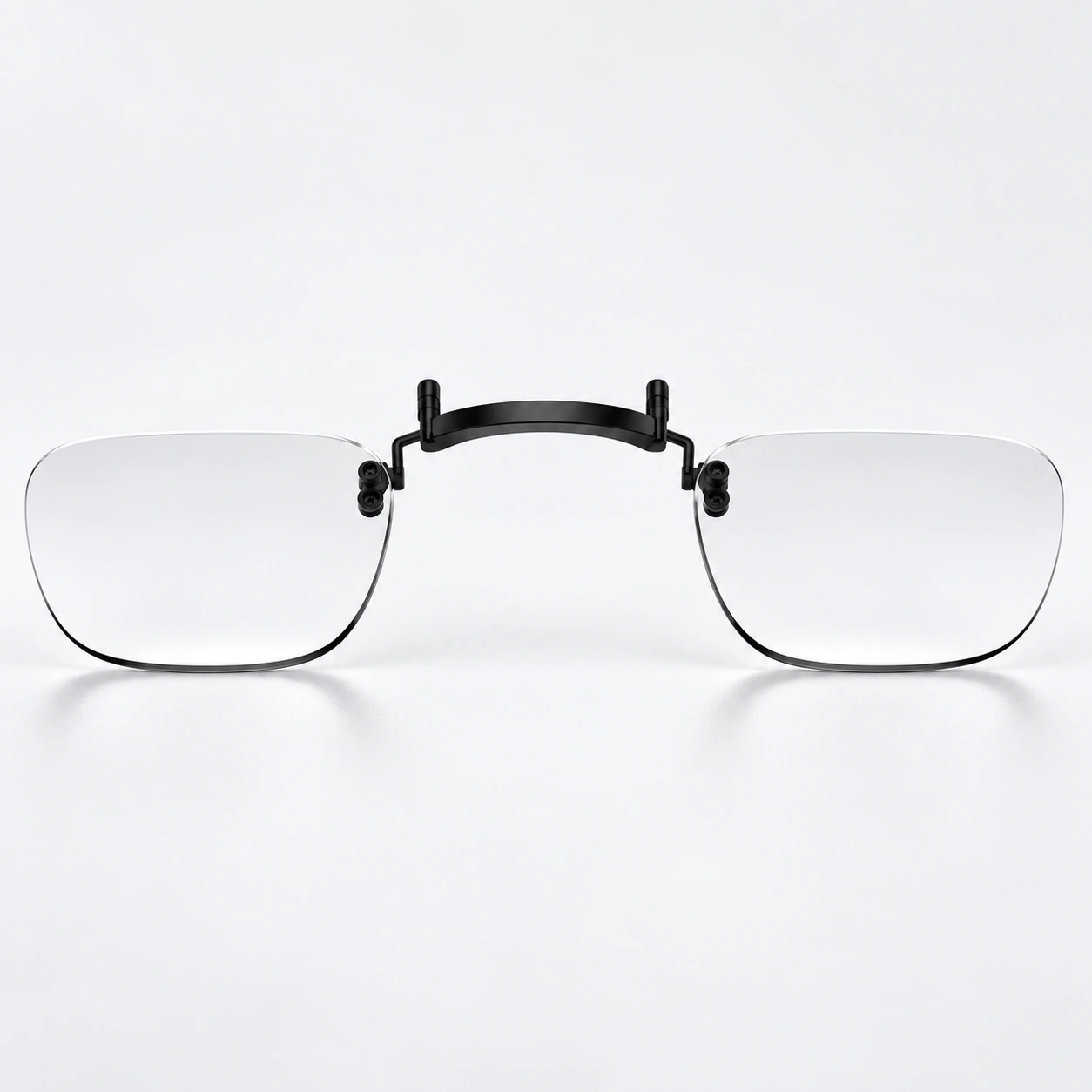
A prescription frame is not necessarily a pair of prescription lenses
The carrier is the small frame that holds the corrective lenses in the glasses. A carrier can be empty. XREAL’s One Pro box-contents list, for example, includes a prescription frame without lenses. Receiving that frame with your glasses does not mean you have already received lenses made to your prescription.
Fovevia’s One/1S and One Pro lens products include one pair of lenses, a cleaning cloth and a storage case. Their inserts attach by insertion. That is a separate product from the empty frame supplied in XREAL’s glasses package; check the model-specific fitting instructions before handling either item.
For an old carrier, identify the glasses it came from and whether it is empty or already holds corrective lenses. “Replacement lenses” can refer to more than one component; use the specific glasses model and part name when asking about reuse.

Upgrading XREAL glasses? Check before reusing an insert
- Write down both device models. Keep every suffix and the One Pro M/L marking. An unchanged prescription does not confirm a physical fit.
- Identify the existing parts. Record the insert supplier and original glasses model, and whether you have an empty carrier or a complete insert with lenses.
- Check the current product requirements. Compare the destination model with its listing. Ask the supplier to confirm your existing insert and carrier together if reuse is unclear; resolve prescription or missing-part questions before ordering.
The One-to-1S compatibility noted above does not establish that every third-party carrier can be reused. Confirm the parts you actually own before fitting them.
For an unresolved match, contact Fovevia Support with the model, size marking and carrier you actually own. For example: “I have XREAL One Pro, size M. Does this insert fit my version, and do I need the original carrier?”
If you already use One Pro and its screen edges look blurry, check the hardware IPD size and fit before deciding that a different lens power is needed. Read our One Pro IPD and fit checks. If you use Air 2 Pro, see the separate Air 2 Pro fit and blurry-text checks.
For Fovevia ordering steps, use the Prescription Guide and Installation & Care Guides. Browse all published help and buying articles in Guides.