If your XREAL screen is readable but keeps rotating or slipping away during a flight, start with its position, rather than ordering stronger lenses. Clear vision and a comfortably placed virtual screen are separate requirements. Prescription inserts address a correction need; they are not a screen-tracking upgrade.
The useful comparison starts before boarding. Find out how the same glasses, source device and viewing mode behave in a stationary room, then keep that reference for the journey. A screen that changes position only in a moving cabin raises a different question from text that is already blurred at home.
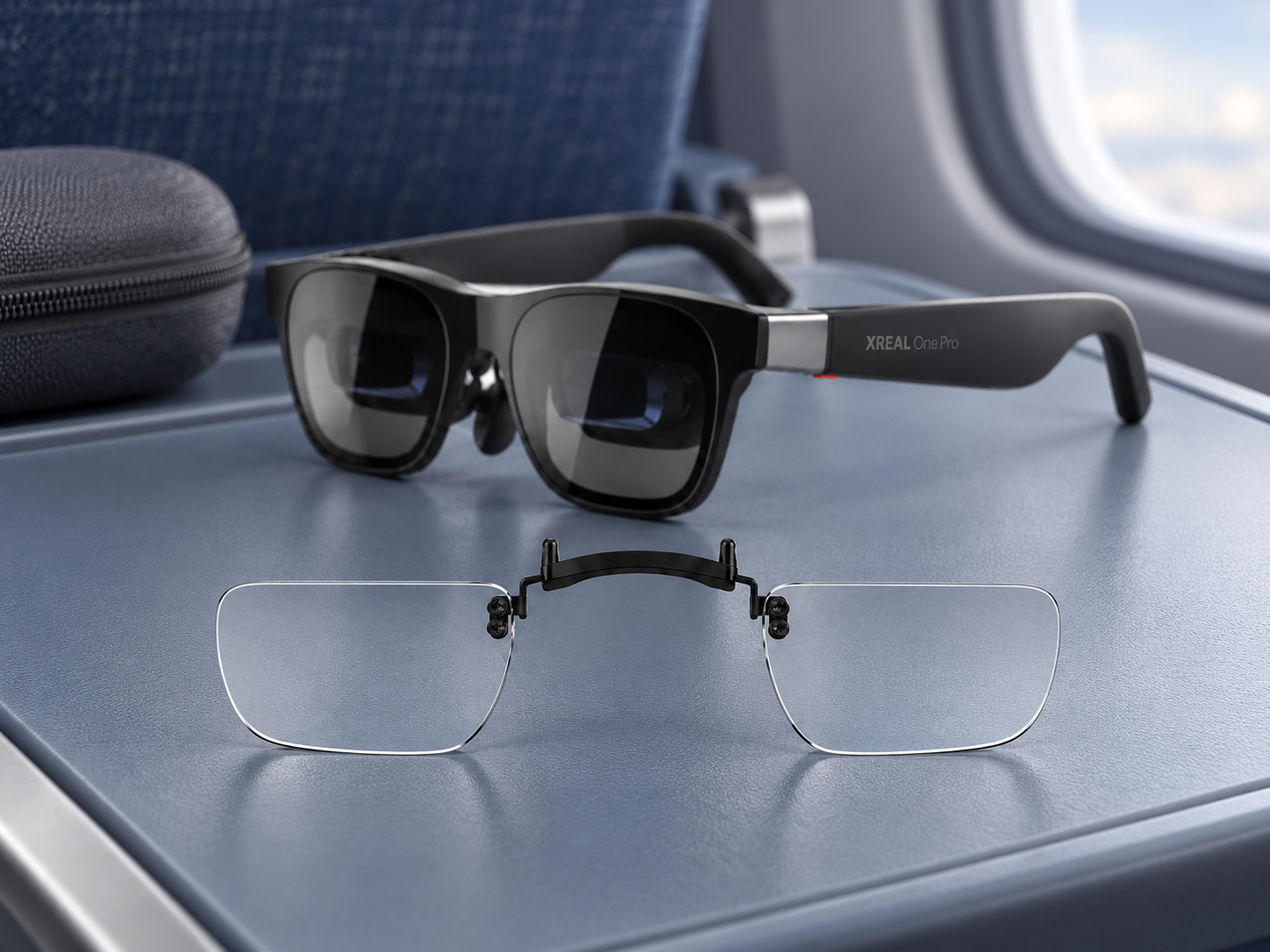
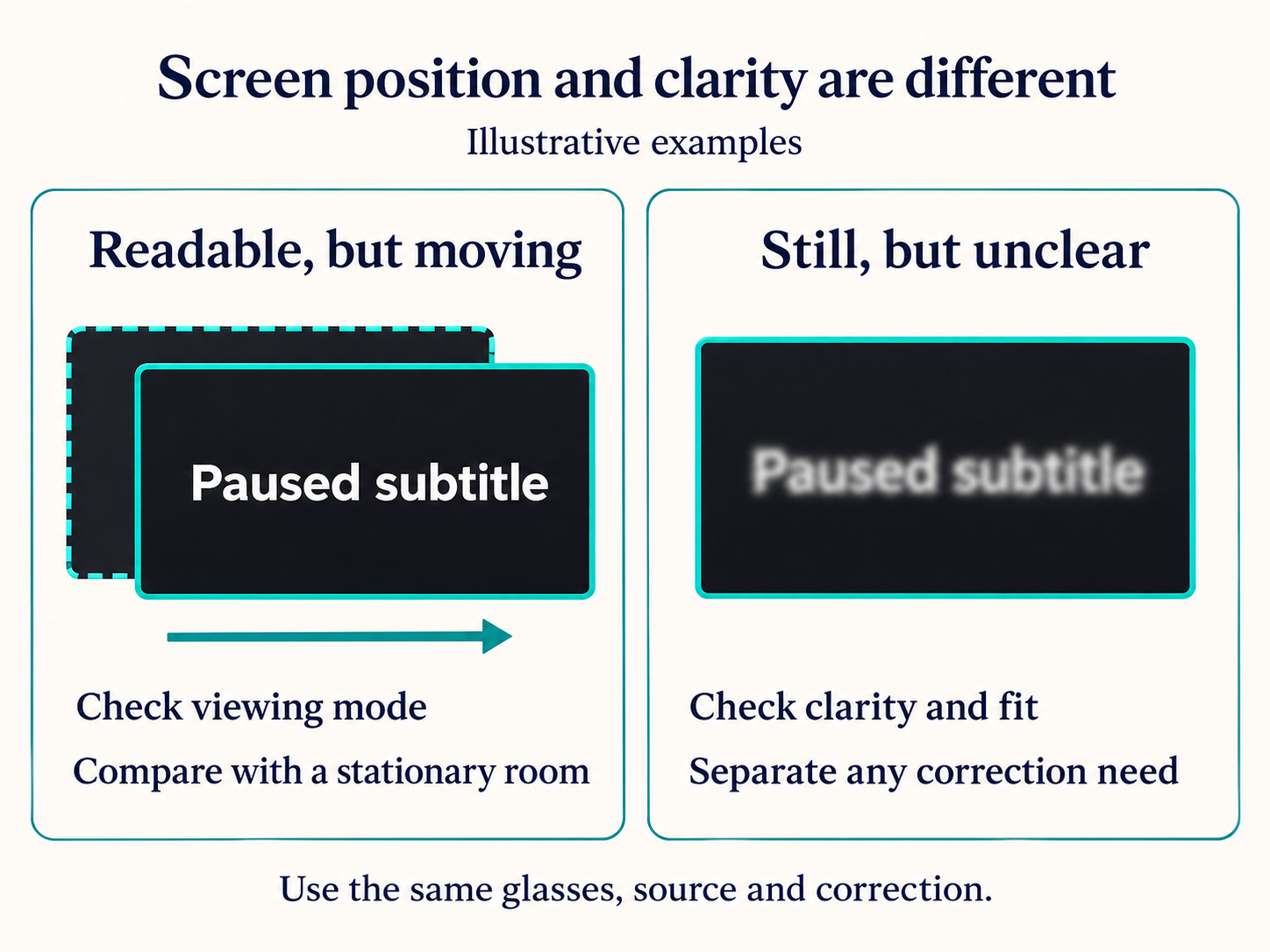
Separate screen position from picture clarity
Try describing the problem without using “blurry” for everything. Can you read a paused subtitle, but have to turn your head to find it again? Or does the subtitle stay in place while its letters remain indistinct? Those observations lead to different next steps.
| What you notice | The useful next comparison |
|---|---|
| Letters are clear, but the whole screen rotates or moves away | Compare supported viewing modes and the stationary-room result. |
| The screen stays put, but text is unclear both at home and in flight | Investigate clarity, fit and correction separately from travel tracking. |
| The screen drifts in a stationary room too | Keep this observation separate: the movement is not limited to the flight. |
| A second outline appears while the main picture stays in place | Describe the extra image separately from movement of the whole display. |
For that last case, our XREAL reflection article distinguishes recognizable room reflections from copies of displayed content. If ordinary clarity is unresolved on the ground, start with the device-specific articles in Guides. Both problems can occur together; the table helps describe them, rather than diagnose their cause.
Anchor does not promise a screen fixed to the seat
On XREAL One, One Pro and 1S, the official quick guide describes two modes: Follow moves the screen with your head, while Anchor holds it in a direction in space. Clicking the X button switches between them.
An anchored direction is a different promise from a display attached to the seat in front of you. Sitting still inside an aircraft does not make the aircraft a stationary room. That distinction matters when comparing a desk demonstration with a journey.
For ROG XREAL R1 specifically, ASUS’s FAQ explains that acceleration, deceleration and turns on moving transport can affect the accelerometer and cause the hovering display to drift. It recommends trying Follow first in that situation. This is R1 guidance, not a guarantee about every XREAL model or flight.
If you use Air-series glasses, identify the connected source and any Beam accessory before following mode instructions. An Air setup and a One-series setup should not be treated as the same system. AURA has its own Travel Mode instructions; that named mode is not a setting to assume exists on your One, Air or R1. Airplane Mode, which manages wireless connections, is another matter again.
Make the useful comparison before you leave
Use the source device, cable and correction you intend to take. Keep any required vision correction in place: removing it and accepting a blurred picture would make the comparison less useful. Choose a familiar paused scene or menu so you can notice a change in position without confusing it with movement inside the video.
While seated in a stationary room, try the modes your exact setup supports. Note whether the picture remains readable, where it sits after an ordinary head turn, and whether it slowly shifts even when you are settled. Keep the same content and comfortable display settings while comparing modes. If it drifts here too, retain that observation instead of treating everything as a flight limitation.
Rehearse the ordinary details as well. Check that your intended app and downloaded content actually play without a network connection. Confirm audio, where the source device will rest, and whether a gentle head turn pulls the cable. The One-series FAQ says those glasses have no built-in battery and draw power from the connected device, so include that device’s power in your travel plan. A reviewer’s runtime or different adapter does not verify yours.
Expect the cabin result to need its own judgement
Owner reports show why a single “works on planes” verdict is too broad. In one One Pro flight discussion, the poster described unwanted rotation in Anchor. Another participant switched to Follow but still found the picture jittery. In a separate question about buying glasses for flights, an owner reported no Anchor problem on their last flight.
These are different experiences, not a controlled comparison. Follow is worth evaluating where supported, but changing modes does not guarantee a stable picture or comfortable viewing.
Once seated and when use is permitted, notice whether the position problem changes with the viewing mode or the aircraft’s movement. There is no need to keep testing through discomfort or repeatedly recenter a view you cannot comfortably use. Pause, remove the glasses and use another screen or take a break. Follow crew instructions, and remove the glasses before standing or moving through the cabin.
Keep one useful record with your setup
Copy this into a note before travelling, then add only the observations that matter:
Glasses and firmware: …
Source, app and connected accessories: …
Correction and insert model, if used: …
Mode, screen size and brightness: …
Stationary room: readable? stable position? …
Flight: what moved, in which mode and under what conditions? …
That record gives the device supplier something more useful than “the lenses went blurry.” A screen-position complaint belongs with the glasses and tracking setup; a separate correction or insert-fit concern can go to Fovevia. Include when the concern appeared, particularly if an insert or another part changed at the same time.
If correction is needed independently of the drift, use the XREAL insert model comparison to match the exact glasses. Settle the tracking question before making another custom-lens purchase depend on it.